error while installing the maven build AEM project.(mvn clean install) | Community
Skip to main content
Level 2
January 7, 2022
Solved

error while installing the maven build AEM project.(mvn clean install)

  • January 7, 2022
  • 1 reply
  • 6033 views

Hi all,

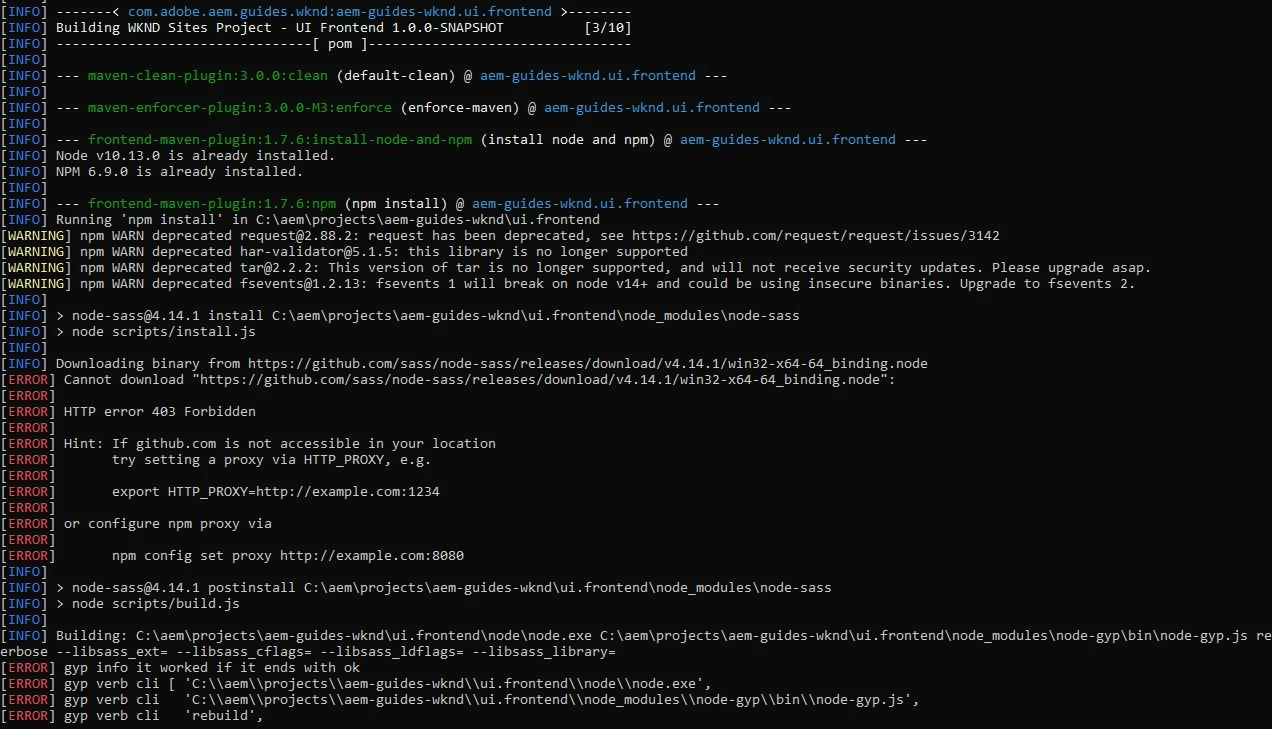
I build a project using maven archetype 26 and when I tried to run mvn clean install -PautoInstallSinglePackage
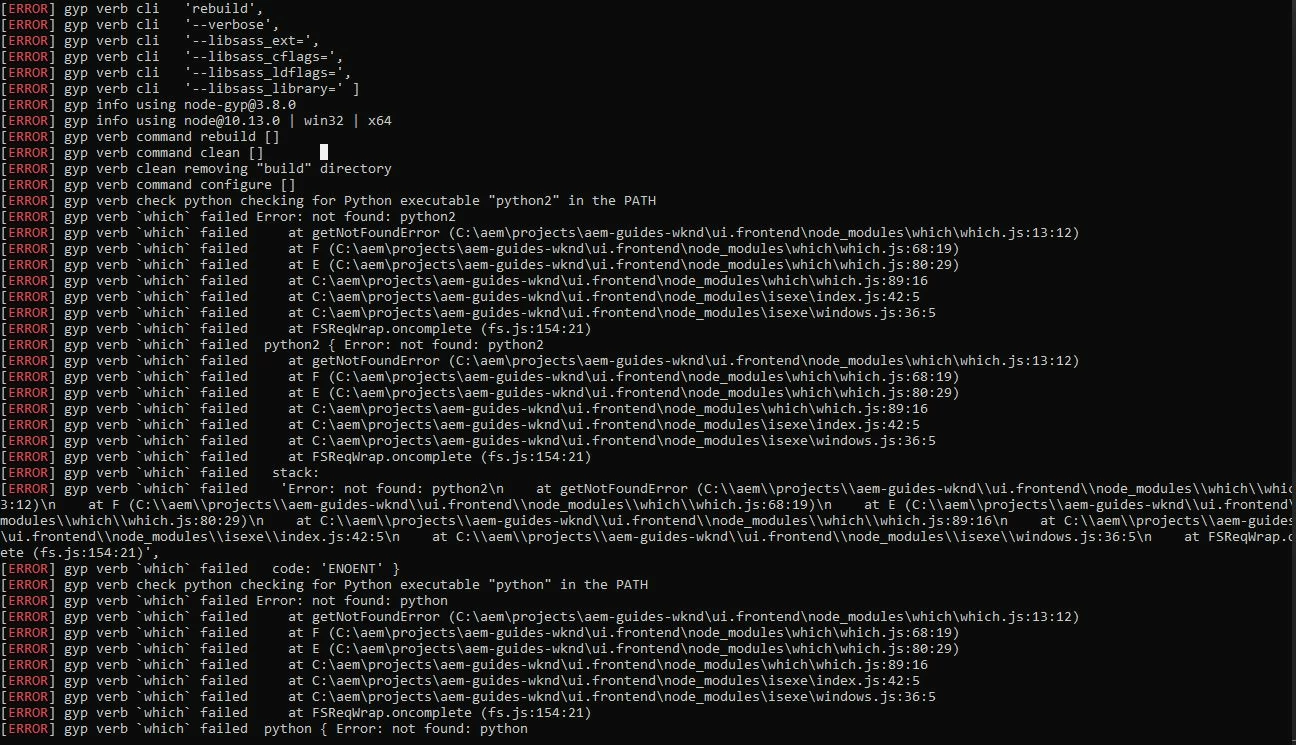
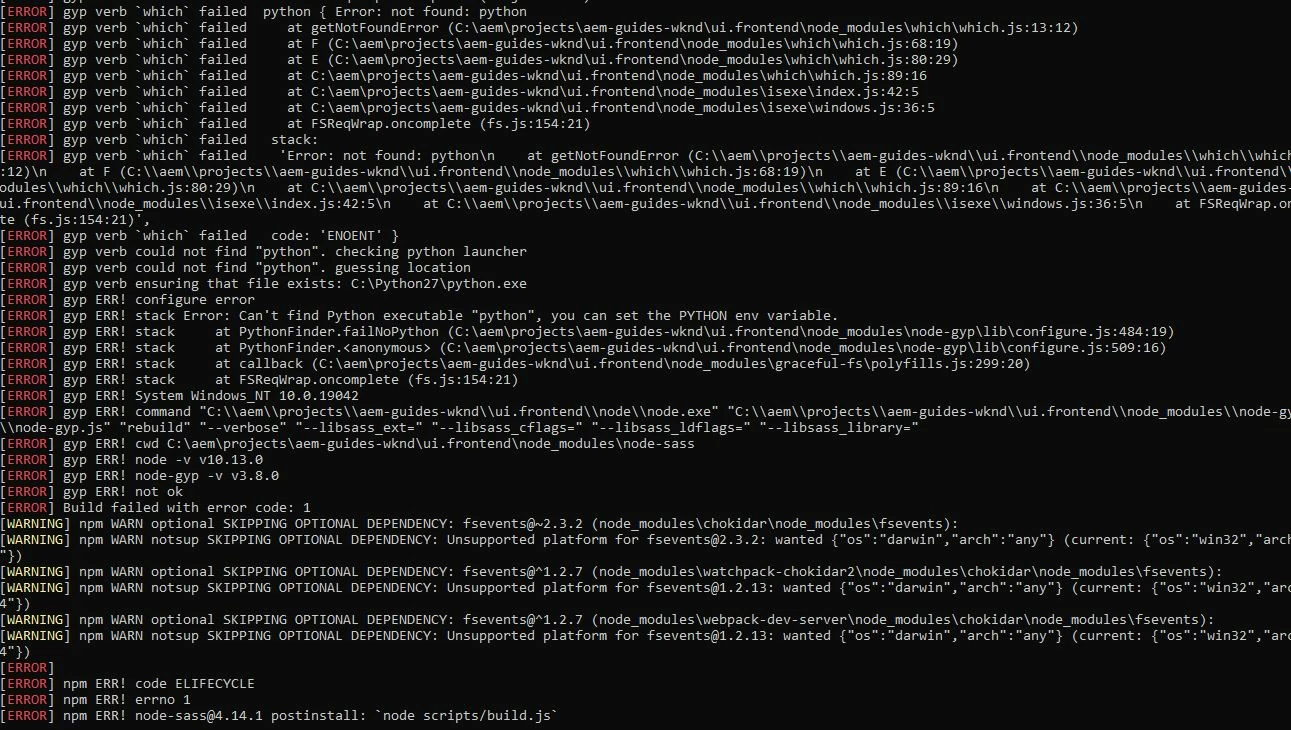
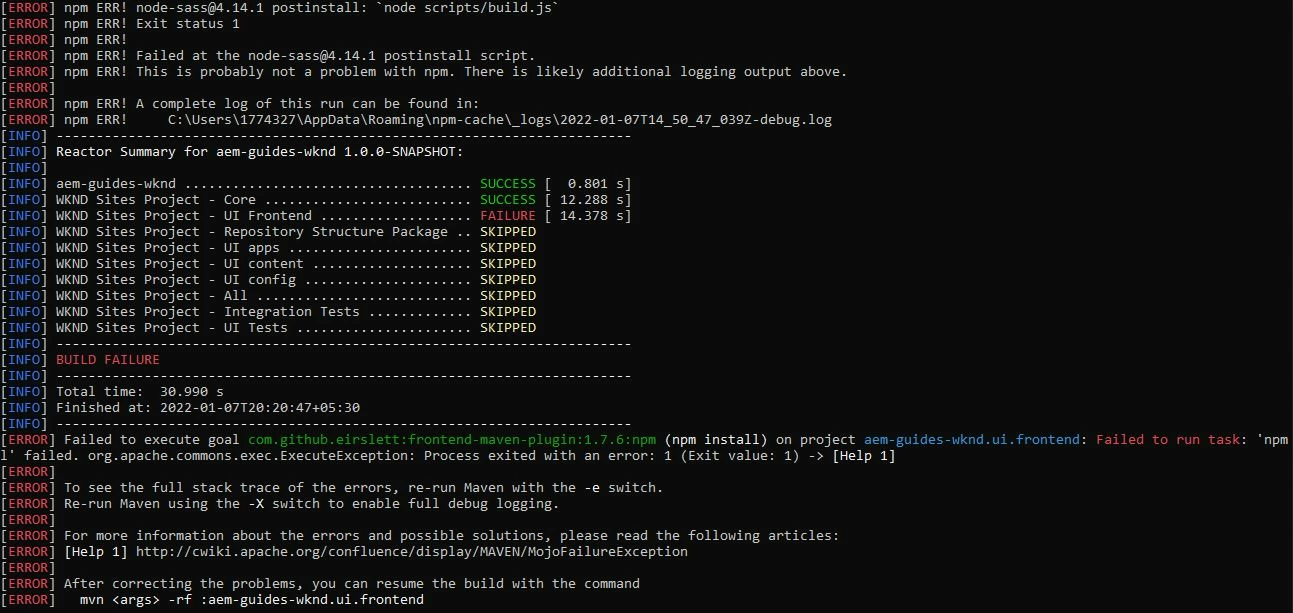
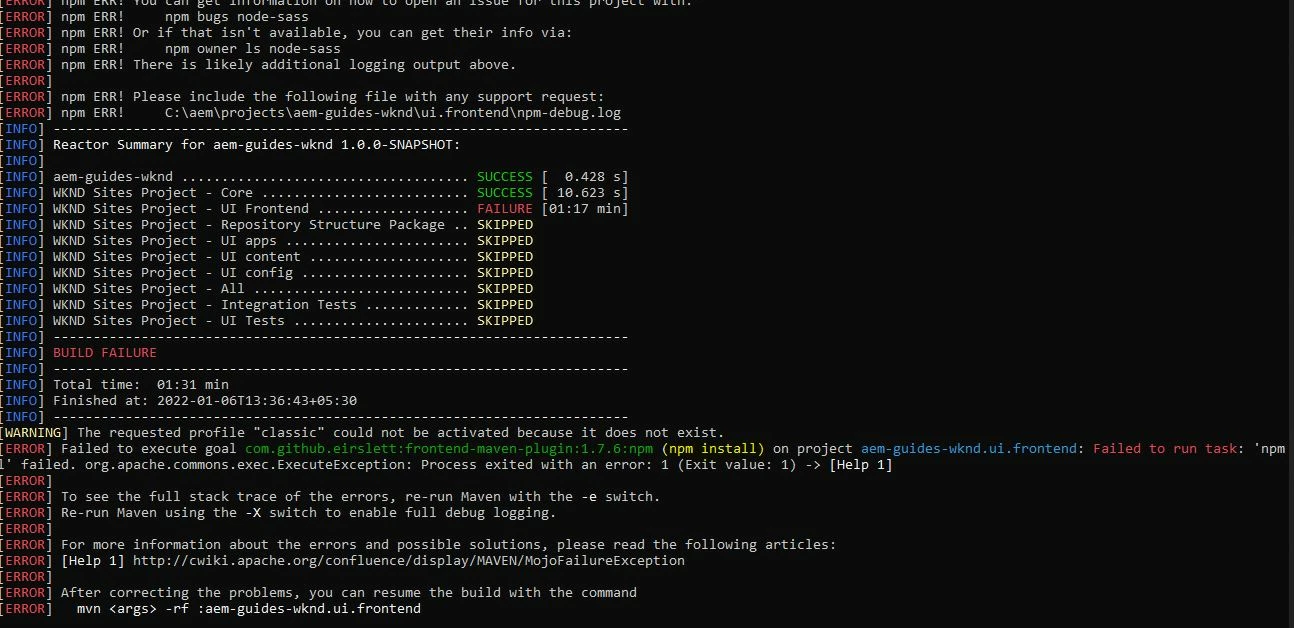
It throws me error at npm install (UI frontend).

I thought npm should be upgraded but guess what I didn't even installed node.

I tried in another laptop following same steps, surprisingly I was able to install there (Didn't installed node here too)

So, If there is any particular solution that can solve this issue without installing node please let me know.
This post is no longer active and is closed to new replies. Need help? Start a new post to ask your question.
Best answer by milind_bachani

Hi @milind_bachani 
THANKS FOR THE REPLY.

I don't know why it showed 3.10.8 there, but I ran the same command and these are the images.


I tried deleting the both node folders but got the same error.

I checked the node and npm versions inside ../ui.frontend/node  the versions were are as follows
node - v10.13.0

npm - 6.9.0


Ohh, I understand this @rohith_m your organization policy has blocked github which is why you are NOT able to download the binding node.

1. You can either use a proxy which allows you to download the binary from github OR

2. alternatively, download the binary and set the binary path using : 

npm config set sass_binary_path <local_path_to_binary>

for instance,
npm config set sass_binary_path C:\Users\xxxx\Downloads\win32-64-64_binding.node

And this will resolve your issue. 

Because of this it worked fine on personal machine and not working on your client machine.

Thanks

1 reply

milind_bachani
Adobe Employee
Adobe Employee
January 7, 2022

hi @rohith_m ,

I think you already have installed a different version of node in your machine,

while the main POM.xml has particular versions mentioned as :

<configuration>
<nodeVersion>v10.13.0</nodeVersion>
<npmVersion>6.9.0</npmVersion> </configuration>

Check you local node and npm version installed globally using :

node -v
npm -v

and update the same in the POM accordingly in the main POM.

Thanks


rohith_mAuthor
Level 2
January 7, 2022

Hi @milind_bachani 

I checked both my laptops I don't have node installed on my machine.

'node' is not recognized as an internal or external command, [same for the npm]

Please tell me Is node really necessary while running that command (mvn clean install).

milind_bachani
Adobe Employee
Adobe Employee
January 7, 2022

Hi @rohith_m 

Same is the case for me, I dont have npm & node installed globally and they are unrecognized, however, the build should work as it works for me positively.

Can you please post the error screenshot above the build status, the previous screenshot does not cover the full error. Or alternatively, please post the npm-debug.log

I have created an archetype 26 project and 'mvn clean install' works fine :