Error while exporting Experience Fragment from local AEM to Adobe Target
Hello Experts,
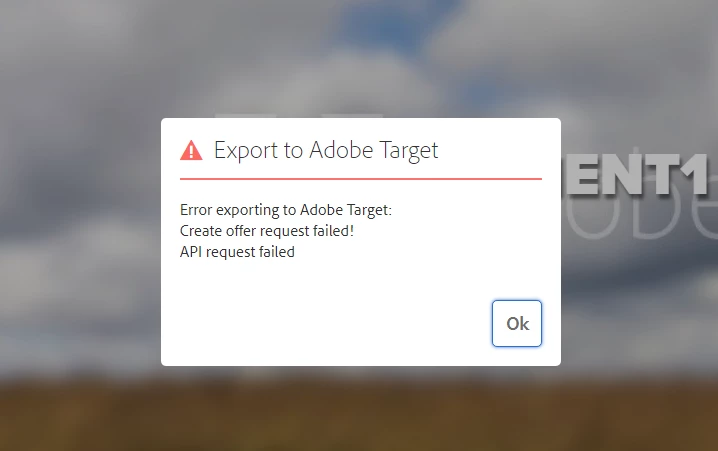
I am getting below error while exporting Experience Fragment from local AEM to Adobe Target
25.05.2020 03:15:58.319 *WARN* [0:0:0:0:0:0:0:1 [1590390943951] GET /editor.html/content/experience-fragments/target_fragments/ak---fragment1/master.html HTTP/1.1] org.apache.sling.caconfig.resource.impl.def.DefaultConfigurationResourceResolvingStrategy Ignoring reference to /conf/we-retail/settings from /conf/we-retail/settings - Probably misconfigured as it ends with '/settings'
25.05.2020 03:16:22.784 *INFO* [0:0:0:0:0:0:0:1 [1590390980294] GET /libs/wcm/core/content/components.1590390968783.json HTTP/1.1] com.day.cq.wcm.core.impl.components.ComponentServlet provided components.
25.05.2020 03:16:38.971 *WARN* [0:0:0:0:0:0:0:1 [1590390998281] POST /libs/cq/experience-fragments/content/commons/targetexporter.html HTTP/1.1] org.apache.sling.engine.impl.request.RequestData SlingRequestProgressTracker not found in request attributes
25.05.2020 03:16:42.637 *INFO* [sling-default-4-health-org.apache.sling.discovery.oak.SynchronizedClocksHealthCheck] org.apache.sling.discovery.oak.SynchronizedClocksHealthCheck execute: no topology connectors connected to local instance.
25.05.2020 03:16:45.019 *ERROR* [0:0:0:0:0:0:0:1 [1590390998281] POST /libs/cq/experience-fragments/content/commons/targetexporter.html HTTP/1.1] com.adobe.cq.xf.impl.adobetarget.exporter.AbstractExperienceFragmentExporter Create offer request failed!
API request failed
com.day.cq.analytics.testandtarget.TestandtargetException: Create offer request failed!
at com.day.cq.analytics.testandtarget.impl.RestApiAdapter.create(RestApiAdapter.java:114) [com.adobe.cq.cq-target-integration:1.3.28]
at com.day.cq.analytics.testandtarget.impl.RestApiAdapter.createOffer(RestApiAdapter.java:97) [com.adobe.cq.cq-target-integration:1.3.28]
at com.day.cq.analytics.testandtarget.impl.TestandtargetServiceImpl.createHTMLOffer(TestandtargetServiceImpl.java:65) [com.adobe.cq.cq-target-integration:1.3.28]
at com.day.cq.analytics.testandtarget.impl.TestandtargetCampaignMediatorImpl.syncOffer(TestandtargetCampaignMediatorImpl.java:537) [com.adobe.cq.cq-target-integration:1.3.28]
Caused by: com.day.cq.analytics.testandtarget.impl.service.WebServiceException: API request failed
at com.day.cq.analytics.testandtarget.impl.service.WebServiceImpl.request(WebServiceImpl.java:610) [com.adobe.cq.cq-target-integration:1.3.28]
at com.day.cq.analytics.testandtarget.impl.service.WebServiceImpl.request(WebServiceImpl.java:564) [com.adobe.cq.cq-target-integration:1.3.28]
at com.day.cq.analytics.testandtarget.impl.service.WebServiceImpl.createOffer(WebServiceImpl.java:265) [com.adobe.cq.cq-target-integration:1.3.28]
at com.day.cq.analytics.testandtarget.impl.RestApiAdapter.create(RestApiAdapter.java:109) [com.adobe.cq.cq-target-integration:1.3.28]
... 147 common frames omitted
Caused by: com.day.cq.analytics.testandtarget.impl.service.WebServiceException: Unexpected response status code [403] for request [https://mc.adobe.io/xxxxxxxxxxxxxxxxpartner/target/offers/content ].
{"httpStatus":403,"requestId":"QGumpPGNen1h519l19N6ik1lNjiUVS2K","requestTime":"2020-05-25T07:16:45.410Z","errors":[{"errorCode":"Forbidden.Resource","message":"Access denied. To perform this operation, all of the following privileges are required \"[editor]\"."}]}
at com.day.cq.analytics.testandtarget.impl.service.WebServiceImpl.request(WebServiceImpl.java:607) [com.adobe.cq.cq-target-integration:1.3.28]
... 150 common frames omitted
25.05.2020 03:17:42.636 *INFO* [sling-default-5-health-org.apache.sling.discovery.oak.SynchronizedClocksHealthCheck] org.apache.sling.discovery.oak.SynchronizedClocksHealthCheck execute: no topology connectors connected to local instance.
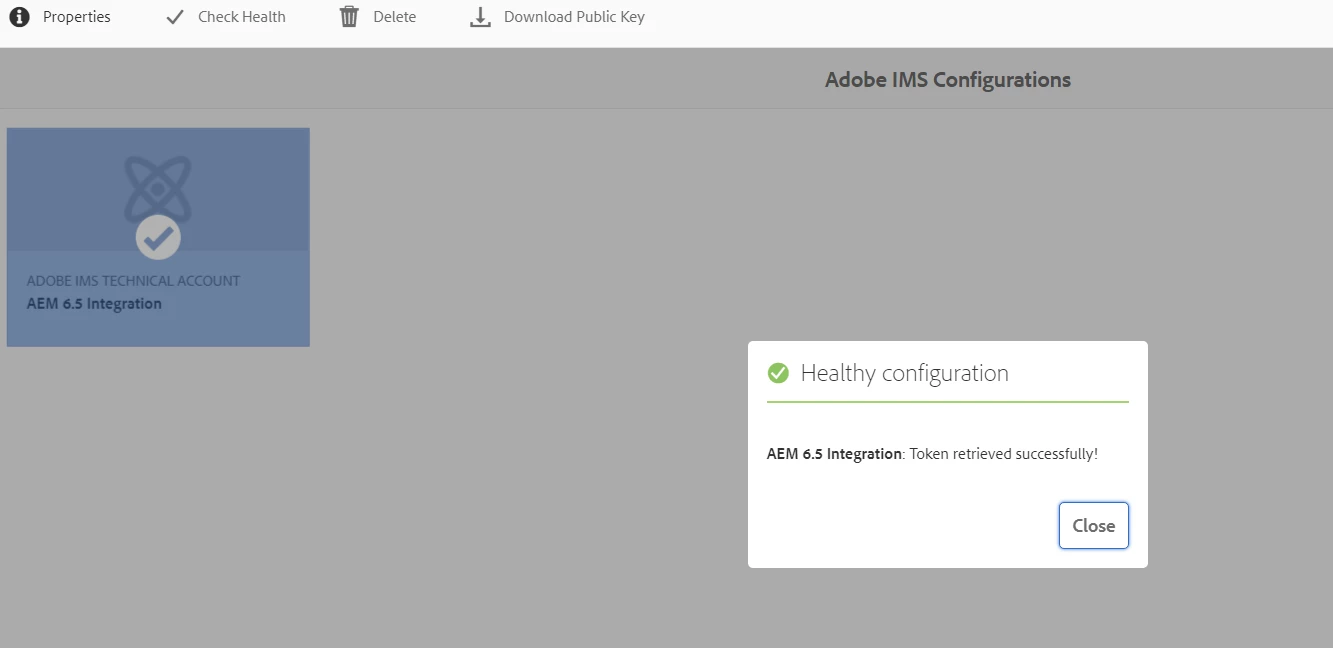
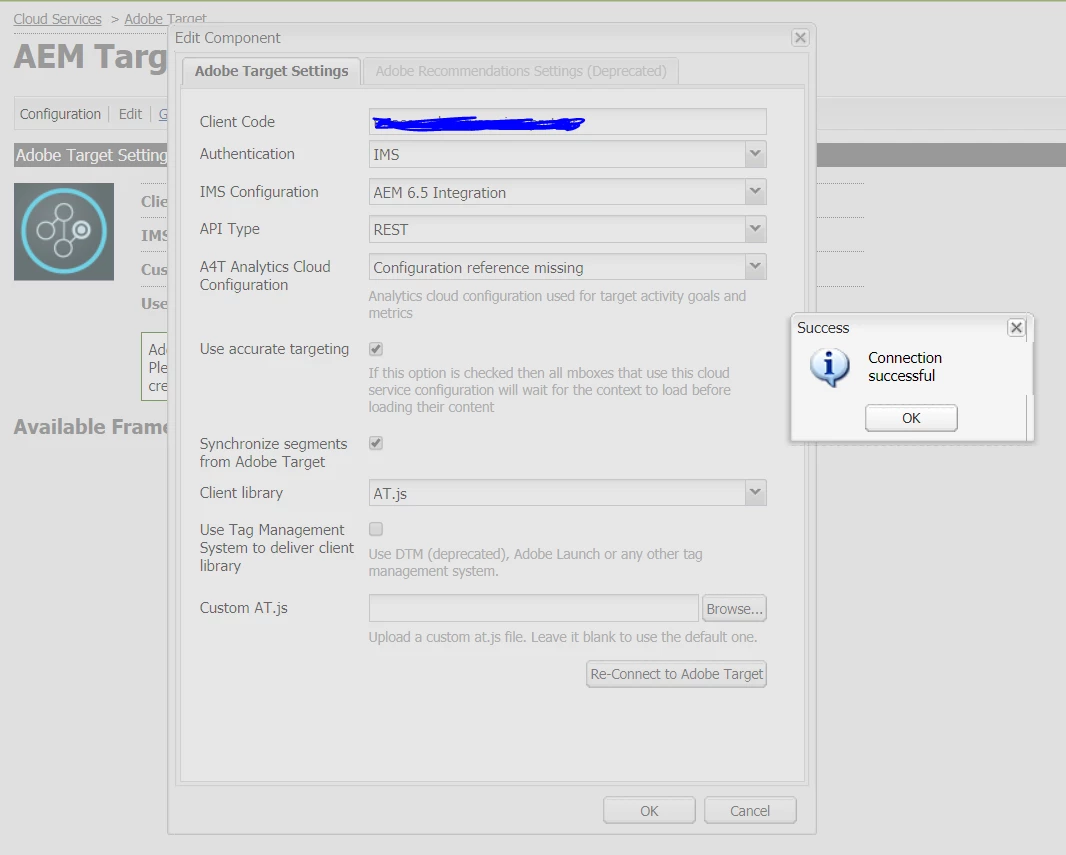
I am already done the related configurations