Error occurred while obtaining InputStream for blobId | Community
Skip to main content
Level 2
September 5, 2021
Solved

Error occurred while obtaining InputStream for blobId

  • September 5, 2021
  • 3 replies
  • 2776 views

Hi ,

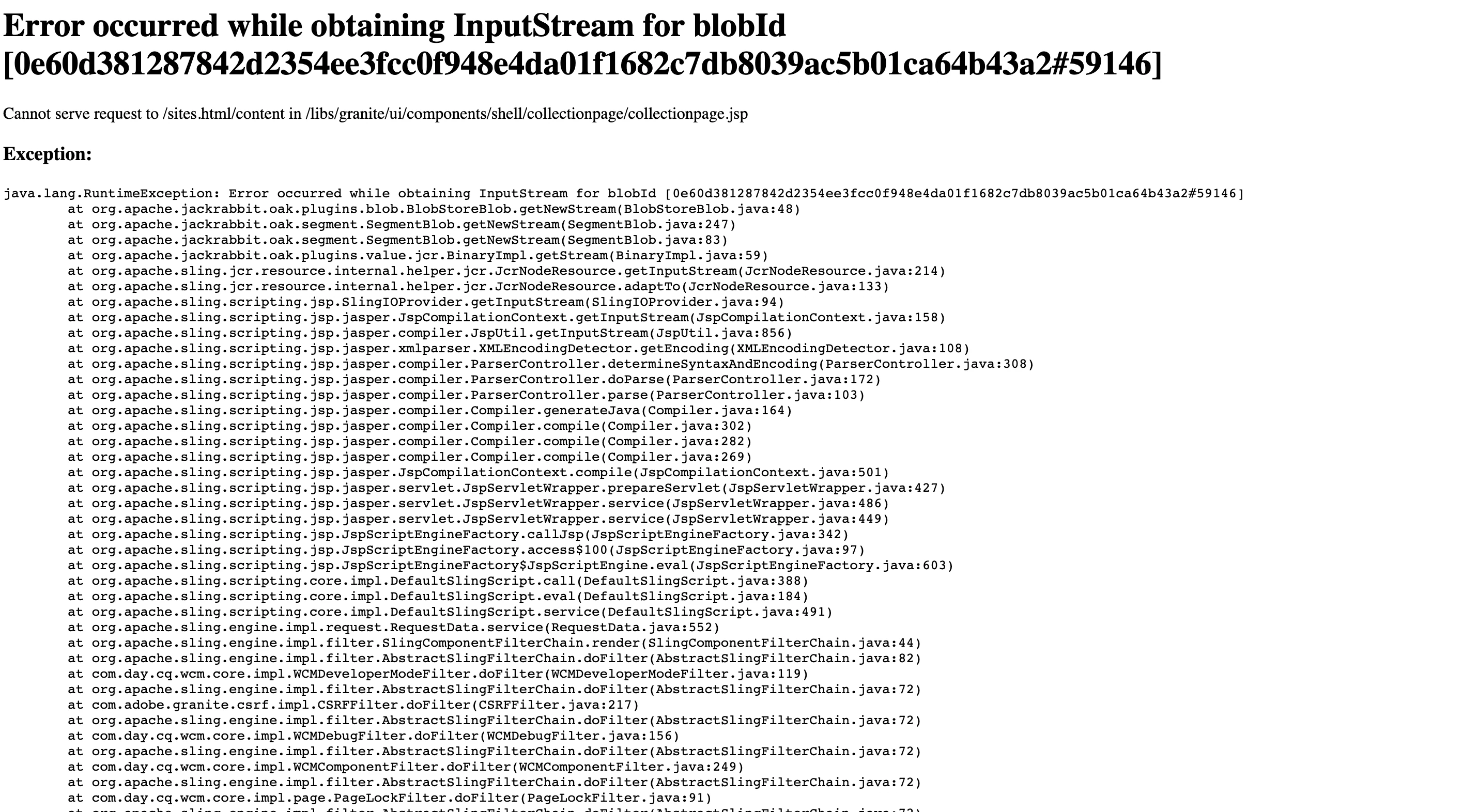
My local instance crashes everytime with error : 500

I am currently using mac system. Kindly let me know how to fix this. Everytime it's crashing with this below errors and I am unable to proceed further. 


when i delete the crx-quickstart and re-launch from scratch it's working fine till that active session. After shutdown it's crashing like shown in the below.
This post is no longer active and is closed to new replies. Need help? Start a new post to ask your question.
Best answer by arunpatidar

Hi,

I would sugegst to check read permission for your mac user for crx_quickstart and subfolders.

3 replies

arunpatidar
Community Advisor
arunpatidarCommunity AdvisorAccepted solution
Community Advisor
September 5, 2021

Hi,

I would sugegst to check read permission for your mac user for crx_quickstart and subfolders.

Arun Patidar
Level 2
September 11, 2021

Hi,

Thanks for the inputs.

For my id, it has read & write access. Can you please suggest me some other ways of checking/providing the access for Mac.

ibishika
Level 4
September 6, 2021

@saiteja120 Did you check if the error log is logging anything specific related to this error? Check your disk space. It's highly likely that something outside the AEM instance is causing this. This is what the Adobe doc says:

"This error means that you are possibly missing files from your Adobe Experience Manager datastore directory. The loss of datastore files can be due to a failure of Oak Blob Garbage Collection, a disk space outage, disk, or network share instability."

Level 2
September 22, 2021

Hi @ibishika ,

I am using MacBook Air M1, having all permissions for the folders. Please check the sample log.


December 5, 2021

if you have solution pls let me know!