Error: Failed to load data AEM version 6.5.0 - Workflow Models | Adobe Higher Education
Skip to main content
December 15, 2021
解決済み

Error: Failed to load data AEM version 6.5.0 - Workflow Models

  • December 15, 2021
  • 1 の返信
  • 2313 ビュー

Hello! I'm learning to use Adobe and I'm doing some exercises about workflow . One of them asked: "Customizing Request for Activation / Deactivation Wizards". After a series of actions on crx, this problem occurred.
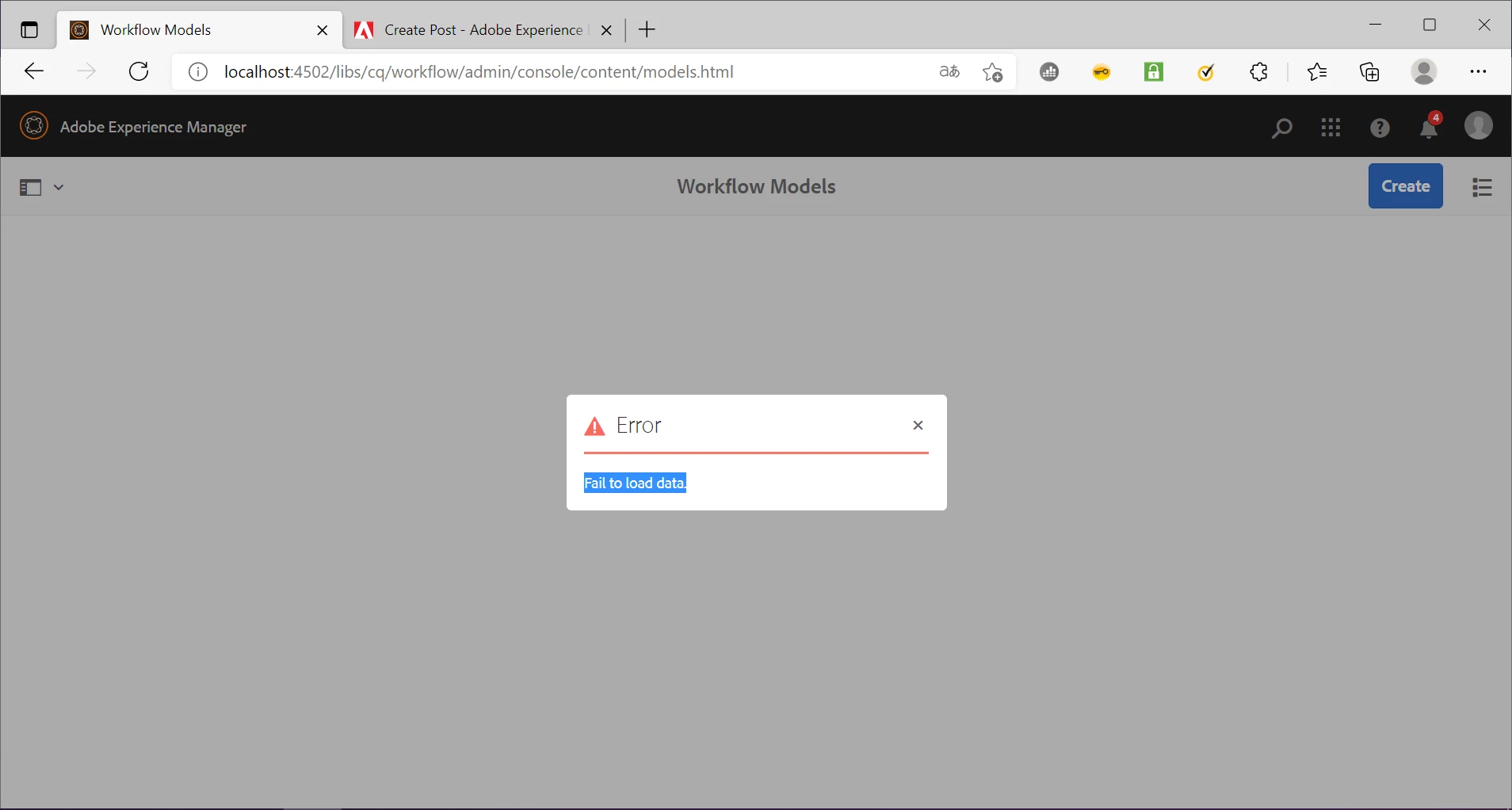
How can I solve?


このトピックへの返信は締め切られました。
ベストアンサー milind_bachani

Hi @francescadac ,

Did you apply the overlay for path /libs/granite/ui/components/shell/clientlibs/shell/js/badge.js  as mentioned in the Workaround and updated the time to 5 minutes ? (https://helpx.adobe.com/in/experience-manager/kb/Too-many-workflow-inbox-items-crashes-AEM-due-to-pulse-data-json-calls.html).

Once you complete both the steps, restart the instance and that should fix your issue. Thanks.

1 の返信

milind_bachani
Adobe Employee
Adobe Employee
December 15, 2021

Hi @francescadac , 

Request you to check the network tab and check for multiple requests of pulse.data.json.

If YES, follow 
https://helpx.adobe.com/in/experience-manager/kb/Too-many-workflow-inbox-items-crashes-AEM-due-to-pulse-data-json-calls.html
It will fix your issue.
 
If not please delete the completed instances of workflow under instances path(/var/workflow/instances) and retry.

P.S: You might also see the same error when selecting any of the page in /sites.html .

If you still face issue, please post the error logs, Thanks.

francescadac作成者
December 16, 2021

I delete the completed instances of workflow under the path but I continue to receive the same error. Instead, I have no problems when I select a page in /sites.html.

I did the inspection and report this error: "Failed to load resource: the server responded with a status of 500 (Server Error)" 

When I open 500 Internal Server Error show this "Cannot serve request to /mnt/overlay/cq/workflow/admin/console/content/models/jcr:content/views/list.html in /libs/cq/workflow/admin/console/components/item/workflowmodel/row/row.jsp" 


milind_bachani
Adobe Employee
Adobe Employee
December 16, 2021

Hi @francescadac ,

Did you apply the overlay for path /libs/granite/ui/components/shell/clientlibs/shell/js/badge.js  as mentioned in the Workaround and updated the time to 5 minutes ? (https://helpx.adobe.com/in/experience-manager/kb/Too-many-workflow-inbox-items-crashes-AEM-due-to-pulse-data-json-calls.html).

Once you complete both the steps, restart the instance and that should fix your issue. Thanks.