Needs Information
Enable Side Panel in Image Component Dialog
| Request for Feature Enhancement (RFE) Summary: | Enable Side Panel in Image Component Dialog |
| Use-case: | AEM Author work speed |
| Current/Experienced Behavior: | When editing the Image component, the side panel for browsing and selecting DAM assets cannot be opened. |
| Improved/Expected Behavior: | Allowing the side panel to be accessed without closing the dialog would make it easier to choose or replace images directly from the DAM. |
| Environment Details (AEM version/service pack, any other specifics if applicable): | AEM Cloud |
| Customer-name/Organization name: | Sanitas |
| Screenshot (if applicable): | 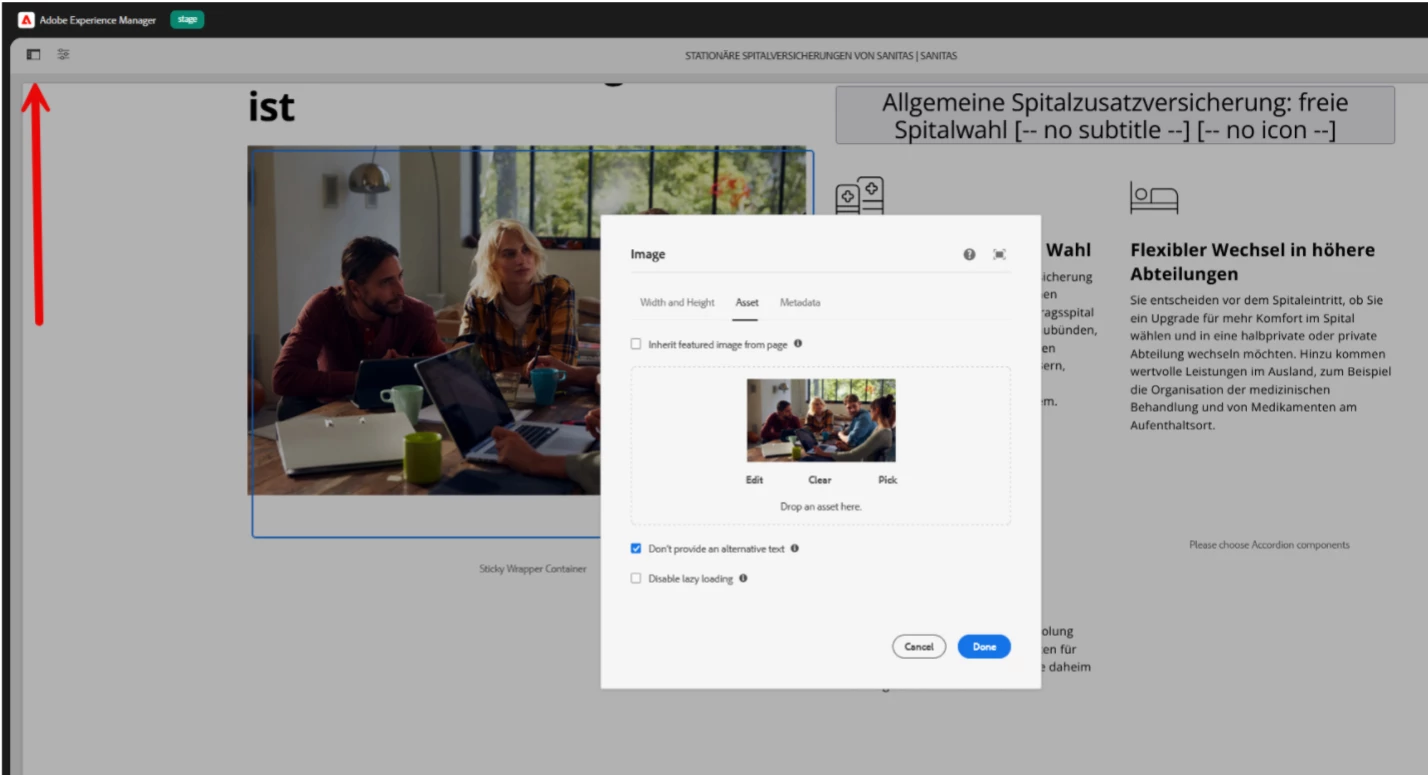
|
| Code package (if applicable): |