Level 2
Jun 22, 2023 2:44 PM UTC

`Drag component here` box is coming like pixel in AEM

What can be reason in AEM in edit mode and i am Admin user. In my page Drag component here is coming like dot insist of whole box.
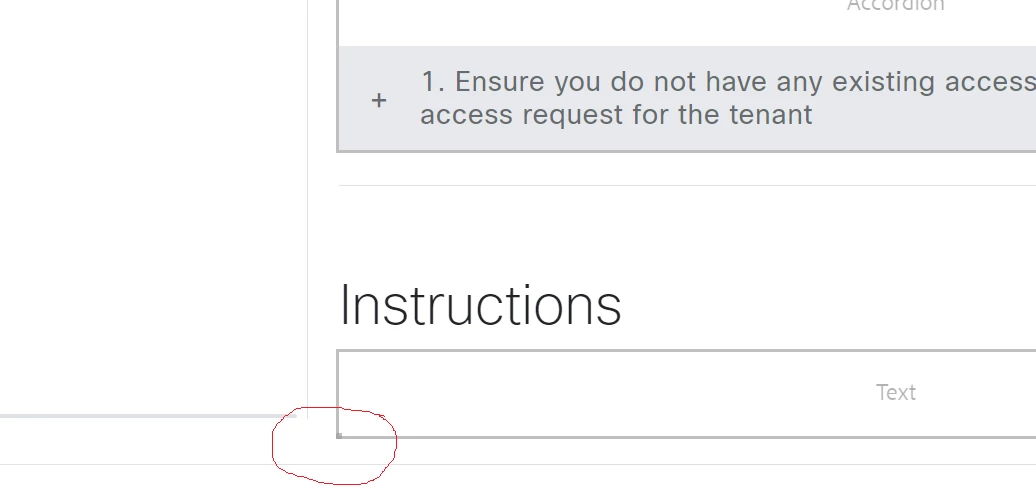
But it should look like this. If i inspect and change its height we can see the original component. What can be reason for this.
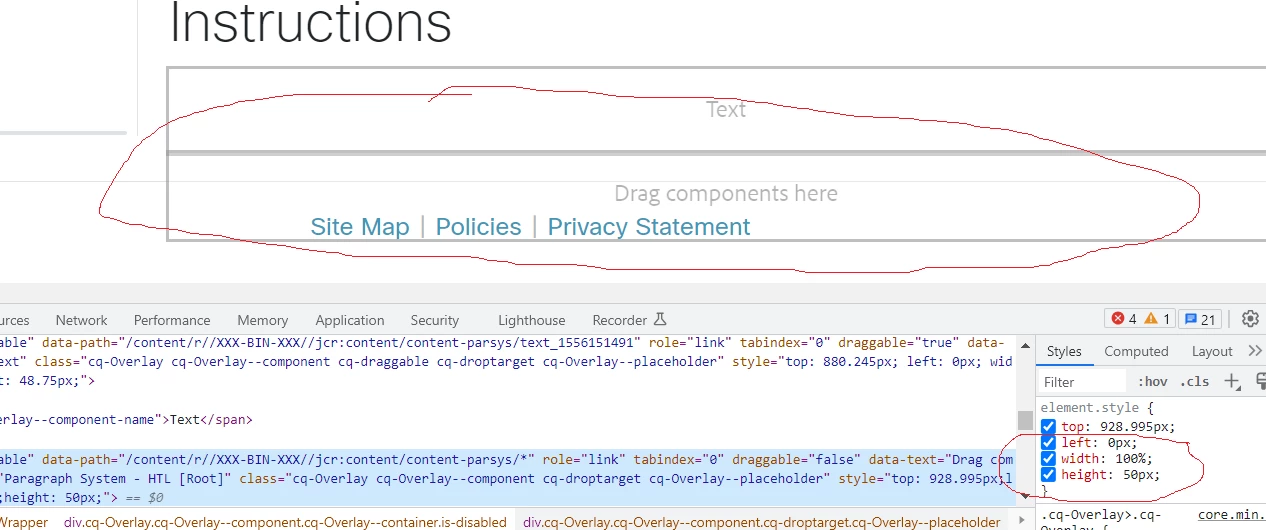
 

It would be great help. Any reason for this issue

This post is no longer active and is closed to new replies. Need help? Start a new post to ask your question.

8 replies

Tanika02
Level 7
Jun 22, 2023 3:41 PM UTC

Hello @himanshush  - 


Is this the same behavior across all the pages?

Translate
Level 2
Jun 22, 2023 4:30 PM UTC

Hi @tanika02 ,


It is same for all page in project. I am new in exploring AEM . What would be reason for that?

Translate
Level 4
Jun 22, 2023 3:50 PM UTC

Hi @himanshush ,


It seems to be css issue for the pages,

  1. Is the issue in all pages or this page only, the css might be overriding the project css.
  2. Check in author mode the divs are closed or extra divs are there.
  3. Test the component in different project.

Thanks,

Sweta

Translate
Level 2
Jun 22, 2023 4:11 PM UTC

Hi @swetab ,


This is in all the pages.

In other project i see the drag component button fine.


Any hint where i should look, i am new to exploration in AEM.

Translate
Tanika02
Level 7
Jun 22, 2023 4:31 PM UTC

@himanshush  - 


Are you getting this issue in your AEM Local or across all environments (QA/STAGE/PROD)?

Translate