
Docker Image Error | Community
Skip to main content
Rohan_Garg
Community Advisor
Community Advisor
July 5, 2022
Solved

Docker Image Error

  • July 5, 2022
  • 4 replies
  • 3567 views

Hi All,


I have set up a docker image pointing to my publish instance.

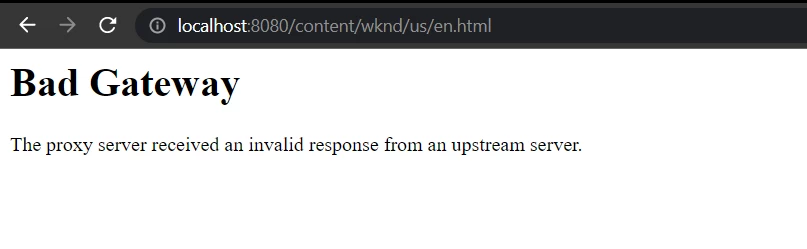
Previously the setup was running fine as when I hit localhost:8080 it rendered content from publish instance.


But lately I get 502 error though no changes have been made. Here are the logs - 

[05/Jul/2022:07:45:34 +0000] "GET /content/xyz/us/en/home-page.html HTTP/1.1" 502 none [publishfarm/-] 54054ms "localhost:8080"
[Tue Jul 05 07:47:00.946021 2022] [dispatcher:warn] [pid 65:tid 140116585622328] [client 172.17.0.1:51476] Unable to connect socket to host.docker.internal:4507: Operation timed out
[Tue Jul 05 07:47:00.946227 2022] [dispatcher:warn] [pid 65:tid 140116585622328] [client 172.17.0.1:51476] Unable to connect to any backend in farm publishfarm
[Tue Jul 05 07:47:11.957133 2022] [dispatcher:warn] [pid 65:tid 140116585622328] [client 172.17.0.1:51476] Unable to connect socket to host.docker.internal:4507: Operation timed out
[Tue Jul 05 07:47:11.957233 2022] [dispatcher:warn] [pid 65:tid 140116585622328] [client 172.17.0.1:51476] Unable to connect to any backend in farm publishfarm
[Tue Jul 05 07:47:22.968211 2022] [dispatcher:warn] [pid 65:tid 140116585622328] [client 172.17.0.1:51476] Unable to connect socket to host.docker.internal:4507: Operation timed out
[Tue Jul 05 07:47:22.968280 2022] [dispatcher:warn] [pid 65:tid 140116585622328] [client 172.17.0.1:51476] Unable to connect to any backend in farm publishfarm
[Tue Jul 05 07:47:33.979010 2022] [dispatcher:warn] [pid 65:tid 140116585622328] [client 172.17.0.1:51476] Unable to connect socket to host.docker.internal:4507: Operation timed out
[Tue Jul 05 07:47:33.979121 2022] [dispatcher:warn] [pid 65:tid 140116585622328] [client 172.17.0.1:51476] Unable to connect to any backend in farm publishfarm


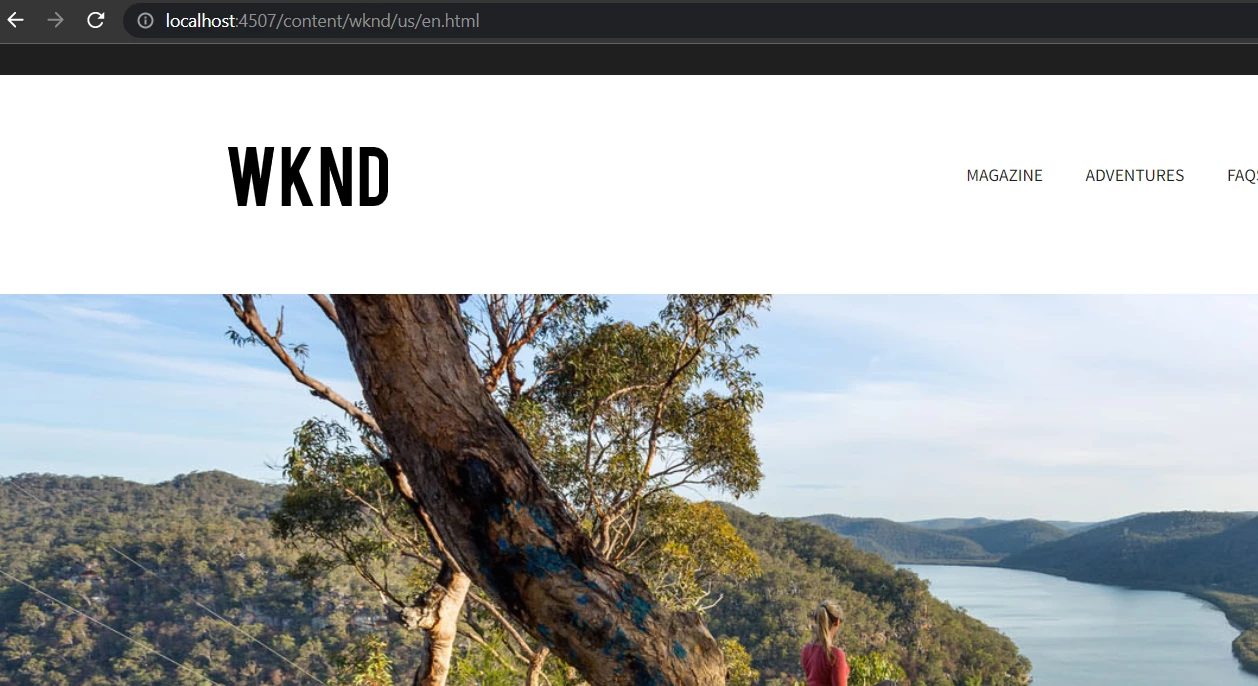
Please note the publish instance is rendering content correctly so its not an issue on the AEM end I think.
 

Could you please help troubleshoot this issue ?

This post is no longer active and is closed to new replies. Need help? Start a new post to ask your question.
Best answer by Jagadeesh_Prakash

 @rohan_garg 

It is clear from the error that you shared that docker is not getting the response from the 4507 port server and unable to server the content. Can you please below points 

  1. Validate your dispatcher configurations.
  2. Check if there is not shorten URL implementation done
  3. 3. I see that docker is up and running that means it is able to communicate to 4507 port but unable to server the content.
  4. 4. Login to the docker terminal and clear the cache and try once again 
  5. Try starting a new publisher with a new port and configure a sample artifact project (Step by step put the dispatcher code as well) run  it in the docker.
    1. If it works then issue is with your code
    2. If it doesn’t work then issue is with the docker.

I advise you to check on point 5. But ideally all the above points are like a steps to debug and validate the issue. Hope this works for you


4 replies

Jagadeesh_Prakash
Community Advisor
Jagadeesh_PrakashCommunity AdvisorAccepted solution
Community Advisor
July 5, 2022

 @rohan_garg 

It is clear from the error that you shared that docker is not getting the response from the 4507 port server and unable to server the content. Can you please below points 

  1. Validate your dispatcher configurations.
  2. Check if there is not shorten URL implementation done
  3. 3. I see that docker is up and running that means it is able to communicate to 4507 port but unable to server the content.
  4. 4. Login to the docker terminal and clear the cache and try once again 
  5. Try starting a new publisher with a new port and configure a sample artifact project (Step by step put the dispatcher code as well) run  it in the docker.
    1. If it works then issue is with your code
    2. If it doesn’t work then issue is with the docker.

I advise you to check on point 5. But ideally all the above points are like a steps to debug and validate the issue. Hope this works for you


Rohan_Garg
Community Advisor
Community Advisor
July 6, 2022

Hi Jagdeep,


Thanks for the reply. Here are the results from your checkpoints

1. The dispatcher configuration is correct. I restarted the publish instance and had the socket timeout error correct automatically. The error comes up intermittently for some reason hence the dispatcher configurations should not be an issue here.

2. There is no URL shortening done yet.

3. Yes, the issue seems to be on docker end but the dispatcher configuration is validated and the watchers are also established every time.

4. I have I navigated to the cache path and ran a "rm -rf*" to remove all the cache. Still the error persisted when the socket was timed out.

5. With new publish instance the error is not coming up yet. But the intermittent error coming up is still unexplained. I think maybe the publish when remaining idle for sometime might be throwing up this error but for now its unexplained.

Aditya_Chabuku
Community Advisor
Community Advisor
July 5, 2022

Hi @rohan_garg ,  as per your logs Docker might not be the issue, its the Dispatcher which is unable to reach publish instance even though it's in your local machine. So check your Dispatcher configurations for publish instance hostname & port. something looks like this.  


Read this page for more info on dispatcher 


~Aditya.Ch


 # The load will be balanced among these render instances
    /renders
      {
      /rend01
        {
        # Hostname or IP of the render
        /hostname "127.0.0.1"
        # Port of the render
        /port "4507"
        }
      }


Thanks,Aditya Chabuku
Rohan_Garg
Community Advisor
Community Advisor
July 6, 2022

Hi Aditya,


Thanks for your reply. I have put up the render URL of the localhost as suggested.

But the issue does not seem to be at that end.


Thanks,

Rohan Garg

Level 3
October 19, 2022

Hey @rohan_garg  have you got the solution for it ? I too getting this issue for long time , plz let me know once you get the solution.
ANd why did they mark @jagadeesh_prakash  comments as answered ? even though it is not resolved .

Jagadeesh_Prakash
Community Advisor
Community Advisor
October 21, 2022

@rohan_garg can you give me the list of steps or reference URL which you are following to run the dispatcher. We might need more insight about the issue. 


It is a pretty stright farward setup that we do and i am able to run docker with the default package provided by SDK. Please refer to below URL


https://bimmisoi.blogspot.com/2021/05/local-dispatcher-setup-aem-as-cloud-on.html


https://experienceleague.adobe.com/docs/experience-manager-learn/cloud-service/local-development-environment-set-up/dispatcher-tools.html?lang=en

https://experienceleague.adobe.com/docs/experience-manager-learn/cloud-service/local-development-environment-set-up/dispatcher-tools.html?lang=en#run-dispatcher-locally

If u are still facing this issue, try running the docker with default dispatcher config and put your project related configurations one after the other and see what is causing the issue. 


if still the issue exists DM me to my inbox

Rohan_Garg
Community Advisor
Community Advisor
November 2, 2022

@jagadeesh_prakash - Thank you for your response and references!
The issue is no longer an issue. It's been sometime since this issue was last reported.
I recall resetting the instance which solved the problem!

VeenaVikraman
Community Advisor
Community Advisor
November 24, 2022

I am also facing similar issue. As mentioned by @rohan_garg this seems to be an intermittent issue. No steps mentioned below help resolve it. I am also looking for a permanent solution. 

Level 3
November 24, 2022

If you get any SSLHandshake error in error log of the publish instance then it is definetely proxy server issue, which is set up by your organisation.