

Investigating
Do not open Page Properties in fullscreen
| Request for Feature Enhancement (RFE) Summary: | Do not open Page Properties in fullscreen |
| Use-case: | Users provide images in the page properties to be used by teasers, og:image, etc. |
| Current/Experienced Behavior: | In AEM page editor, when one opens the page properties, the dialog is opened full-screen. I.e. It covers the Asset selector on the left rail. This means a user cannot use the search, filter and drag&drop capabilities the asset dialog offers. If more than one page is to provided with the same image, a user has to open each page and browse to the asset individually. |
| Improved/Expected Behavior: | Keep the left editor rail visible and open the properties dialog in a modal lightbox or only covering the page. |
| Environment Details (AEM version/service pack, any other specifics if applicable): | AEMaaCS latest and AEM 6.5 |
| Customer-name/Organization name: | all |
| Screenshot (if applicable): | Desired behavior: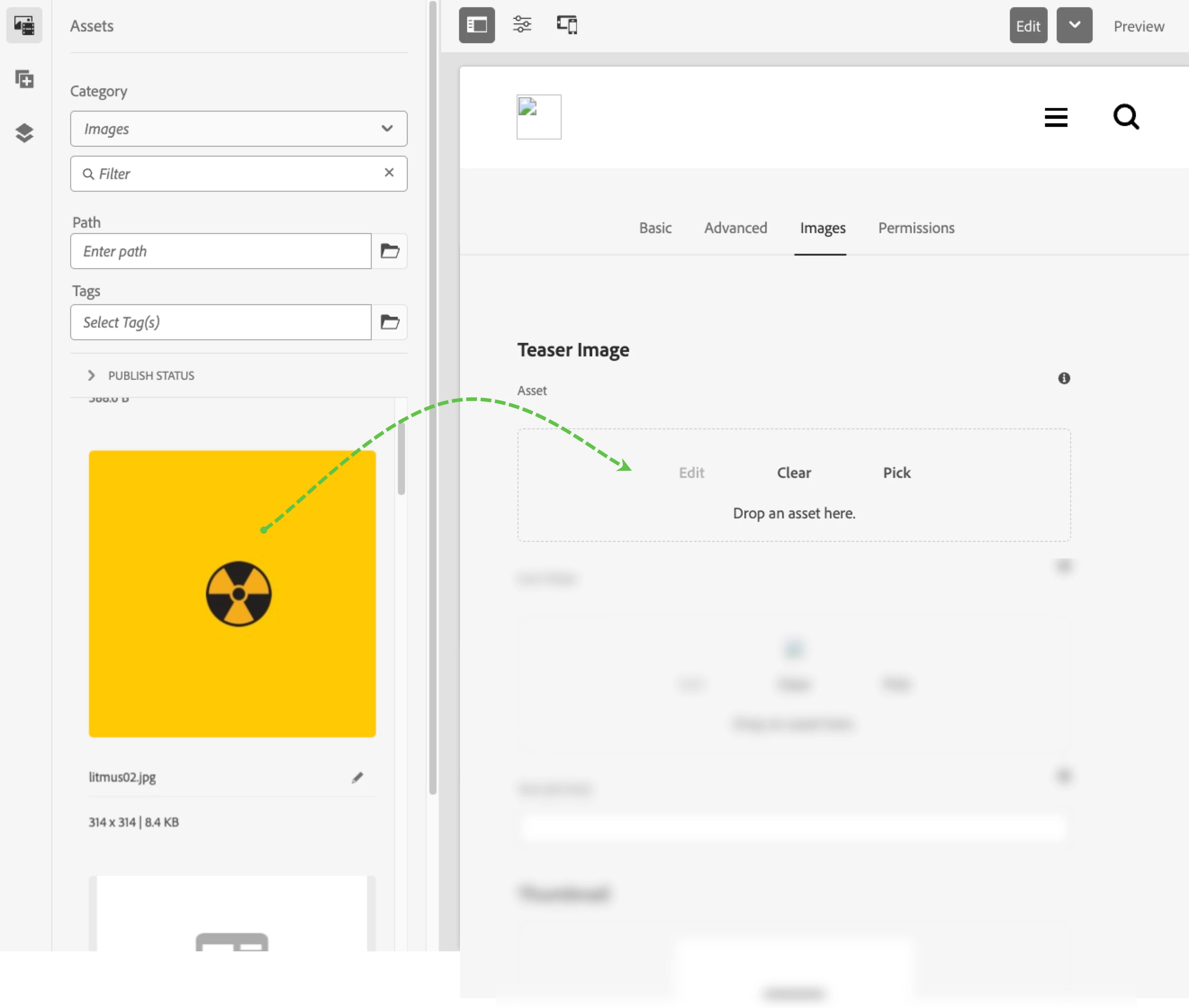
|
| Code package (if applicable): |