Disabling Adobe survey | Community
Skip to main content
Level 4
April 23, 2019
Solved

Disabling Adobe survey

  • April 23, 2019
  • 2 replies
  • 3120 views

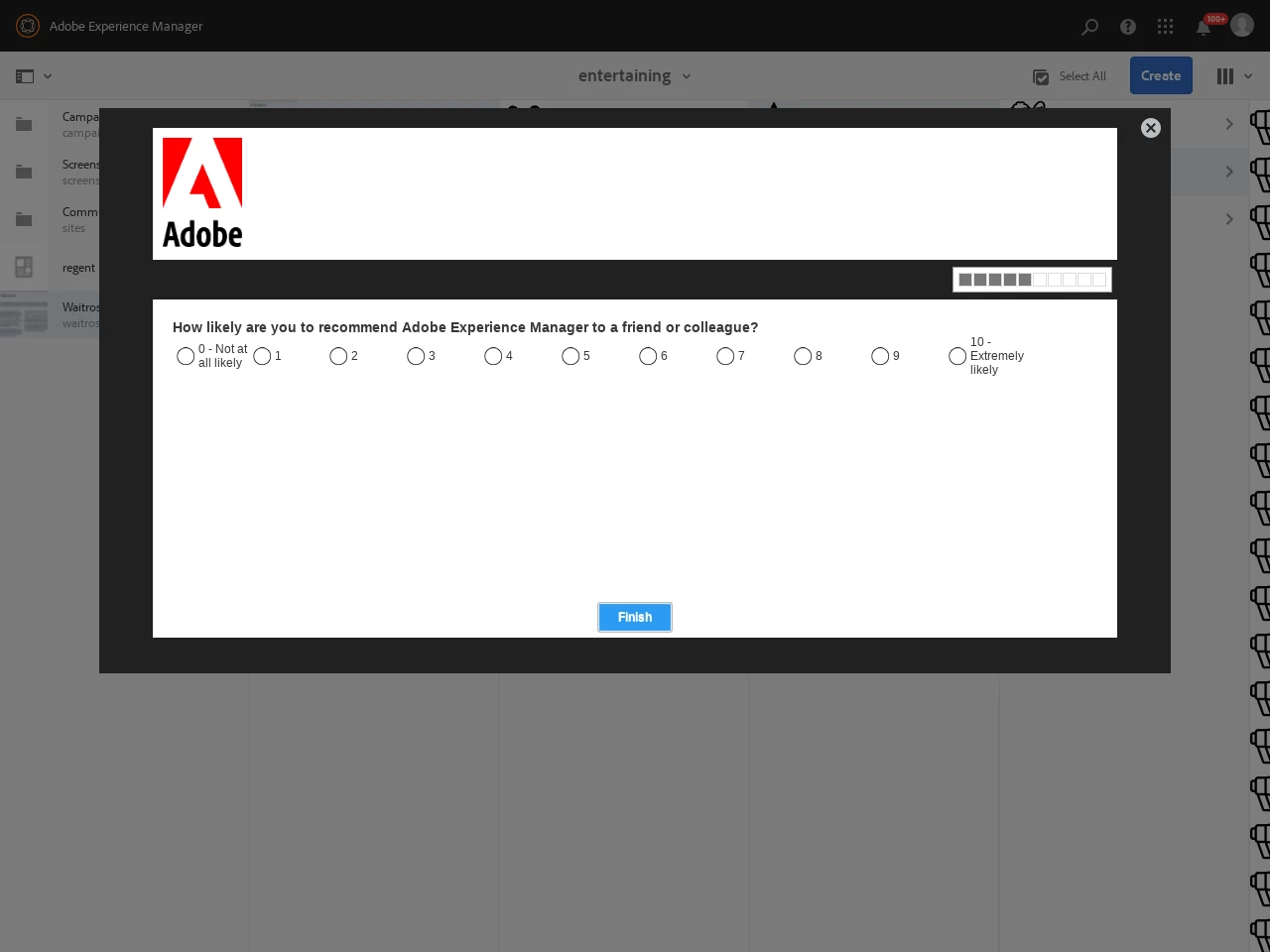
When we are running our automated UI tests the following survey is popping up every now and then which kills the UI test and is slowly driving us all mad

Is there a way to disable this for the entire instance or failing that for a specific user? I can't get it to show when I actually log on to the the author as the test user so I'm unable to see what happens when I dismiss it e.g. does it set a cookie or write a preference to the JCR in much the same way dismissing the tutorial prompts on first login does.
This post is no longer active and is closed to new replies. Need help? Start a new post to ask your question.
Best answer by vish.dhaliwal

Hello,

1. Go to web console

2. Search for "Aggregated Usage Statistics Collection".

3. Click the Edit icon.

4. De-Select the Enabled checkbox.

https://helpx.adobe.com/experience-manager/6-4/sites/deploying/using/opt-in-aggregated-usage-statistics.html

Regards,

Vishu

2 replies

vish.dhaliwalAdobe EmployeeAccepted solution
Adobe Employee
April 23, 2019

Hello,

1. Go to web console

2. Search for "Aggregated Usage Statistics Collection".

3. Click the Edit icon.

4. De-Select the Enabled checkbox.

https://helpx.adobe.com/experience-manager/6-4/sites/deploying/using/opt-in-aggregated-usage-statistics.html

Regards,

Vishu

November 29, 2023

Adobe clearly believes that it is okay to force their paying customers to partake in a survey. It is pathetic; we have followed the instructions to disable it. Why do we, as customers, not get given the option to opt out? Experience management—what a joke.


fix it it is not your time being wasted 

Sutty100Author
Level 4
April 23, 2019

brilliant!!!! Thanks