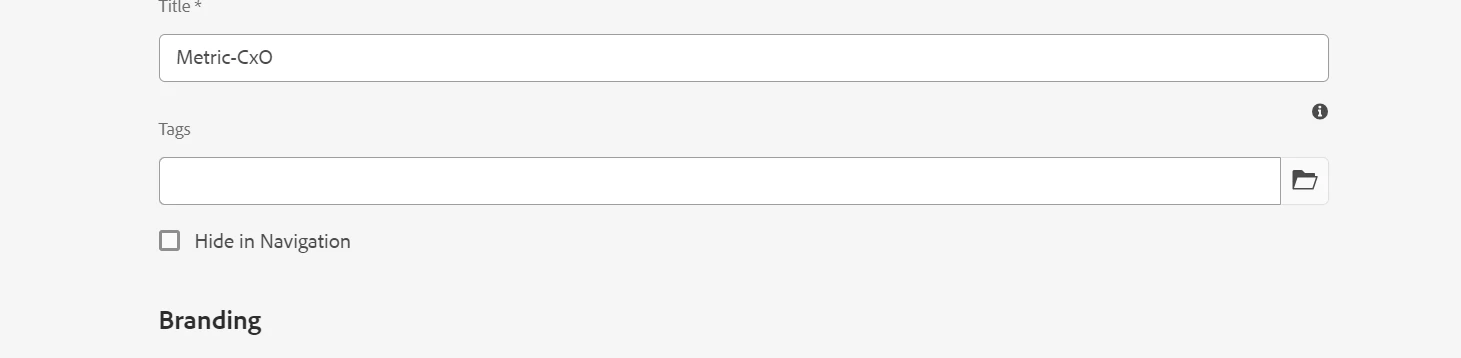
It seems you've created a proxy page component by extending a core page component. In this scenario, the "Hide in Navigation" option is not selected by default. I'm a bit unclear what you want to achieve here. Could you please clarify what you are trying to achieve or explain your goal differently?
However, if you want to have the "Hide in Navigation" option selected by default in page properties, you should create a cq:dialog within your proxy component. In the dialog, you can set the default value for the "hideinnav" property as follows:
<hideinnav jcr:primaryType="nt:unstructured"
  sling:resourceType="granite/ui/components/coral/foundation/form/checkbox"
  name="./hideInNav"
  renderReadOnly="{Boolean}true"
  text="Hide in Navigation"
  uncheckedValue="{Boolean}false"
  checked="{Boolean}true"
  value="{Boolean}true">
  <granite:data jcr:primaryType="nt:unstructured"
    allowBulkEdit="{Boolean}true"
    cq-msm-lockable="hideInNav"/>
</hideinnav>
You can refer to the link for more details on how to customise the dialog in Page Properties.
https://experienceleague.adobe.com/docs/experience-manager-64/developing/extending-aem/page-properties-views.html?lang=en#configuring-your-page-properties