DAM Update Asset workflow-identify what step creates the large preview-not showing in AEM Assets once completed | Community
Skip to main content
Level 3
February 6, 2023

DAM Update Asset workflow-identify what step creates the large preview-not showing in AEM Assets once completed

  • February 6, 2023
  • 1 reply
  • 1851 views

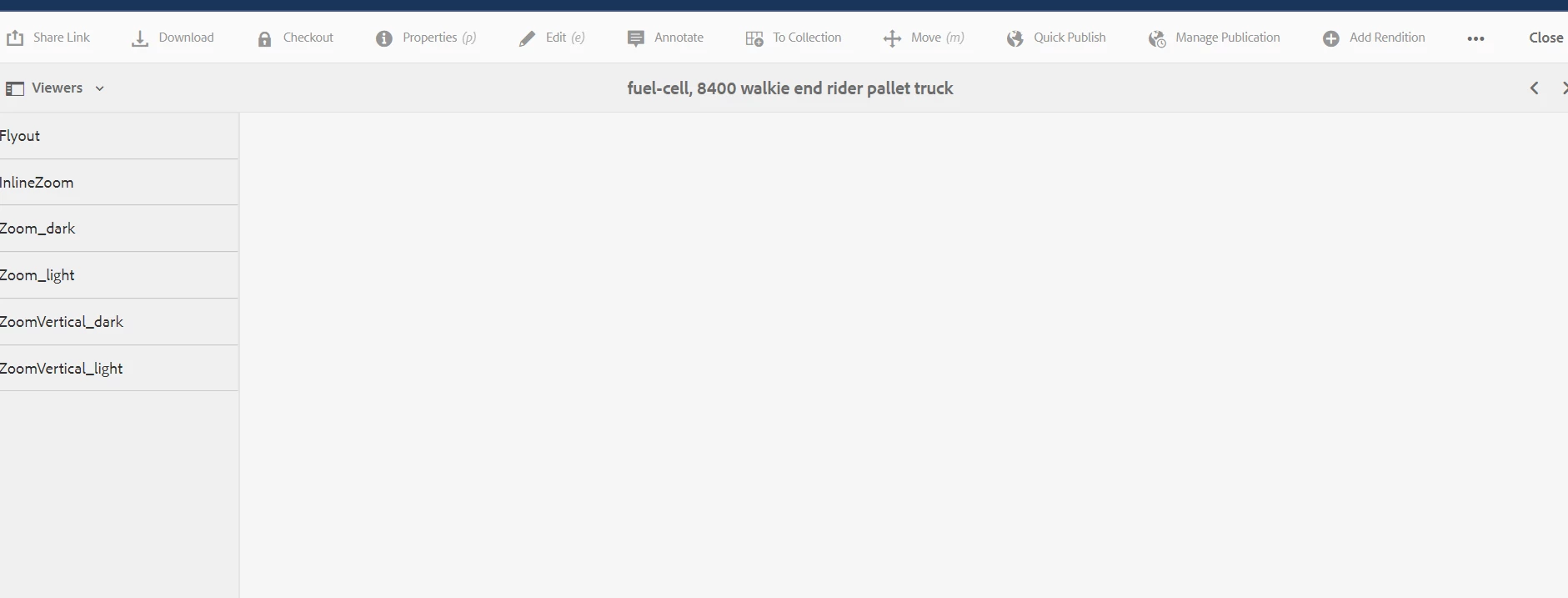
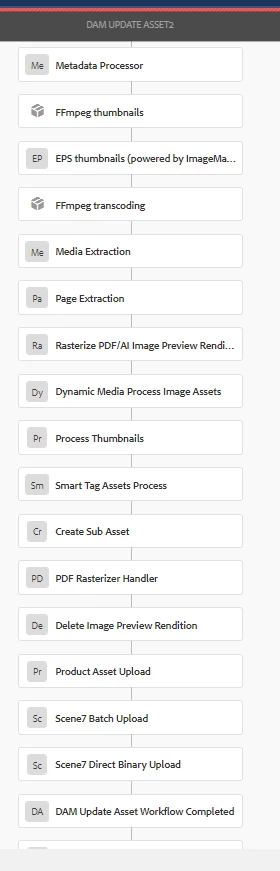
Hello all,  need help idenitfying what step in the DAM UPDATE ASSET creates the enlarged preview in AEM Assets 6.5.8.0.  Once workflow is complete there is no image preview....need advisement on how to get it to be created.  See workflow below as well the picture of no preview in aem assets after processed.  Thank you for your help in advance:)
This post is no longer active and is closed to new replies. Need help? Start a new post to ask your question.

1 reply

Adobe Employee
February 7, 2023

Hi ,

With DM integration, if the asset type is image - then check image presets instead of viewer. If asset is a rich media then you can check viewers.

Can you specify asset type and its extention and if you are looking for specific renditions ?

Image presets can be defined in AEM as well as DM .


SOSAuthor
Level 3
February 7, 2023

Hello and thank you for your kind response, i appreciate the help.


What we are finding is the image formats psd/tif/jpg/png when uploaded a CardView is created but not when you click on it for the enlarged view. 


Can you help me navigate in Image Presets and create provide correct parameters around what to create precisely to get this working again?


Adobe Employee
February 7, 2023

can you check 'Rendition' on top left when you go to asset detail page.  Tif/psd original rendition won't display but it should open up it's static web rendition as fall back preview. when you land on asset detail page/dynamic media renditions. Gif/jpg original should load without issues. Check snapshot below. Please share complete snapshot showing image URL if still facing issue , aem version and try rerunning dam update workflow on this asset to ensure asset is properly processed and proper asset renditions are getting generated.(See snapshots for tif/psd)