Level 3
May 20, 2026
Question

Custom column in the AEMaaCS search list view

  • May 20, 2026
  • 2 replies
  • 19 views

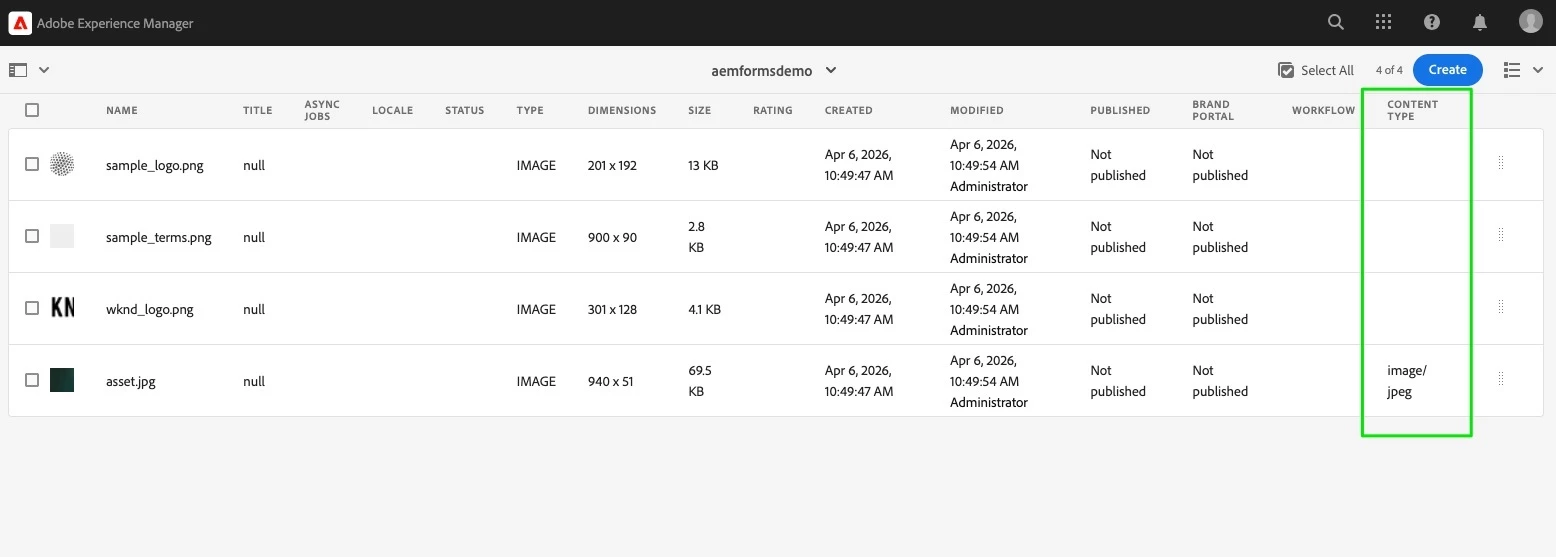
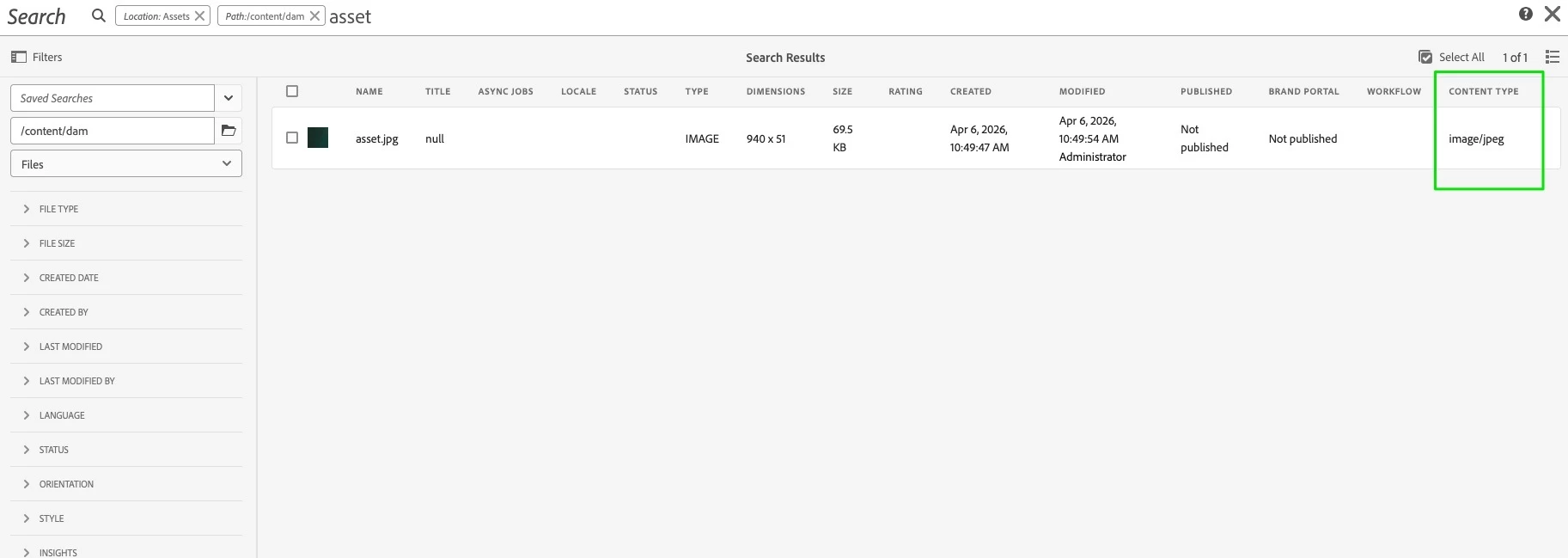
I have a requirement to add a custom column to the list view along with the other OOTB fields in Adobe Experience Manager (AEM) Cloud instance. Could anyone guide me on how to achieve this?
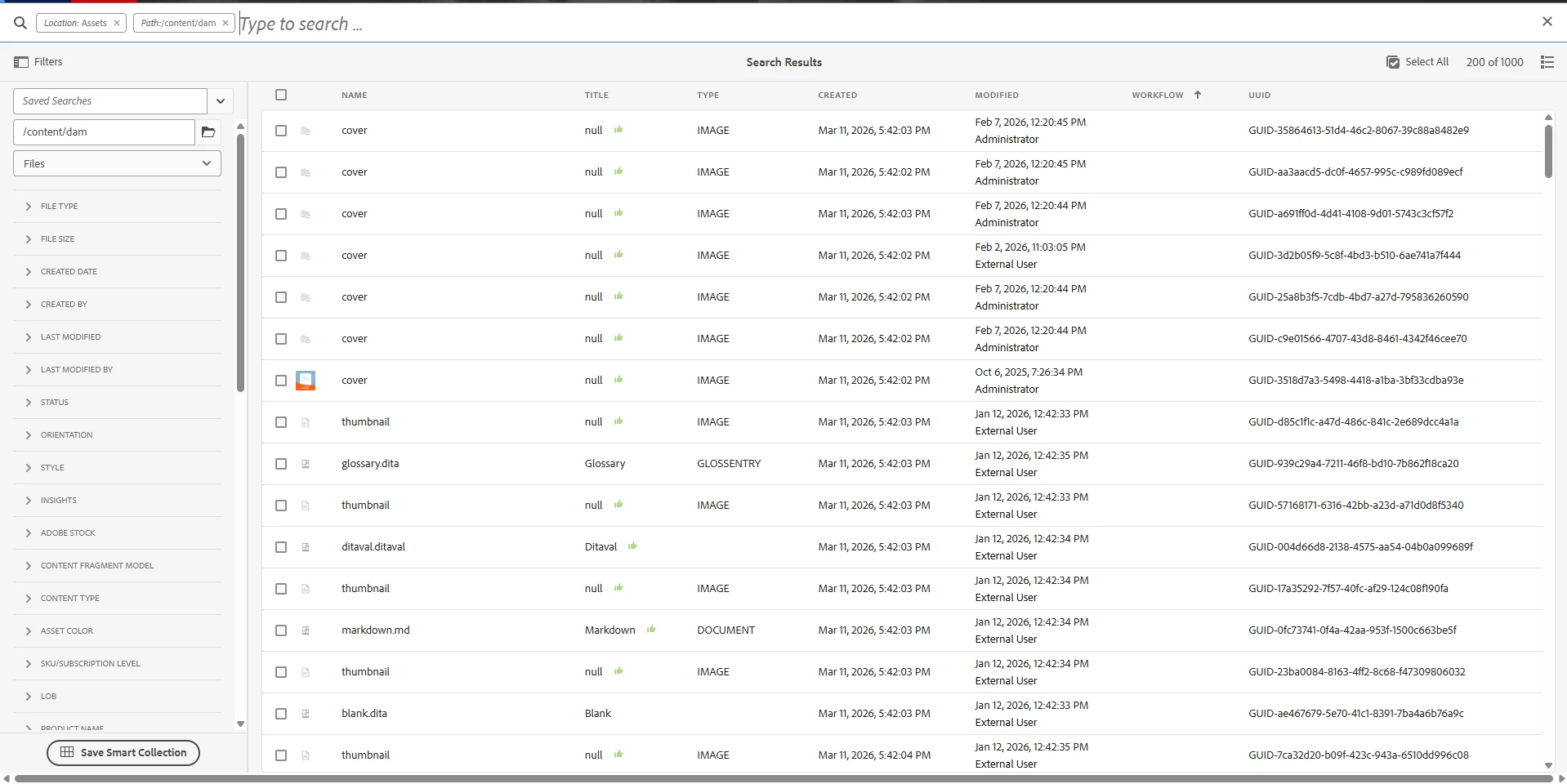
 

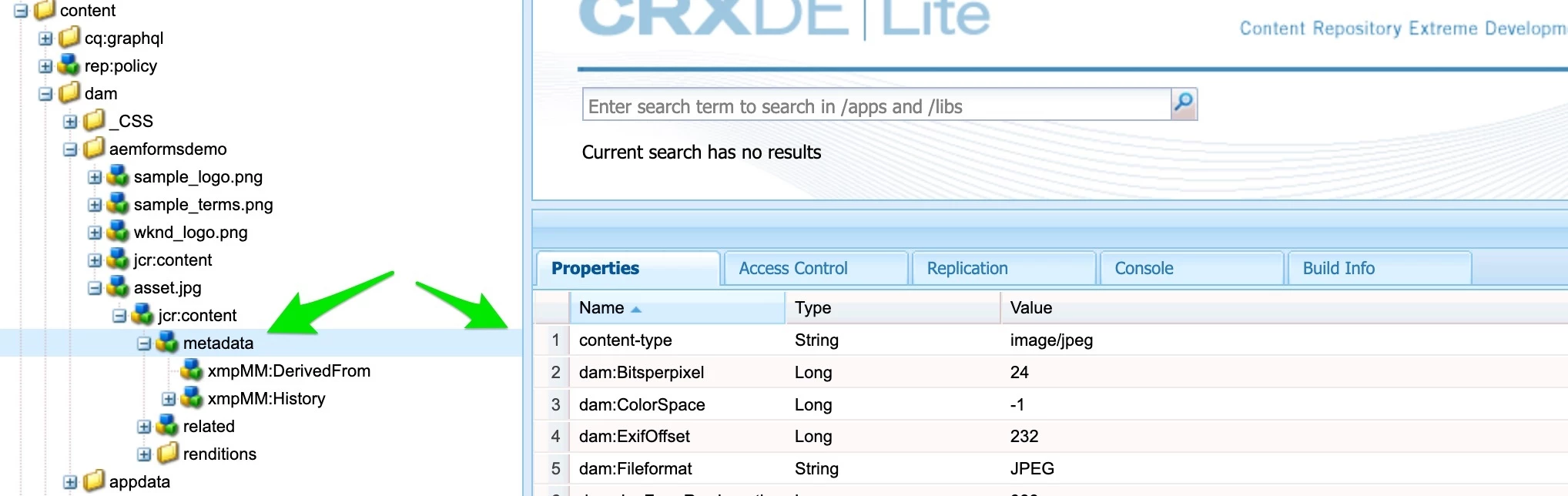
I want to add a column with header Content-Type that will fetch the value from jcr:content/metadata/content-type.

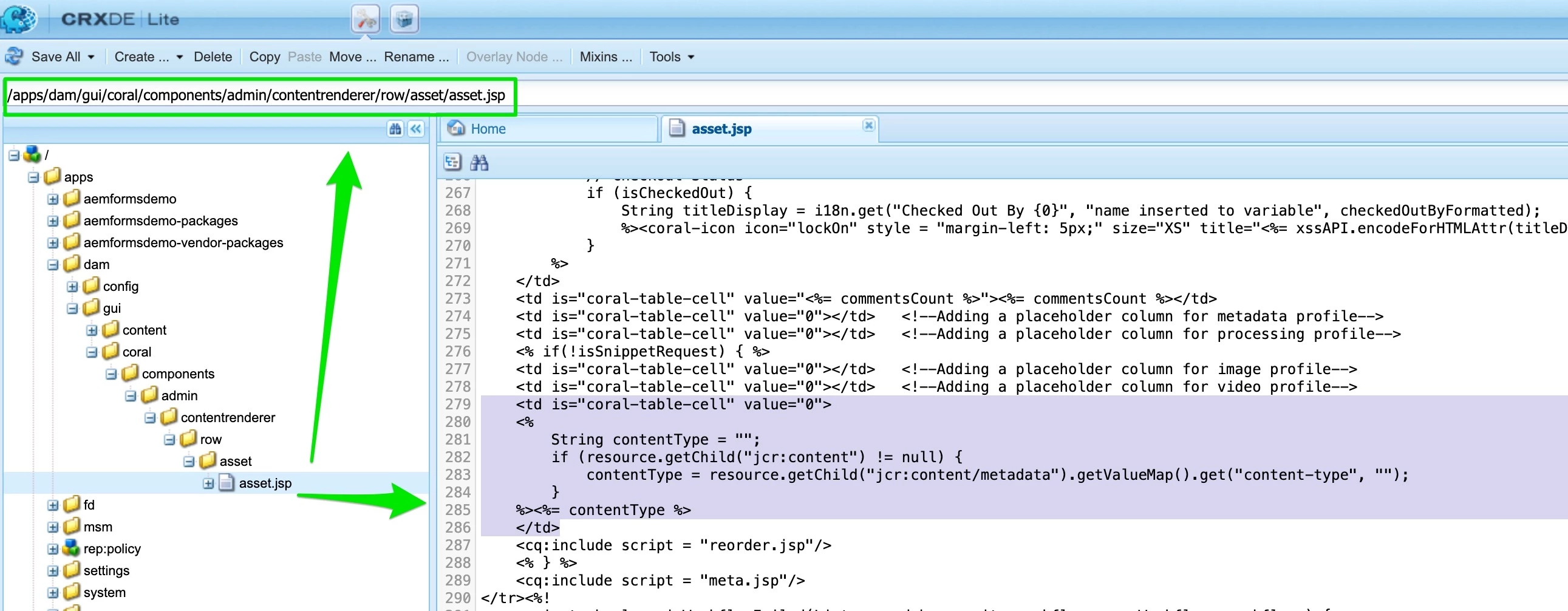
I could achieve this with the reorder.jsp file pointed here: https://experience-aem.blogspot.com/2019/10/aem-6520-aem-assets-add-custom-metadata-columns-in-assets-console-list-view.html but this does not work in AEM Cloud.

Again, this URL also explains in another way : https://experience-aem.blogspot.com/2019/08/aem-6510-adding-custom-metadata-columns-in-list-view-of-assets-search-console.html but again this conflicts with OOTB behavior and breaks the search functionality in AEMaaCS.

Any concrete solution that works on cloud?
    2 replies

    avesh_narang
    Level 4
    May 20, 2026

    AEM Assets list view columns are controlled by:

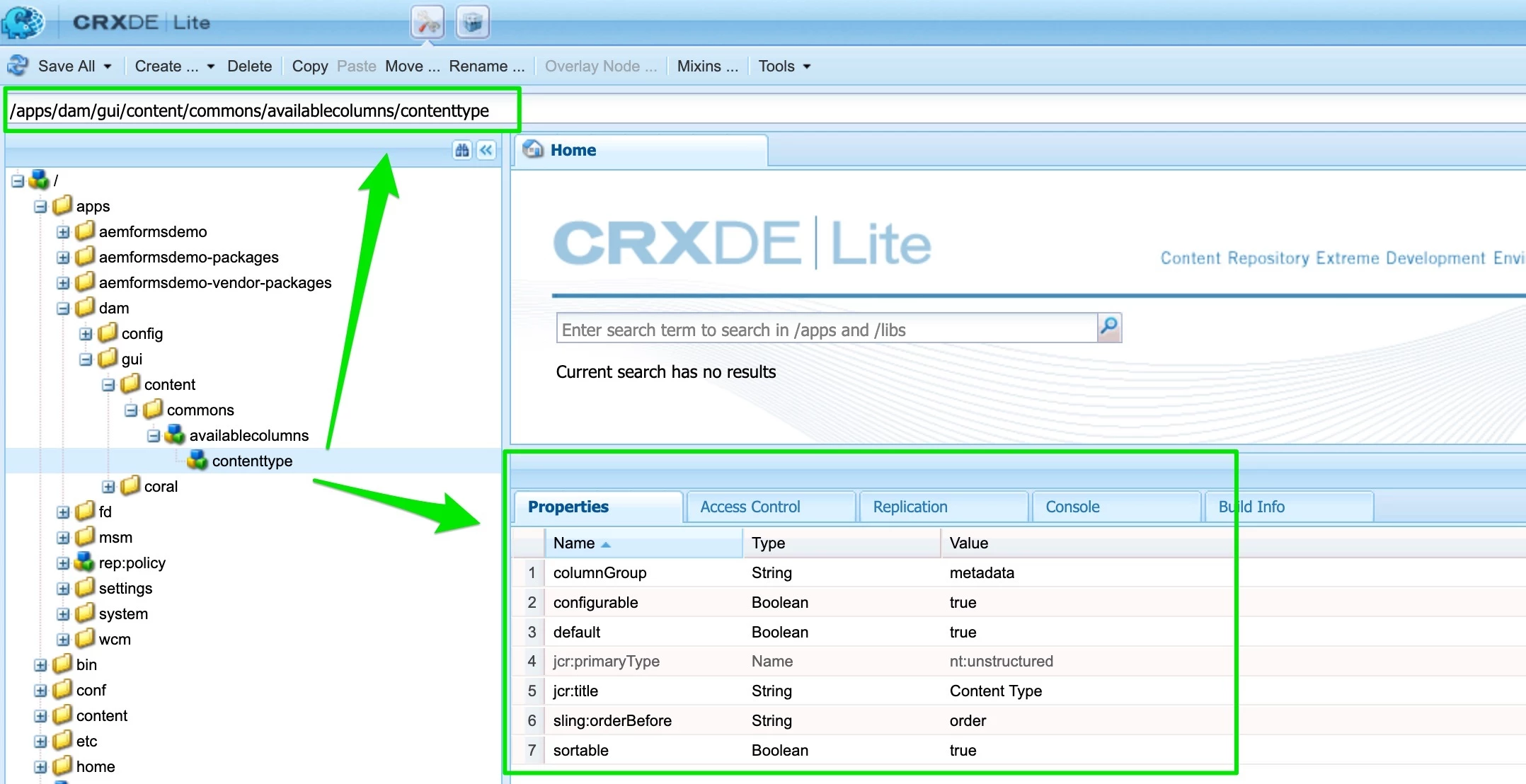
    /libs/dam/gui/content/commons/availablecolumns

    To add your own column:

    1. Overlay the node into /apps
    2. Define a new column configuration
    3. Bind it to the metadata property path

    Here is the Step by Step Implementation :

    1. Overlay the available columns node , and reate the following structure in your project:
    /apps/dam/gui/content/commons/availablecolumns
    1. Copy the node structure and paste as is in Step 1 location
      /libs/dam/gui/content/commons/availablecolumns
    1. Create a new node under availablecolumns, for example content-type

    2. Add Properties to the node “content-type”


      <content-type
      jcr:primaryType="nt:unstructured"
      jcr:title="Content-Type"
      value="jcr:content/metadata/content-type"
      sortable="{Boolean}true"
      default="{Boolean}false"/>

      5. After deploymemnt , changes should reflect .

    Hope this helps , Thanks 


    ac4320Author
    Level 3
    May 20, 2026

    @avesh_narang - The value does not populate. Not sure if the value property works.