cq:placeholder , issue with annotations. | Adobe Higher Education
Skip to main content
October 30, 2017
解決済み

cq:placeholder , issue with annotations.

  • October 30, 2017
  • 6 の返信
  • 4390 ビュー

Hi,

We are using the following code i our components to display custom empty text message:-

<sly data-sly-test.emptyContent="${wcmmode.edit}">

<div data-emptytext="configure ${component.title}"

class="cq-placeholder"></div>

</sly>

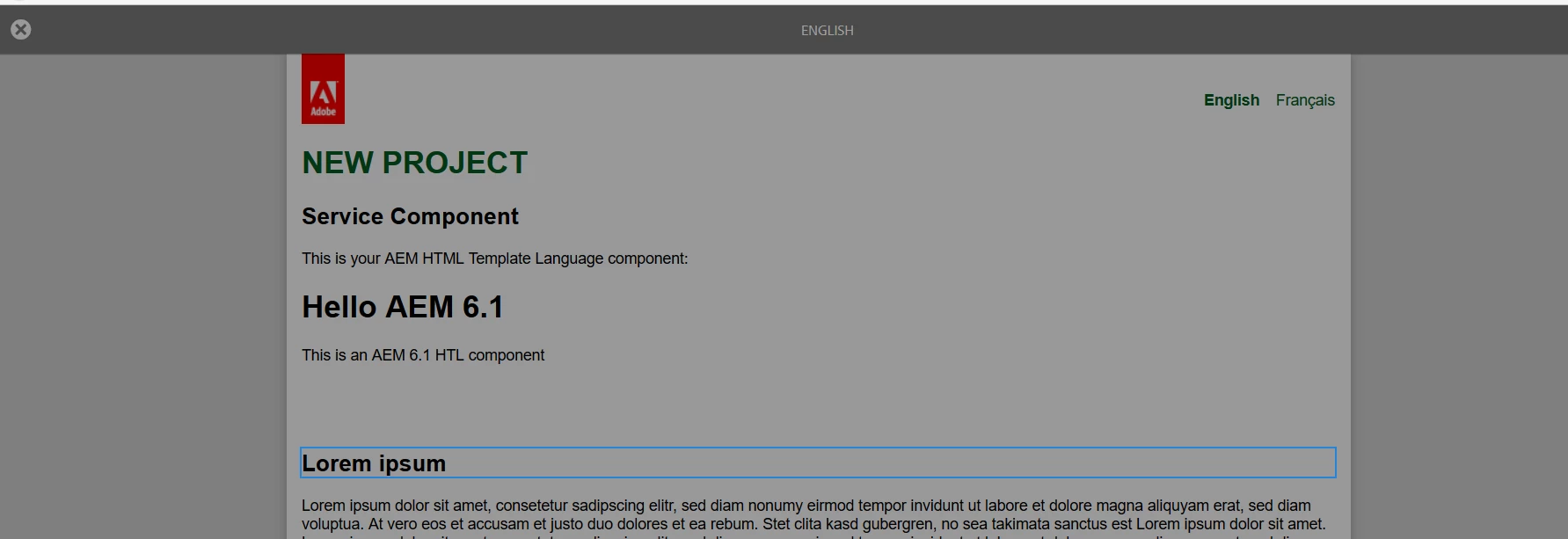
But after using this code, we are not able to annotate the component in annotations mode of AEM author.

AEm version - 6.2 SP1 installed

Has anyone else faced this issue?? 

Thanks,

Amarjot Singh

このトピックへの返信は締め切られました。
ベストアンサー smacdonald2008

I also confirmed this - see:

No annotations - with this code"

<p>This is your AEM HTML Template Language component:</p>

<div data-sly-use.heroTextObject="com.foo.service.core.HeroTextComponent" data-sly-test="${heroTextObject}">

       <h1>${heroTextObject.heroTextBean.headingText}</h1>

       <p>${heroTextObject.heroTextBean.description}</p>   

</div>

<sly data-sly-test.emptyContent="${wcmmode.edit}">

<div data-emptytext="configure ${component.title}"

class="cq-placeholder"></div>

</sly>

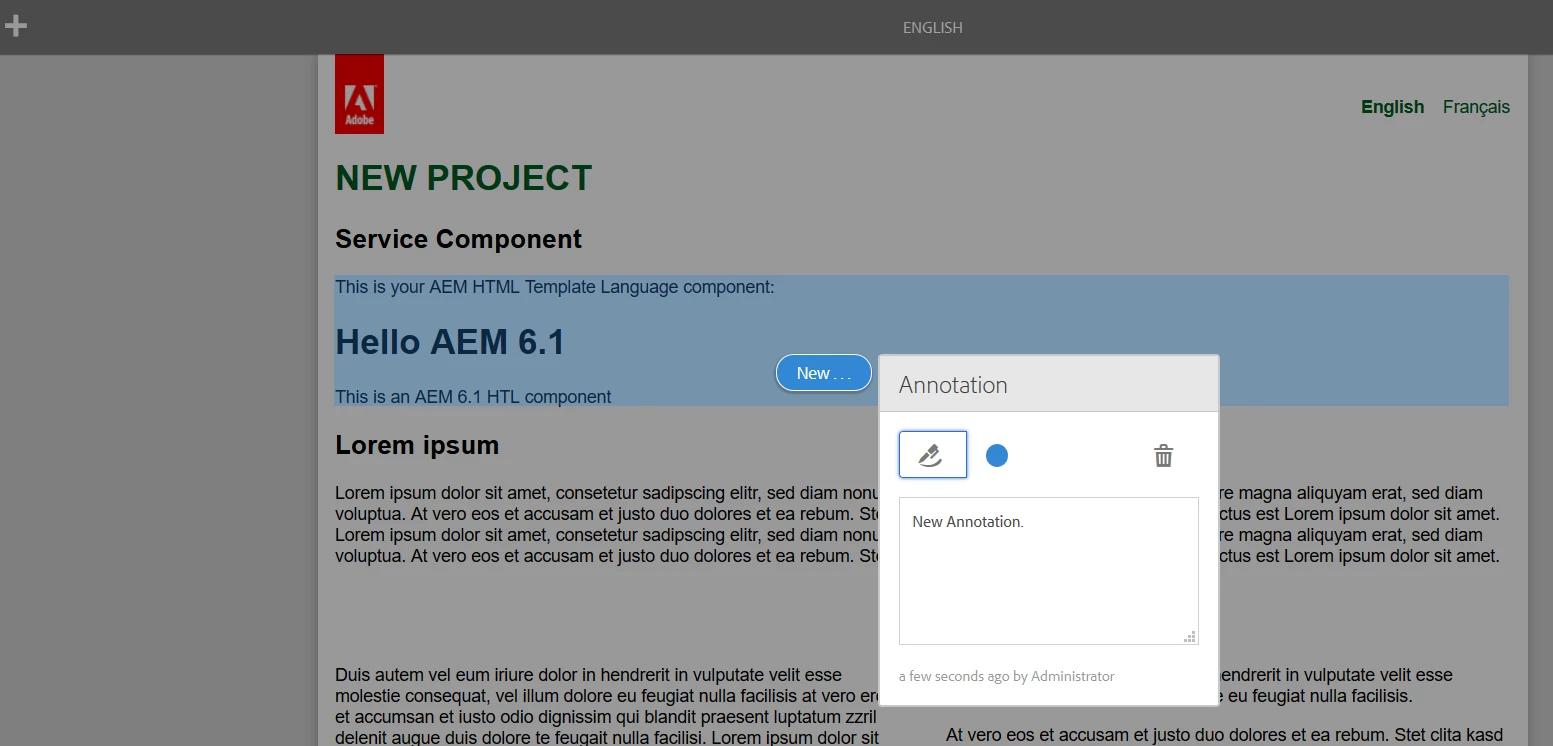
When i remove the bold code - i get annotations:

This is a bug - please open a support ticket....

6 の返信

kautuk_sahni
Community Manager
Community Manager
October 30, 2017

Duplicate Question:- AEM Annotations cq-placeholder issue

Feike Visser  any help here?

~kautuk

Kautuk Sahni
smacdonald2008
Level 10
October 30, 2017

Are you getting any error messages or browser errors?

smacdonald2008
Level 10
October 30, 2017

Also - are you able to use the Annotation mode -- as described here -- https://docs.adobe.com/docs/en/aem/6-1/author/page-authoring/annotations.html#Annotations - Touch-optimized UI

VeenaVikraman
Community Advisor
Community Advisor
October 30, 2017

Good Catch amarjots. I was using the same snippet for never actually had a need to use annotation. But now when I tried, I am not able to do the same. My AEM is 6.2 version

Basically the below step is not executable in this

smacdonald2008
Level 10
October 30, 2017

I also confirmed this - see:

No annotations - with this code"

<p>This is your AEM HTML Template Language component:</p>

<div data-sly-use.heroTextObject="com.foo.service.core.HeroTextComponent" data-sly-test="${heroTextObject}">

       <h1>${heroTextObject.heroTextBean.headingText}</h1>

       <p>${heroTextObject.heroTextBean.description}</p>   

</div>

<sly data-sly-test.emptyContent="${wcmmode.edit}">

<div data-emptytext="configure ${component.title}"

class="cq-placeholder"></div>

</sly>

When i remove the bold code - i get annotations:

This is a bug - please open a support ticket....

September 9, 2019

Hi kautuksahni​, I am also facing the same annotations issue on our environment. We are on 6.4 SP4.

When tried with

<div data-sly-test="${wcmmode.edit}" class="cq-placeholder" data-emptytext="Edit Sample Component"></div>

<div class="custom-targeting-buttons ${properties.hiddenInDefaultSegment ? 'hidden-in-default-segment' : ''}"></div>

It doesn't allow us to annotate on page

when we tried with the below snippet, annotations do work but component gets hide by default on targetting.

<div data-sly-test="${wcmmode.edit}" class="cq-placeholder">Edit Sample Component</div>

<div class="custom-targeting-buttons ${properties.hiddenInDefaultSegment ? 'hidden-in-default-segment' : ''}"></div>

Can you please let me know if you have a solution already?