Core Component List "Display as teaser " option on 2nd Tab is not working.
Hi All,
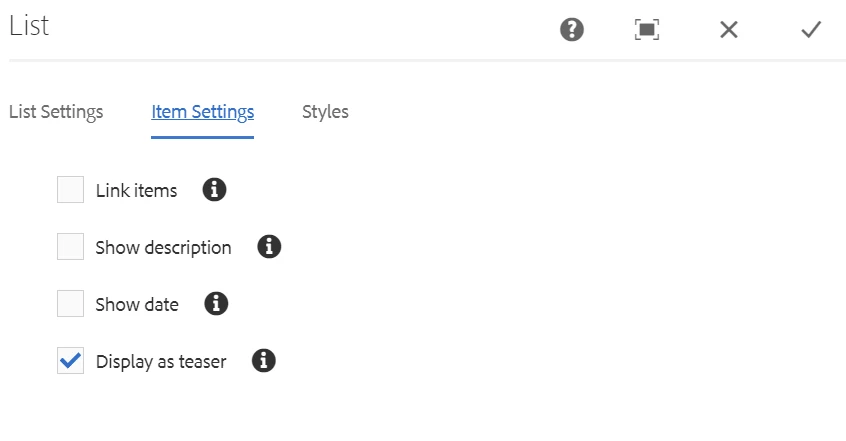
I have a list component on a page where I have authored Parent Page and Child depth 1. Under parent page, I have created 2 pages and authored teaser and image component on these 2 child pages. When I choose link items, show description and show date its coming as expected. But when I choose "Display as teaser" option shown below. I am getting null OR nothing is shown for the list component.
Can anybody please help me to make it work?
My investigation: See the list.html file.
The below code:
<li data-sly-test="${list.displayItemAsTeaser && item.teaserResource}"
class="cmp-list__item" data-sly-call="${teaserTemplate.teaser @ item = item}"
data-cmp-data-layer="${item.data.json}"></li>
This is the code for "display as teaser" option. Here list.displayItemAsTeaser is true but item.teaserResource is always null. I tried to print this value but nothing came up. How can I get item.teaserResource here. Any pointers are appreciated?
Thanks
