Content Fragment - Validation Error Message - Not showing up | Community
Skip to main content
Level 3
October 11, 2021
Solved

Content Fragment - Validation Error Message - Not showing up

  • October 11, 2021
  • 2 replies
  • 1290 views

Hi, 


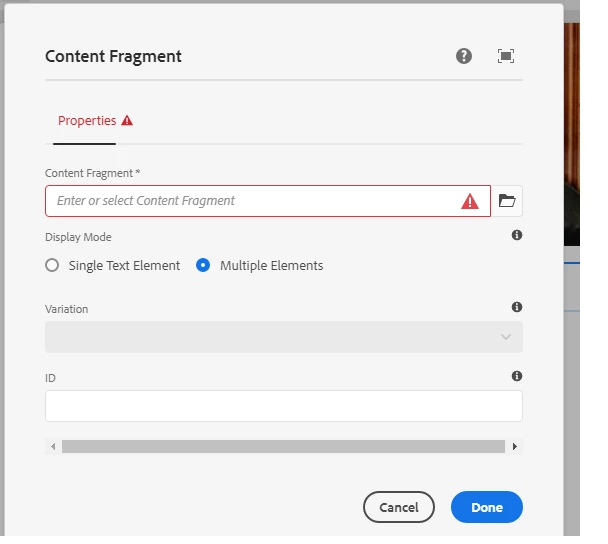
Setting up content fragment property "required=true" for id and fragment path field in the CF component.
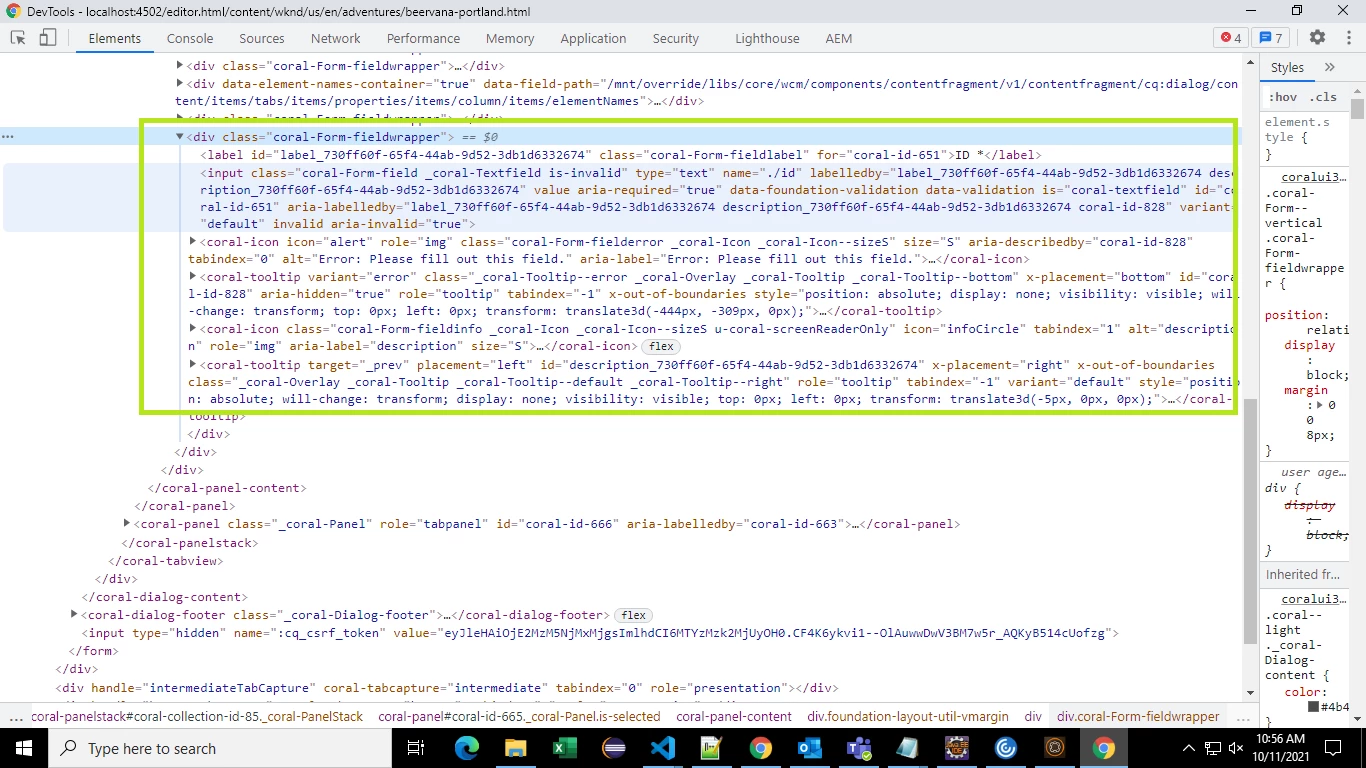
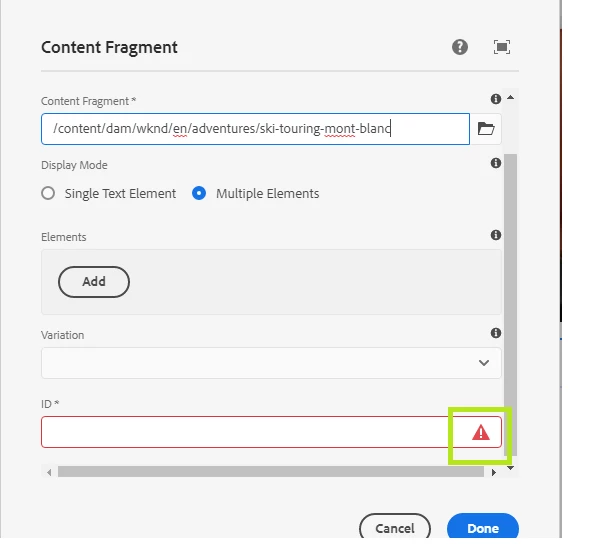
Client side validation working as expected on submit of blank field and getting the error icon, but validation error message is not showing up on hover of mouse on the icon.

Not sure whether it is a bug, or any missing configuration.


Any suggestion is welcome..
AEM 6.5.4 and CS

 

This post is no longer active and is closed to new replies. Need help? Start a new post to ask your question.
Best answer by Kishore_Kumar_

Hi @nitinl ,


Could you please check once in vanilla instance. If this issue still exists please raise this concern to support team.


And I believe this issue is not only applicable to Content Fragment component required fields but for all the Component fields wherever required property is used.

2 replies

Sanjay_Bangar
Community Advisor
Community Advisor
October 11, 2021

Hi @nitinl ,

                         Did you checked content fragment model for validation message. Please go through the below link for more information.

https://experienceleague.adobe.com/docs/experience-manager-65/assets/content-fragments/content-fragments-models.html?lang=en

NitinLAuthor
Level 3
October 11, 2021

thanks @sanjay_bangar , my questions is about CF component, not about the CF model.

What exactly do you want me to look into CF model, can you please point it out.. ??

Kishore_Kumar_
Kishore_Kumar_Accepted solution
Level 9
October 12, 2021

Hi @nitinl ,


Could you please check once in vanilla instance. If this issue still exists please raise this concern to support team.


And I believe this issue is not only applicable to Content Fragment component required fields but for all the Component fields wherever required property is used.

NitinLAuthor
Level 3
October 12, 2021

Thanks @kishore_kumar_ , yep your observation is correct for required field validation. Already raised the ticket and asked the same here as well, many a times we get faster response on a query here in the forum then Adobe day care support team.