Content Fragment Limitations, Autocomplete, ColorField, and Select not Rendered | Community
Skip to main content
Level 2
November 8, 2024
Solved

Content Fragment Limitations, Autocomplete, ColorField, and Select not Rendered

  • November 8, 2024
  • 1 reply
  • 912 views

I'm just looking to confirm something I'm running into here. 

I'm setting up a Content Fragment using Granite dialog fields we've used elsewhere through our AEM instance. 

We have an Icon Picker which is an instance of granite/ui/components/coral/foundation/form/autocomplete
We have a Color Picker which is an instance of 
granite/ui/components/coral/foundation/form/colorfield
We have a Select which is an instance of 
granite/ui/components/coral/foundation/form/select

When I deploy my code, I see my model in CRX with all fields but these three fields don't appear when I create a fragment or when I look at the model editor. 

Additionally we have a checkbox and several fields use scs-show-when in granite:data to try and show/hide those fields, it seems to have no effect on the fields. 

Do Content Fragments not support these features? Since it's all Granite UI I was hoping they would but maybe I'm wrong. 

I don't see any errors in the borwser or in my AEM logs so I'm at a loss for what else might be going on. 
This post is no longer active and is closed to new replies. Need help? Start a new post to ask your question.
Best answer by NarwhalAoibhe

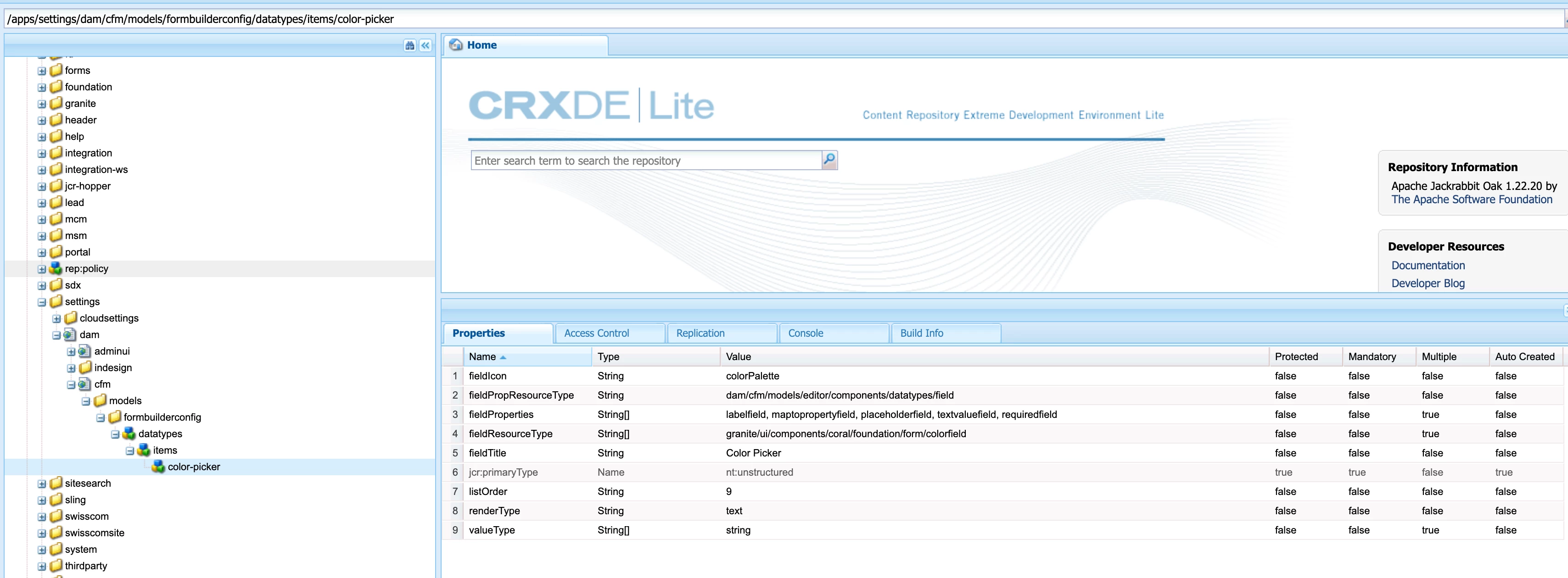
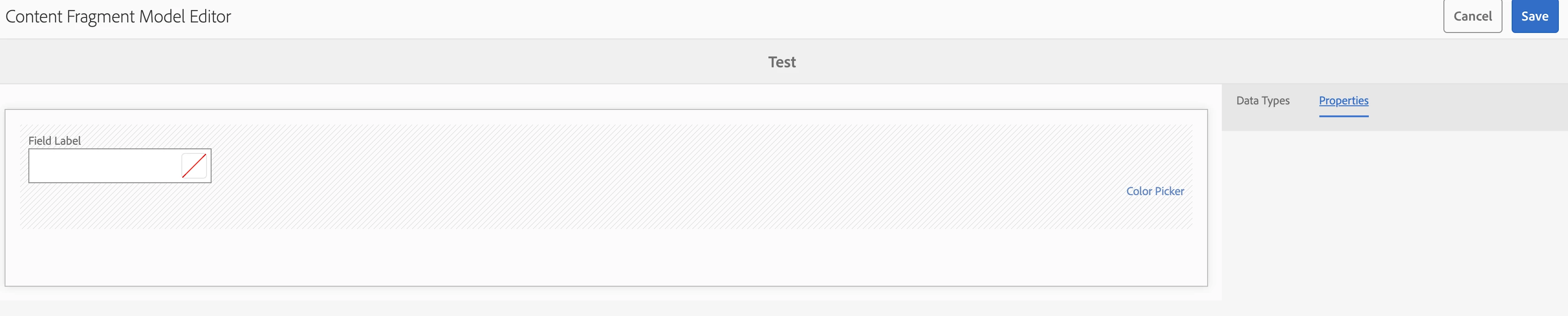
I've tried following along with that, everything looks equal, however when I open the Content Fragment Model Editor and add the new Color Picker there are no properties available for it.


Saw in the github issues for the download that the new item node needs to be color-field rather than color-picker. There's also a fieldMetaTypes attribute which is set to color-field. Works now.


1 reply

kapil_rajoria
Community Advisor
Community Advisor
November 8, 2024
NarwhalAoibheAuthorAccepted solution
Level 2
November 12, 2024

I've tried following along with that, everything looks equal, however when I open the Content Fragment Model Editor and add the new Color Picker there are no properties available for it.


Saw in the github issues for the download that the new item node needs to be color-field rather than color-picker. There's also a fieldMetaTypes attribute which is set to color-field. Works now.


Level 2
November 12, 2024

Color-field works fine but if I try to add a node now for autocomplete it breaks the Content Fragment Model Editor. Trying to identify something in the logs for a hint on what needs to be fixed but if you've got any ideas that would be great.