container component allowed components | Community
Skip to main content
sreedobe
Level 4
December 21, 2020
Question

container component allowed components
  • December 21, 2020
  • 1 reply
  • 1756 views


component htl .

<div itemprop="articleBody"> <div data-sly-resource="${'container' @ resourceType='wcm/foundation/components/responsivegrid'}"></div> </div> <div data-sly-test="${(wcmmode.edit || wcmmode.preview)}" class="cq-placeholder ${classAppend}" data-emptytext="${component.properties.jcr:title}${emptyTextAppend && ' - '}${emptyTextAppend}"> </div>


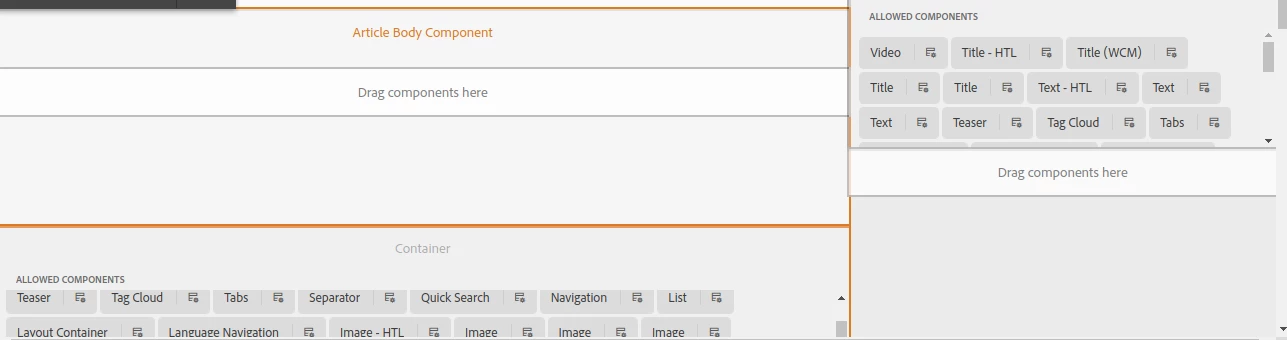
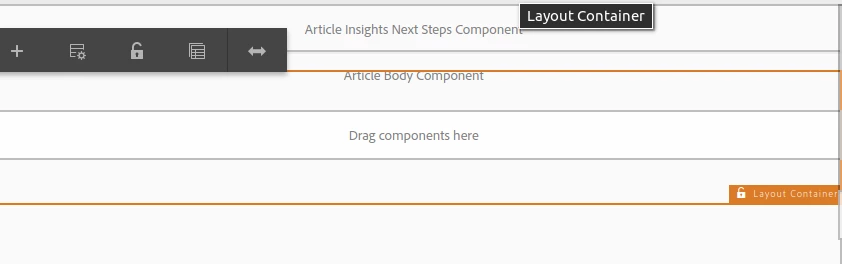
When I put "articleBody" container component on template structure. I do not see 'allowed components' similar to other responsivegrid containers ( in above picture)


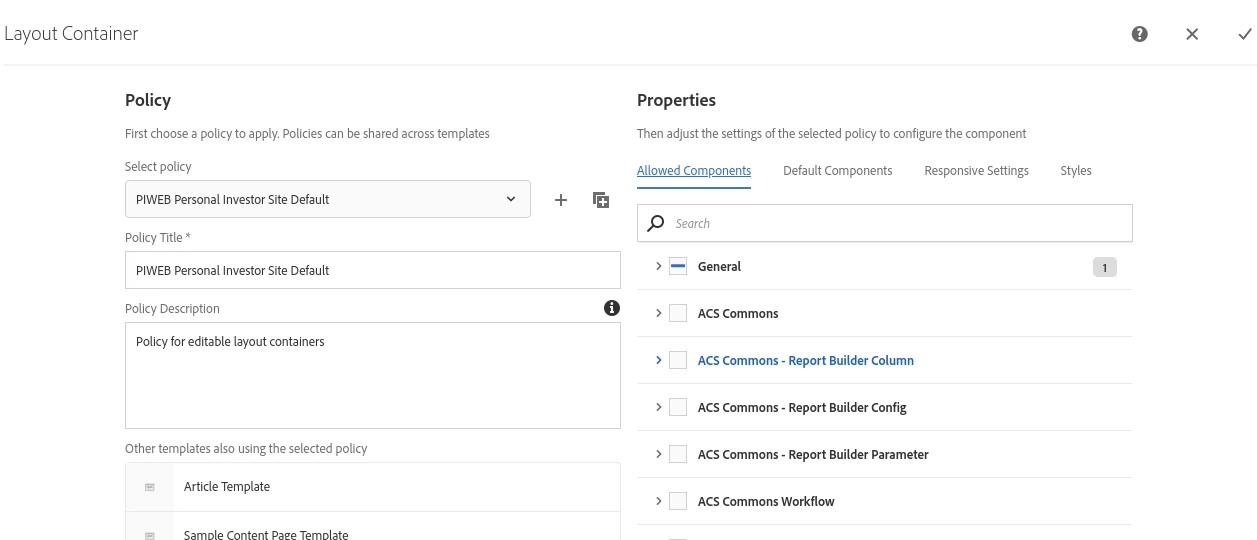
when I checked container responsivegrid policy - it is mapped to proper policy and needed component groups are checked in policy.


Any help?


Thanks,

Sri

This post is no longer active and is closed to new replies. Need help? Start a new post to ask your question.

1 reply

shelly-goel
Adobe Employee
Adobe Employee
December 22, 2020

@sreedobe 

You would not see all the components added in the embedded responsivegrid on the UI because your component's script is getting executed. If you add the sling:resourceSuperType on your component to 'wcm/foundation/components/responsivegrid' and remove <component-name>.html then you would see it showing all the allowed components on the UI.

If I understand correctly, you've created a custom component to add a enclosing <div itemprop='articlebody'>. To achieve this, you can leverage 'Style System' to add an enclosing div class on this grid and then using javascript add those relevant custom attributes like 'itemprop'.

sreedobe
sreedobeAuthor
Level 4
December 22, 2020

could you please point me to an example, I appreciate your help. @shelly-goel