Solved
Compilation error while deploying the project to the aem local cloud instance (aem-sdk-2024.4.15787.20240404T134829Z-231200).
Getting Compilation error while deploying the project to the aem cloud instance (aem-sdk-2024.4.15787.20240404T134829Z-231200).
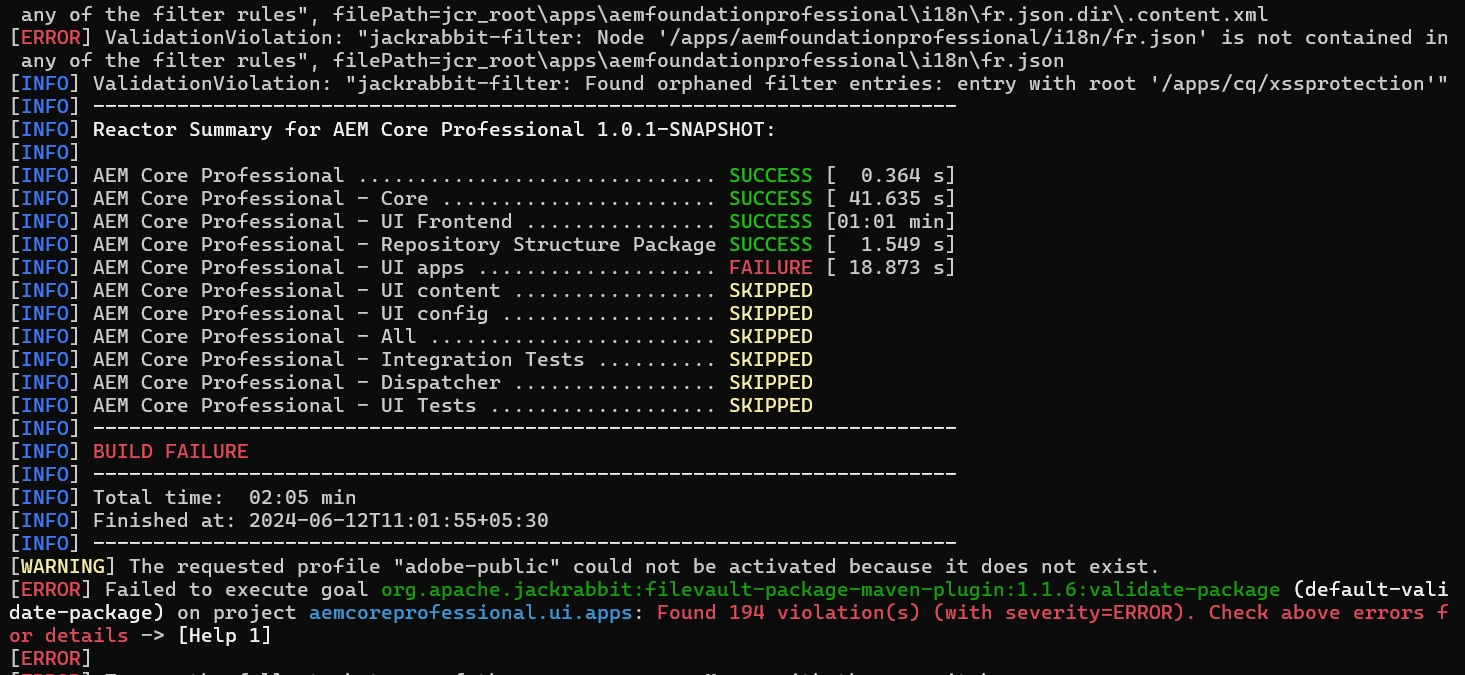
Could someone please provide the lead on this, appreciate your assistance.
@arunpatidar @estebanbustamante @aanchal-sikka @rohan_garg
