Change the WYSIWYG bold button in the RichText component in Adobe Experience Manager (AEM) programmatically | Community
Skip to main content
Level 6
April 18, 2023

Change the WYSIWYG bold button in the RichText component in Adobe Experience Manager (AEM) programmatically

  • April 18, 2023
  • 1 reply
  • 424 views

Hi,

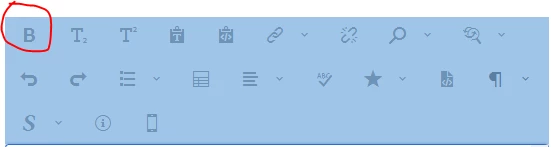
I need to change the default WYSIWYG bold button in the RichText component so that the current markup <b> is replaced with <strong>. How do I do that and where in the code?


This post is no longer active and is closed to new replies. Need help? Start a new post to ask your question.

1 reply

arunpatidar
Community Advisor
Community Advisor
April 18, 2023