Change the assets source path in Assets Share Commons (6.3.3) | Community
Skip to main content
bobbym33667819
Level 3
June 17, 2019
Solved

Change the assets source path in Assets Share Commons (6.3.3)

  • June 17, 2019
  • 1 reply
  • 1282 views

Hi Everyone,

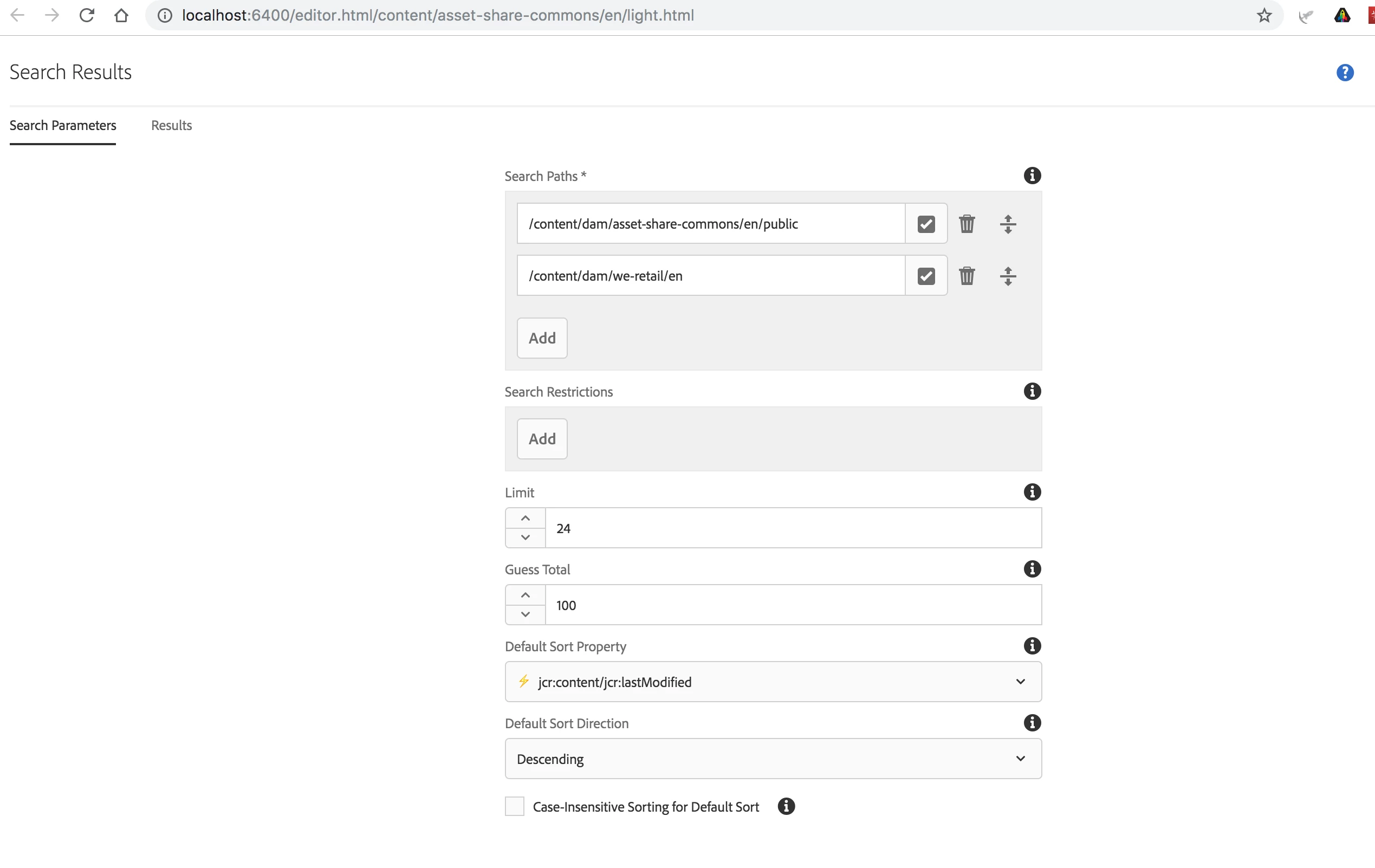
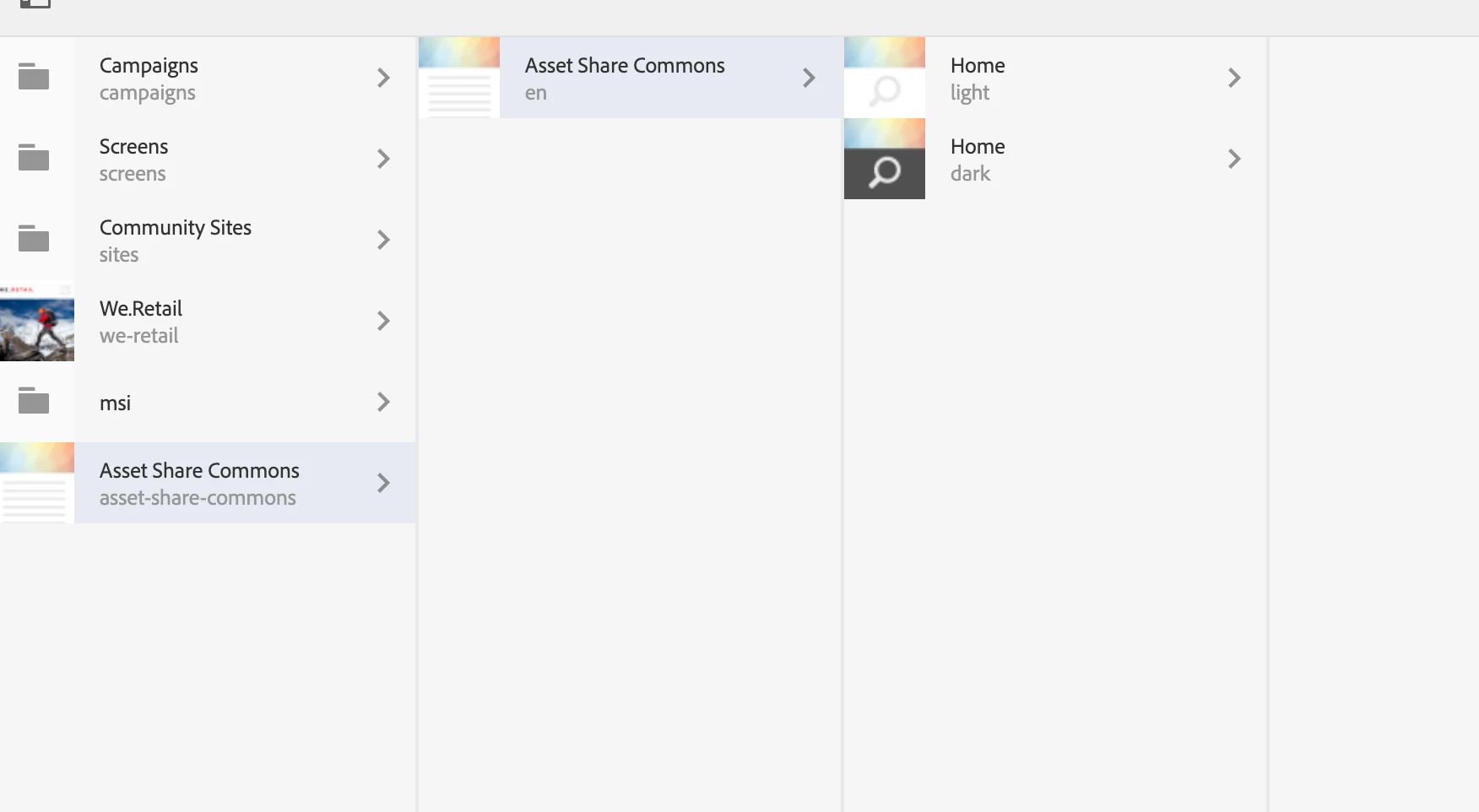
In 6.3.3 when you install the Assets Share Commons with the sample content the Light and Dark how pages both show assets from /content/dam/asset-share-commons/en/public. How to make it display assets from different location or the whole /content/dam?

Thank you very much!

Bobby
This post is no longer active and is closed to new replies. Need help? Start a new post to ask your question.
Best answer by user05162

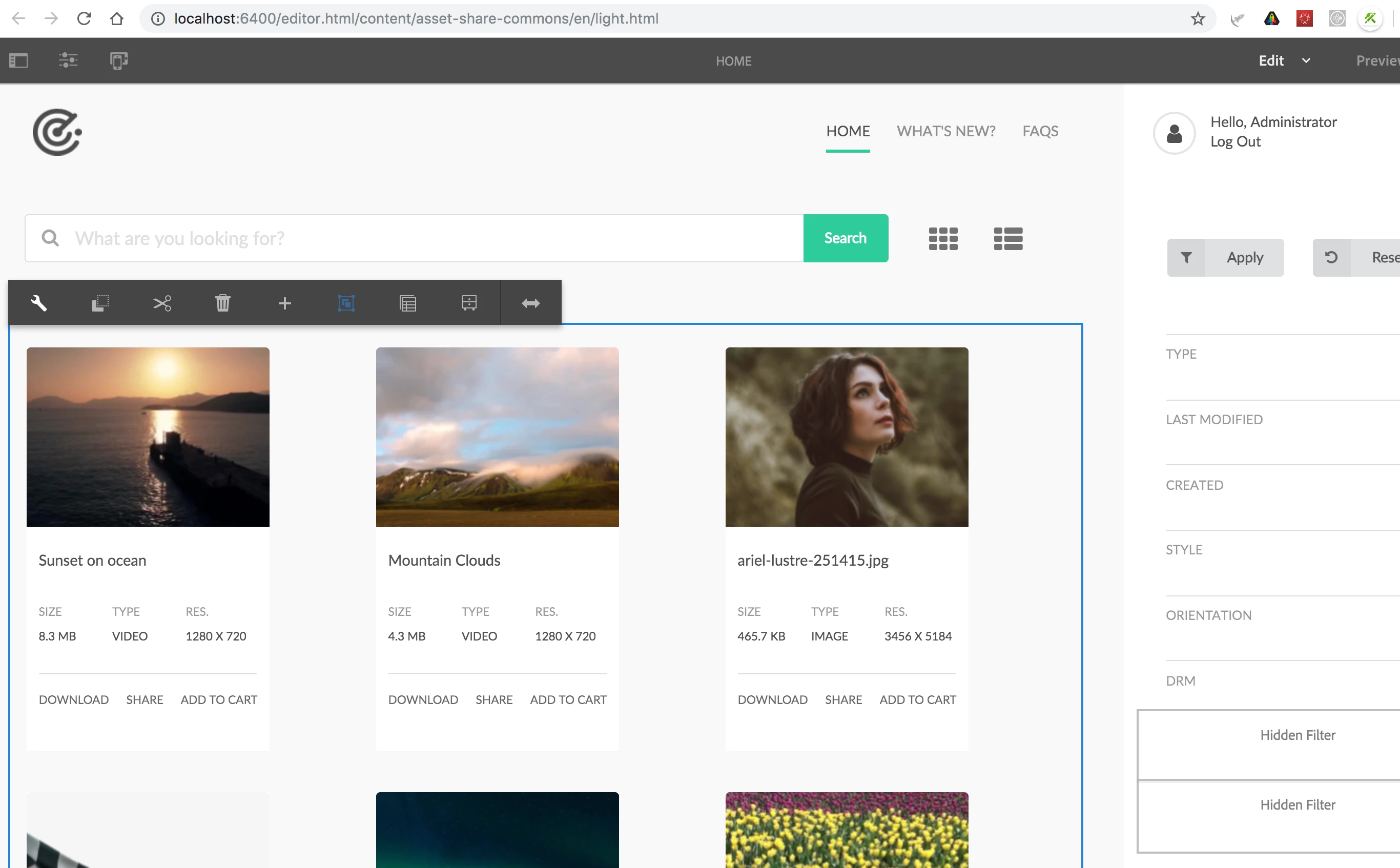
You need to edit the "Search Paths" under the "Search Results" components. Sharing screenshots below.

1 reply

user05162Adobe EmployeeAccepted solution
Adobe Employee
June 17, 2019

You need to edit the "Search Paths" under the "Search Results" components. Sharing screenshots below.