Bulk importing assets from SharePoint to AEM Assets
Hi All,
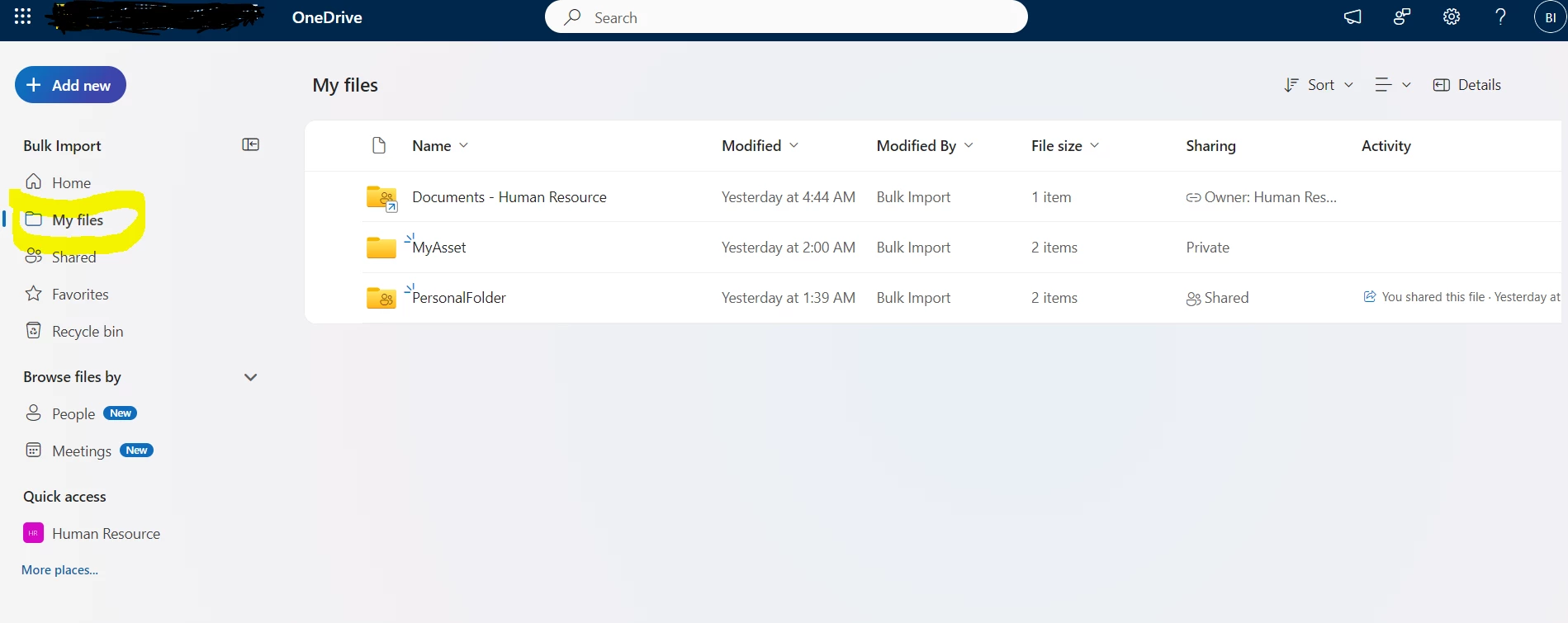
I have done the bulk import from OneDrive to AEM Assets. Where I can import assets from My Files as shown below. I was referring the below document for configuring OneDrive to AEM Assets.
Bulk import assets using Assets Essentials | Adobe Experience Manager
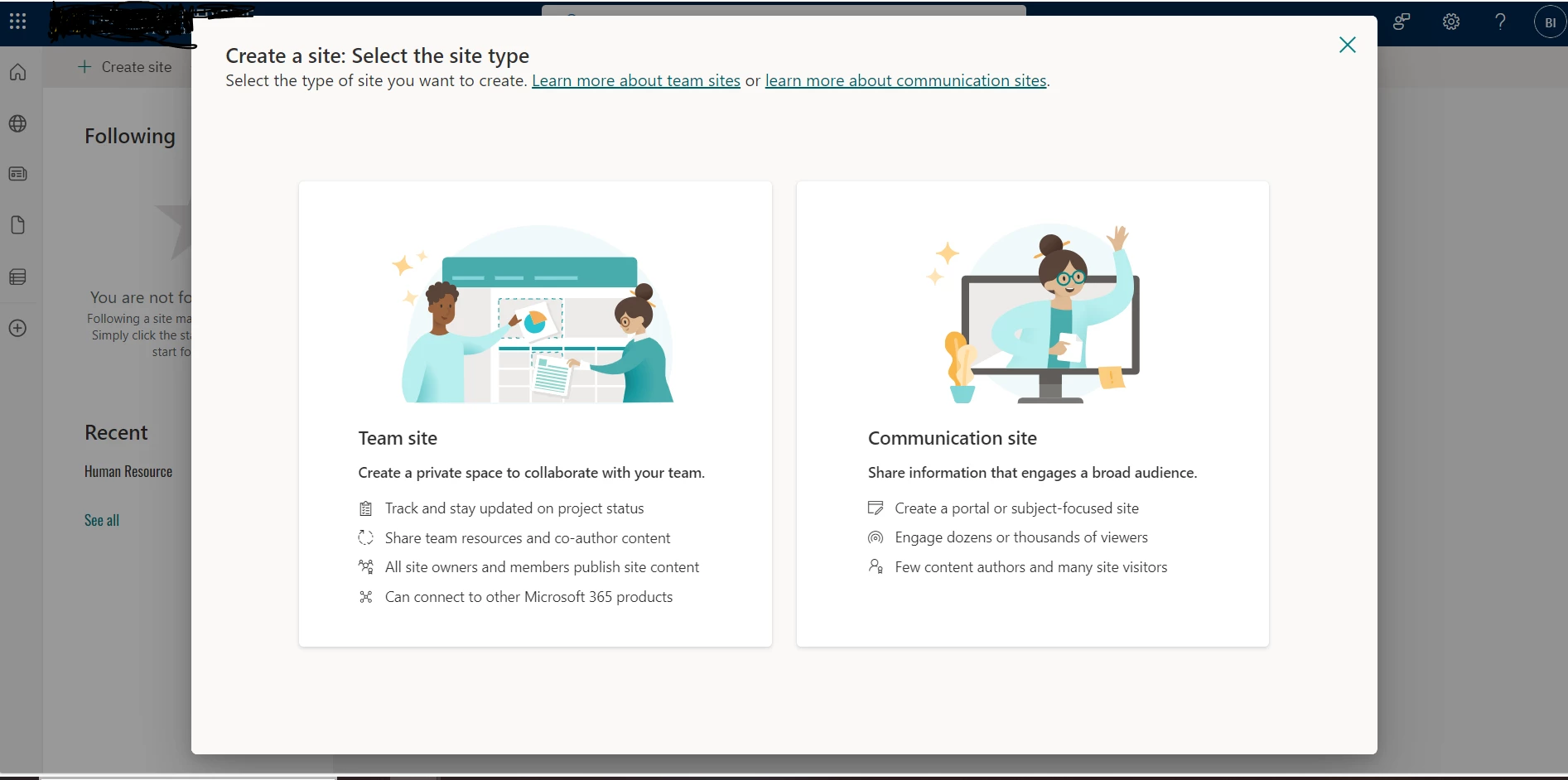
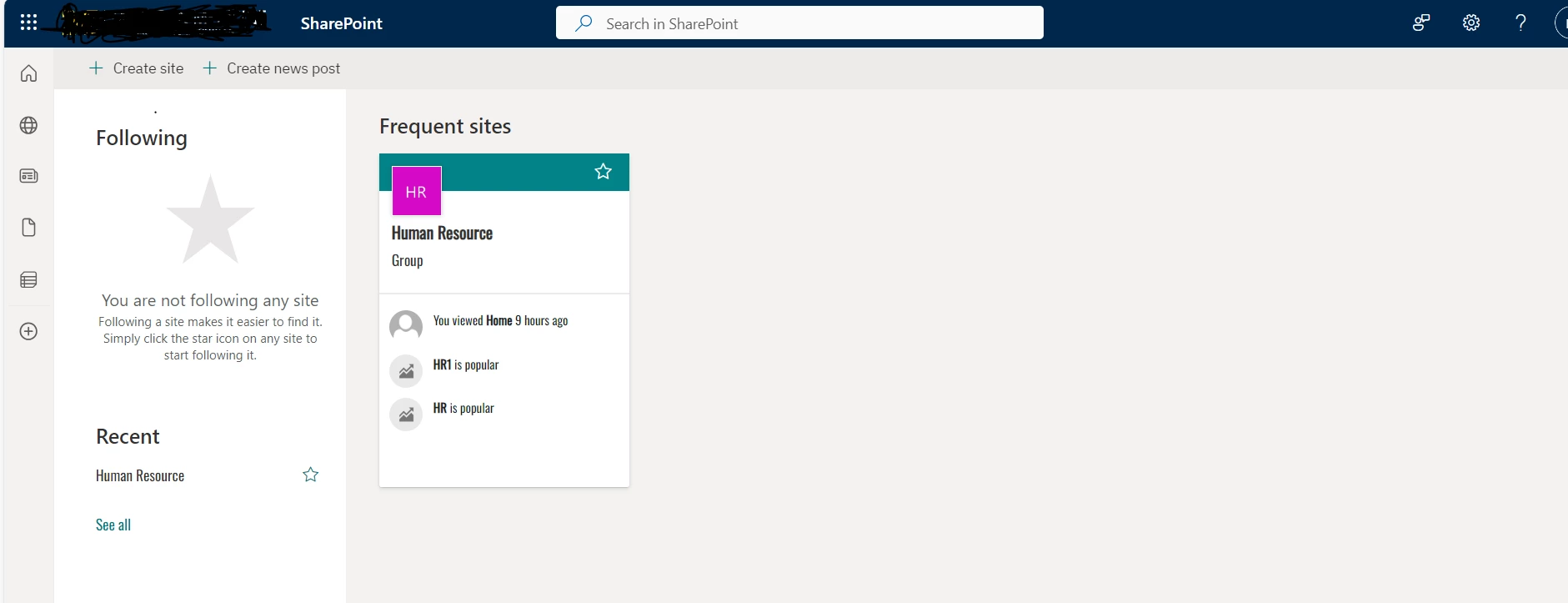
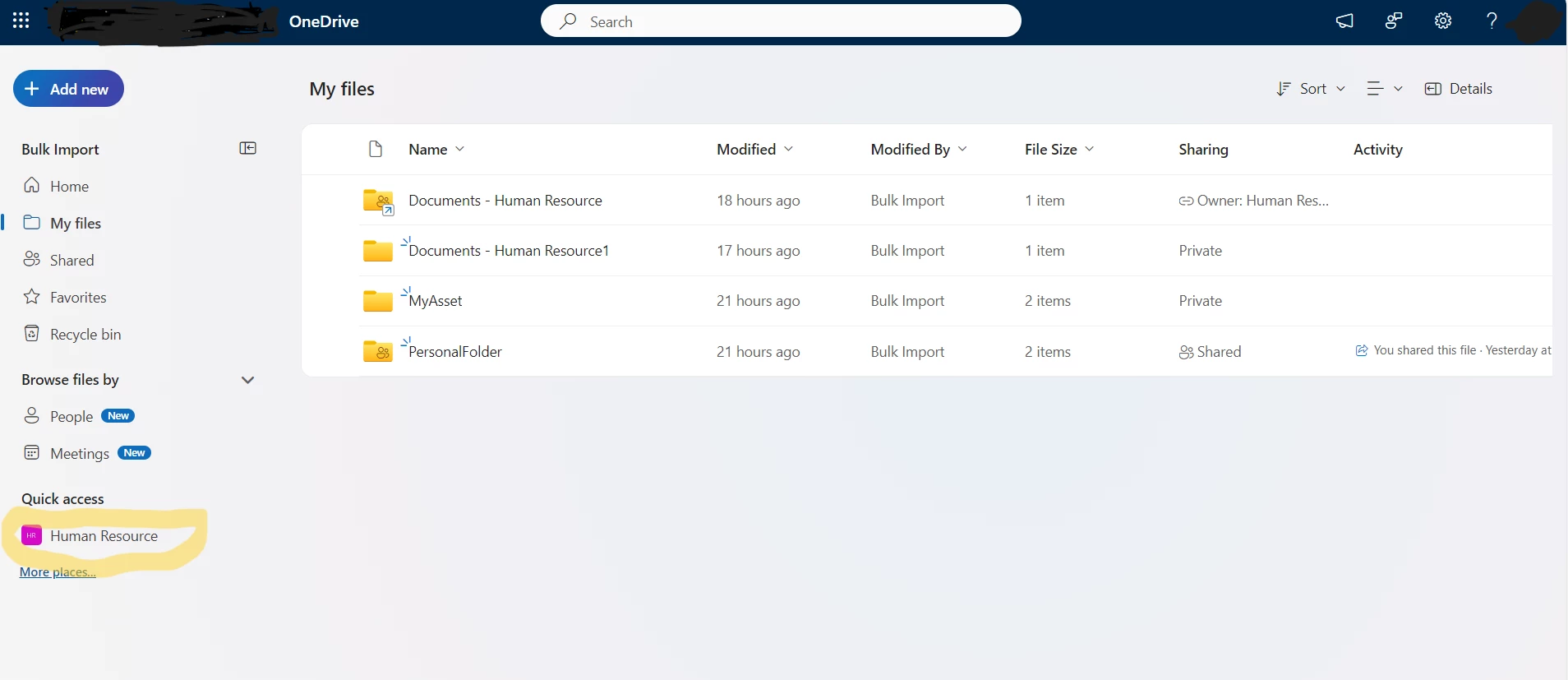
I Created a communication site(Human Resource) in SharePoint and added this folder in the OneDrive quick access .I need to download the folders into AEM Assets. Is it possible to migrate the folders from SharePoint to AEM Assets . I was unable to bulk import the quick access folder from SharePoint to AEM Assets (As mentioned below) . Is there any configuration we need to do .