3月 28, 2021 2:17 下午 UTC
已解决

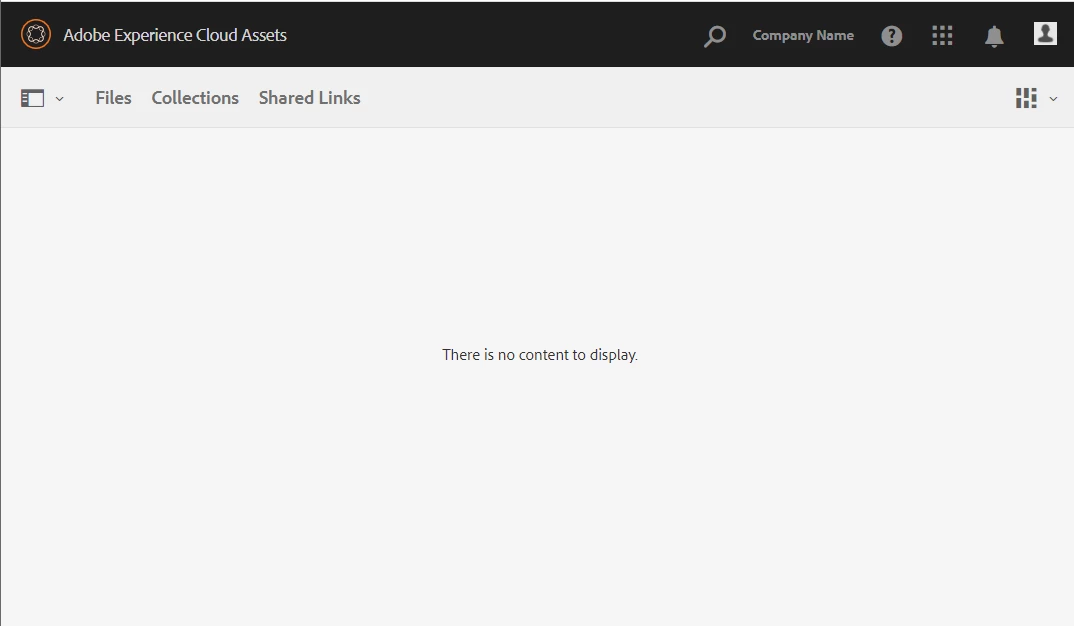
Brand Portal - 'There are no assets to display.' for Editors/Viewers roles

Hello,

I integrated Brand portal and published assets to Brand Portal by adding them to collections (from my AEM dam assets). Added users to brand portal products from Admin console. Gave them viewers or editors access. 

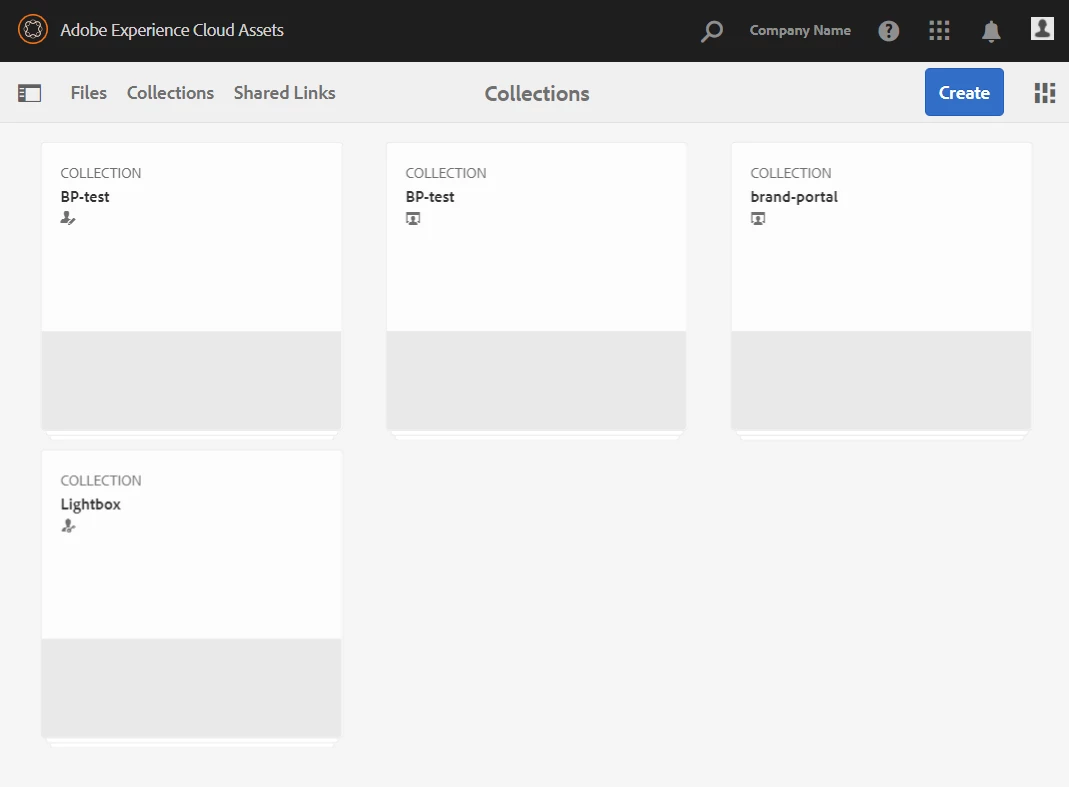
But they are unable to view any asset from Files. They can see the collections folder, but there are no assets.


Whereas when I login as admin, I can see the assets under files, collections, etc.  I created some test users with 'admin' role, they can all see the assets as admin. But not as viewers/editors roles. 

I followed the steps from this document - https://experienceleague.adobe.com/docs/experience-manager-64/assets/brandportal/configure-aem-assets-with-brand-portal.html?lang=en#upgrade-integration-64


AEM version I'm using is 6.4.8

Please let me know how can I resolve this issue and make the assets viewable and downloadable by other brand portal users.


Thank you!


此主题已关闭回复。
Adobe Employee
6月 1, 2022 3:56 上午 UTC

@j_flo For making the collections and assets visible to non-admin users, you've to share the collections/assets with them in Brand Portal. Follow instructions from this help article https://experienceleague.adobe.com/docs/experience-manager-brand-portal/using/share/brand-portal-share-collection.html?lang=en.


If the assets are still not visible after following the above steps, I recommend opening a support case with us for further investigation. 

3回复

rafwinterpacht
8月 3, 2021 6:21 下午 UTC

Did you ever get this resolved? I'm seeing the same issue. I have users added (not as admins) but they don't see content.

翻译
J_Flo
5月 31, 2022 4:34 下午 UTC

I have this issue often, and I find I have to log in through another browser or in icognito/private mode.

翻译
Adobe Employee
6月 1, 2022 3:56 上午 UTC

@j_flo For making the collections and assets visible to non-admin users, you've to share the collections/assets with them in Brand Portal. Follow instructions from this help article https://experienceleague.adobe.com/docs/experience-manager-brand-portal/using/share/brand-portal-share-collection.html?lang=en.


If the assets are still not visible after following the above steps, I recommend opening a support case with us for further investigation. 

翻译