AWS libraries for S3 connector configs not resolved in AEM as a cloud service instance
Hi Team,
AEM TO S3 Blocker UseCase ->
- AWS libraries for S3 connector configs not resolved in AEM as a cloud service instance
Environment – AEM As a cloud service
Issue –
Dependency not resolved –
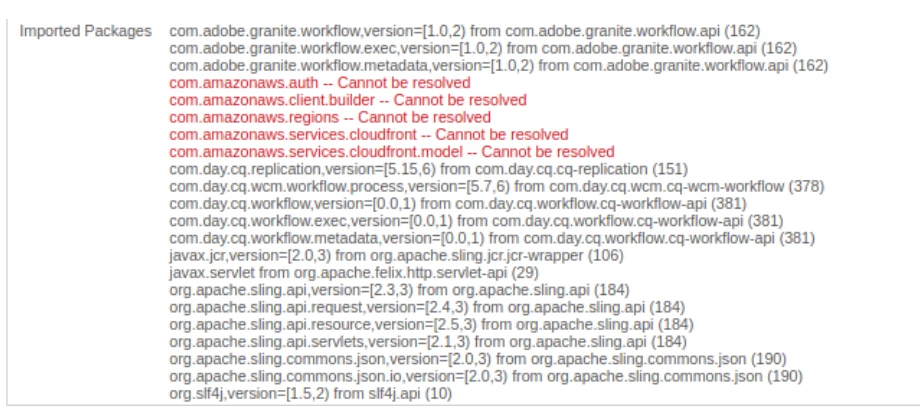
We are using the AEM as a cloud service environment and we are finding issues in using the AWS SDK libraries using as a maven dependencies. We found the way to update the couple of configurations in AEM quickstart folder which is not possible in AEM as cloud service straight forward as we don't have access to unix box to update the same. Developer console also give access for Felix configs.
Approach 1
References -
Configuring node stores and data stores in AEM 6 | Adobe Experience Manager

Failed as we are looking for system configs to get added and as per suggestion from Adobe Added the same configs in Runmode but this doesn’t support the technical usecase.
Approach 2
Reference –
AEM Project Structure | Adobe Experience Manager
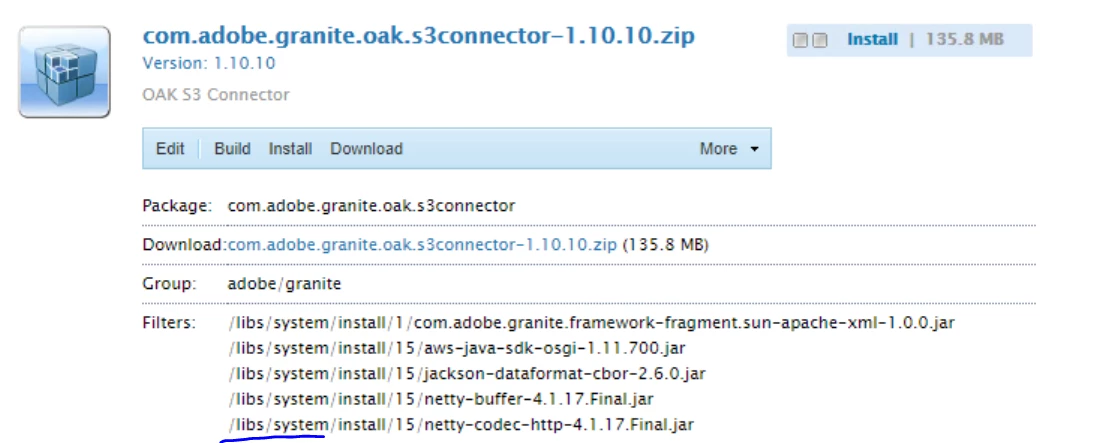
Failed as AEM as a cloud service won’t allow to install any package under /libs as it is only having read access and needs to be build this package through bundle.
Approach 3
ZIP building for project codebase and deploy as a package in direct instance as Approach 2 failed.
Reference –
AEM Project Structure | Adobe Experience Manager
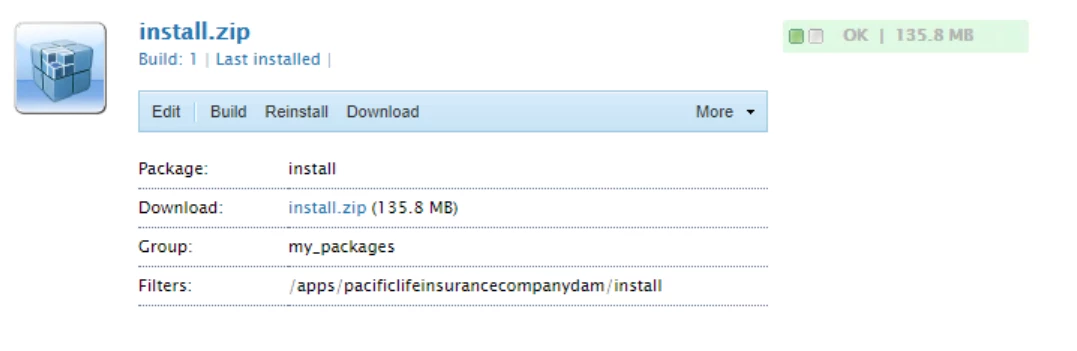
Failed as AEM as a cloud service won’t allow to install any package under /apps as it is only having read access and needs to be build this package through bundle.
Approach 4
ZIP building from project codebase as Approach 2 and 3 failed.
Reference –
1. AEM Cloud Connector Installation and Configuration – Smartling Help Center
2. Maven Repository: com.amazonaws » aws-java-sdk-s3 (mvnrepository.com)


This will allow to add S3 connector zip from project bundle as per given reference. But that way of implementation also didn’t work as it is giving same error as,
14:00:46,076 [main] [ERROR] Error resolving dependencies for project com.pacificlifeinsurancecompanydam:aem-pacificlifeinsurancecompanydam-project.all
14:00:46,077 [main] [ERROR] Failed to collect dependencies at com.adobe.granite:com.adobe.granite.oak.s3connector:zip:1.10.10
Failed as a given reference of updating embedded packages for Vendor packagesof s3connector, adding s3 depdencies and <allowIndexDefinitions>true</allowIndexDefinitions> still not worked.
Approach 5
Creating the non-osgi aws-java-sdk-osgi bundle to osgi compatible manner. Added the dependencies but still does not work.
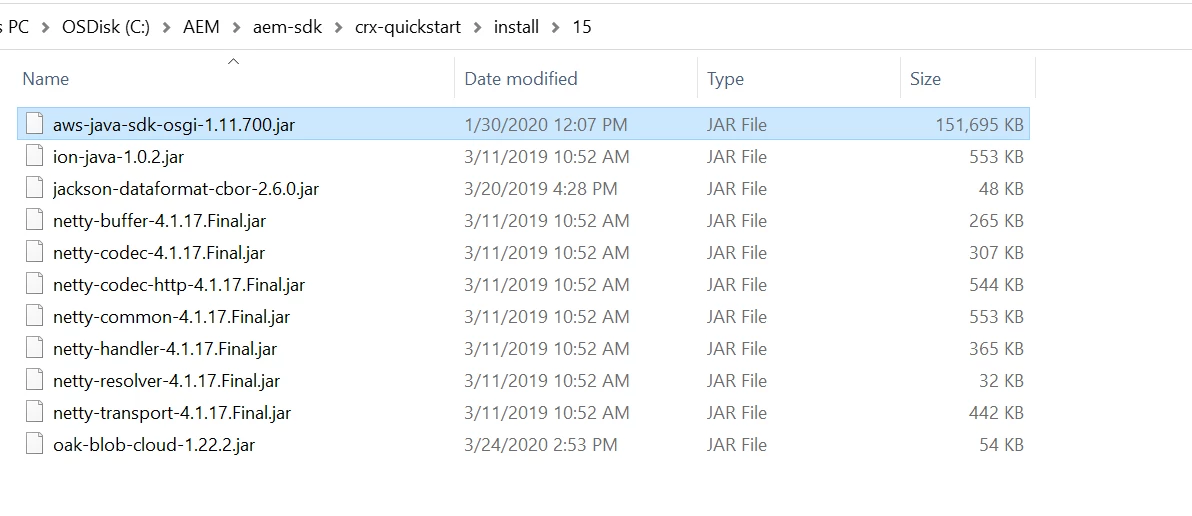
Failed as loads of depdencies not resolved with the osgi package in felix.
Thanks and Regards,
Kiran Parab