Authentication service missing error after uploading service pack 6.5.15 | Community
Skip to main content
Level 3
August 7, 2024
Solved

Authentication service missing error after uploading service pack 6.5.15

  • August 7, 2024
  • 5 replies
  • 1416 views

I am trying to do AEM setup in my local device. I am using AEM 6.5 jar along with java 8, node 22, and maven 3.9.8
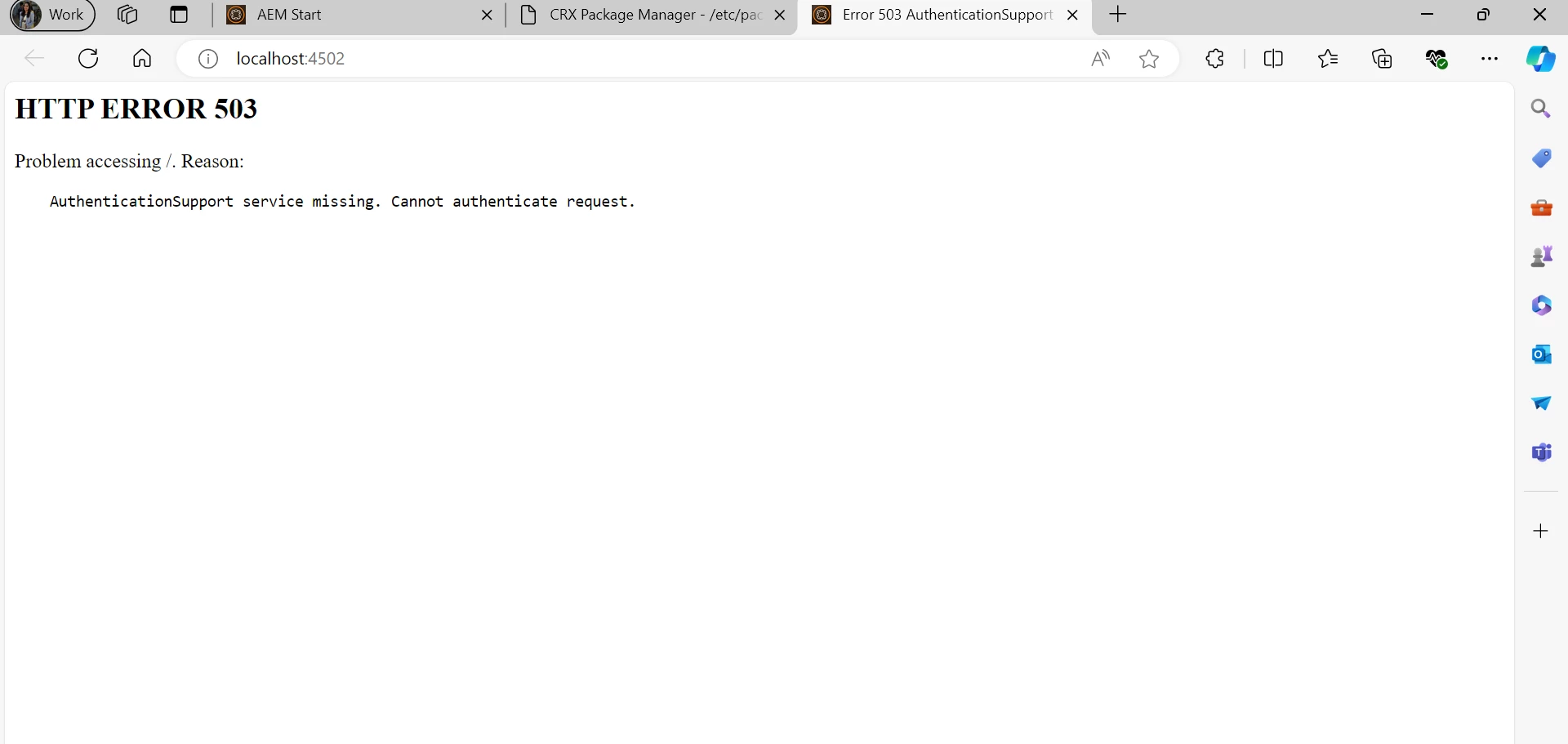
I start my instance, and as soon as I install the service pack the AEM crashes with error 503, authentication service missing.
Initially I was trying to use service pack 6.5.17, I thought it could be some compatibility issue so I tried with 6.5.15 but still facing same issue.

I tried checking error logs but I don't see any error.
 

This post is no longer active and is closed to new replies. Need help? Start a new post to ask your question.
Best answer by Manasi29

Hello @kautuk_sahni. Yeah this issue is resolved. I tried out all the solutions given by users and those were really insightful but unfortunately none of them seemed to resolve the issue.
I also am not sure what was exactly happening but I just tried to change the order of steps I generally follow while setting up an instance and it seemed to work for me.
So generally we follow the below process to setup an instance -

1. Get a jar and license file.

2. Initiate the instance with either command or double click.

3. Once the instance is on upload appropriate SP and restart instance.

4. Create a project/Deploy the code to instance. 

I just swapped step3 and step4 i.e. I first deployed an already available project on the instance and then updated the SP.
Not sure if this has anything to do with my issue as I never used this before as a solution, whenever my instance would crash I would set it up again and it generally starts up fine.

If you believe this could actually resolve the issue, can you please help me with knowing how this works internally?

5 replies

Harwinder-singh
Community Advisor
Community Advisor
August 7, 2024

@manasi29 Check the system console to see if there are bundles that are not active.

EstebanBustamante
Community Advisor and Adobe Champion
August 7, 2024

Check the logs to see if the SP was actually installed and everything properly started.

Esteban Bustamante
aanchal-sikka
Community Advisor
Community Advisor
August 7, 2024

@manasi29 


  1. Set a new AEM Instance
  2. Install SP... I am using 18
  3. Wait for logs to stabilize.
  4. Check all bundles are active.
  5. Verify various AEM links.

You should be able to access pages.

Always stop AEM gracefully, before restarting your system

Aanchal Sikka
narendiran_ravi
Level 6
August 7, 2024

You can delete the repoint directory under crx-quickstart/launchpad/config/org/apache/sling/jcr/repoinit . Sometimes custom repoint causes this issue

kautuk_sahni
Community Manager
Community Manager
August 21, 2024

@manasi29 Did you find the suggestions from users helpful? Please let us know if you require more information. Otherwise, please mark the answer as correct for posterity. If you've discovered a solution yourself, we would appreciate it if you could share it with the community. Thank you!

Kautuk Sahni
Manasi29AuthorAccepted solution
Level 3
August 21, 2024

Hello @kautuk_sahni. Yeah this issue is resolved. I tried out all the solutions given by users and those were really insightful but unfortunately none of them seemed to resolve the issue.
I also am not sure what was exactly happening but I just tried to change the order of steps I generally follow while setting up an instance and it seemed to work for me.
So generally we follow the below process to setup an instance -

1. Get a jar and license file.

2. Initiate the instance with either command or double click.

3. Once the instance is on upload appropriate SP and restart instance.

4. Create a project/Deploy the code to instance. 

I just swapped step3 and step4 i.e. I first deployed an already available project on the instance and then updated the SP.
Not sure if this has anything to do with my issue as I never used this before as a solution, whenever my instance would crash I would set it up again and it generally starts up fine.

If you believe this could actually resolve the issue, can you please help me with knowing how this works internally?