
Authentication Issue - Remote Access AEM Assets instance from AEM Sites | Community
Skip to main content
NageshRaja
Level 5
February 10, 2026
Solved

Authentication Issue - Remote Access AEM Assets instance from AEM Sites

  • February 10, 2026
  • 4 replies
  • 46 views

Hi All,


Following the config issue defined at


I have the below new issue -

I have access to both remote DAM instance and Sites instance independently.

We have deployed the OSGi config for NextGenDynamicMediaConfigImpl successfully on Sites instance.
We are seeing the option on Image (v3) component to Pick Remote or Local repo. 
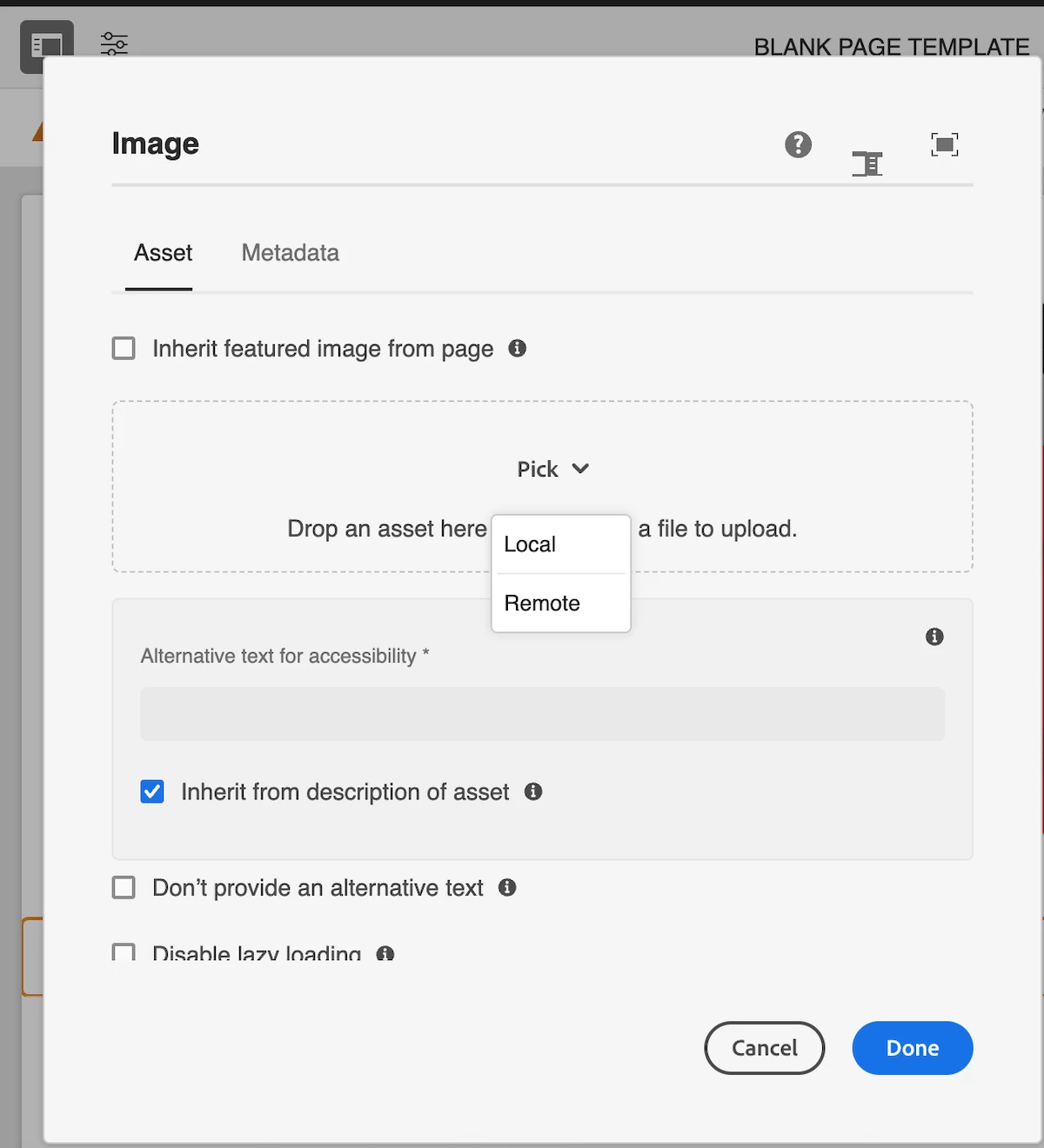
 

Image (v3) with Local & Remote Options on Pick Dropdown


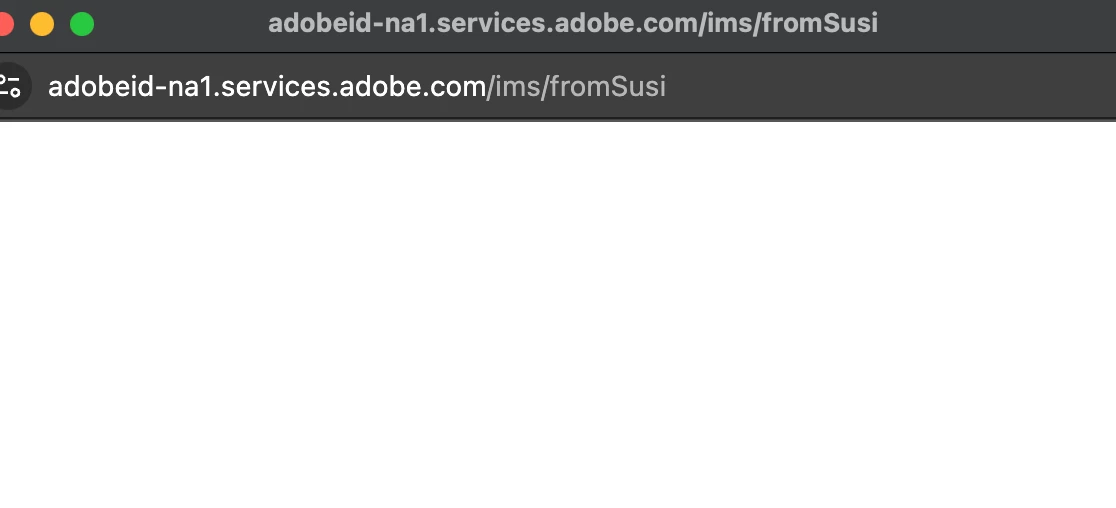
On selecting “Remote” we get the pop-up to login which automatically disappears (Assuming it picks up SSO credentials)


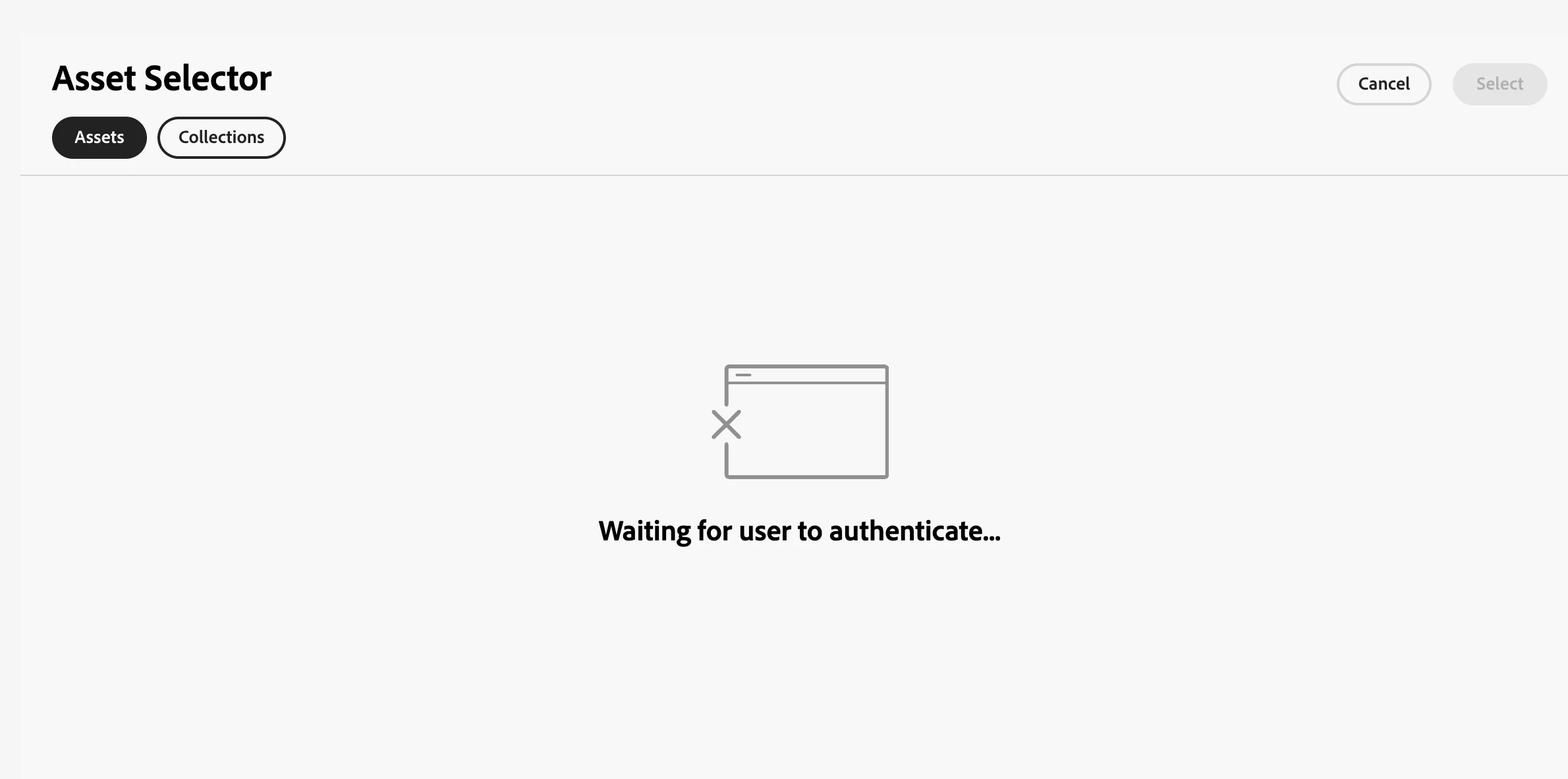
Then the popup gets replaced by the Coral UI Asset Selector Tab with message “Waiting for user to authenticate...”

Any idea what we are missing here now?

@giuseppebaglio I would highly appreciate your opinion on this problem. 


Thanks in advance,

Nagesh

    Best answer by NageshRaja

    The adobe team re-enabled the remote assets feature on the AEM Sites environment. That resolved the issue for us!

    4 replies

    chaudharynick
    Level 4
    February 10, 2026

    Hi ​@NageshRaja 

    Can you confirm if you have the access for the remote DAM instance and are you using the SSO over there as well ?


    Also, Can you please check the console and network tab and see if there is any error over there?

    NageshRaja
    Level 5
    February 10, 2026

    Yes, I have access for remote DAM instance too and we use SSO based on IMS access.

    There are no console errors related to this issue. Just a bunch of JS errors from our custom clientlibs.

    PGURUKRISHNA
    Level 4
    February 11, 2026

    Hey ​@NageshRaja 

    The authentication popup disappears but the Asset Selector gets stuck at "Waiting for user to authenticate..." because the IMS  configuration is incomplete or the CORS/authentication handshake between Sites and Assets instances is failing.

    Solution

    You need to configure the following:

    1. IMS Configuration on Sites Instance

    Ensure you have the Adobe IMS Configuration set up properly:

    • Navigate to: Tools > Security > Adobe IMS Configurations

    • Create/verify IMS configuration with:

      • Cloud Solution: Assets Essentials or Assets (depending on your setup)

      • Client ID and Client Secret from Adobe Developer Console

      • Authorization Server

        https://ims-na1.adobelogin.com
         (or appropriate region)
      • API Key (from Adobe Developer Console)

    2. CORS Configuration on Remote Assets Instance

    On the remote DAM instance, configure CORS to allow requests from Sites instance:

    Create OSGi configuration: 

    com.adobe.granite.cors.impl.CORSPolicyImpl-assets.cfg.json
    {
    "alloworigin": ["https://your-sites-instance.aem.cloud", "https://your-sites-author.com"],
    "alloworiginregexp": [],
    "allowedpaths": ["/content/dam/.*", "/api/assets/.*"],
    "supportedheaders": ["*"],
    "supportedmethods": ["GET", "HEAD", "POST", "OPTIONS"],
    "maxage": 1800,
    "supportscredentials": true,
    "exposedheaders": []
    }

    3. Verify NextGenDynamicMediaConfigImpl Configuration

    Ensure your OSGi config includes:

    {
    "enabled": true,
    "imsOrg": "YOUR_IMS_ORG_ID@AdobeOrg",
    "repositoryId": "delivery-pXXXXX-eYYYYY.adobeaemcloud.com",
    "apiKey": "YOUR_API_KEY",
    "env": "dev"
    }


    4. Token Exchange Configuration

    Create OSGi configuration: 

    com.adobe.granite.auth.ims.impl.ImsConfigProviderImpl.cfg.json
    {
    "ims.owning.entity": "YOUR_IMS_ORG_ID@AdobeOrg",
    "ims.technical.account.id": "YOUR_TECHNICAL_ACCOUNT_ID@techacct.adobe.com"
    }

    5. Clear Browser Cache & Cookies

    After configurations:

    • Clear browser cache completely

    • Clear all Adobe-related cookies

    • Restart AEM instances

    • Try in incognito/private browsing mode first

    6. Verify Network/Console Logs

    Check browser console for:

    • CORS errors

    • 401/403 authentication errors

    • Failed IMS token exchange requests

    Look for errors related to:

    •  

      ims-na1.adobelogin.com
       (or your IMS region)
    • Token validation failures

    7. Service User Mapping (if applicable)

    Ensure service user has proper permissions on both instances:

    com.adobe.cq.dam.remoteassets.impl.RemoteAssetsServiceImpl:remote-assets-service=remote-assets-service

    Quick Checklist

    •  IMS Configuration exists on Sites instance
    •  CORS configured on Assets instance allowing Sites origin
    •  API Key and IMS Org ID match in all configurations
    •  Both instances are accessible via HTTPS
    •  User has proper permissions on both instances
    •  Browser cache cleared

    The most common cause is missing or incorrect CORS configuration on the remote Assets instance. Start there first.


    NageshRaja
    Level 5
    February 11, 2026

    Hi ​@chaudharynick,

    For #1 we don’t have the option of selecting Assets or Assets Essentials


    #2, #3 and #5 are already in place.
    Can you share the documentation source for the steps mentioned?
    Adobe’s documentation at Integrate remote AEM Assets with AEM Sites doesn’t mention any of these steps as such.

    kautuk_sahni
    Community Manager
    Community Manager
    February 17, 2026

    @NageshRaja Quick follow-up! Were you able to get this issue sorted out? If you did, please consider posting the solution you used so others can learn from it. And if any of the replies above were helpful—whether they fully solved your problem or just pointed you toward the right fix—marking one as accepted helps future community members find solutions more easily. Closing the loop here makes a real difference for everyone.

    Kautuk Sahni
    NageshRaja
    NageshRajaAuthorAccepted solution
    Level 5
    February 24, 2026

    The adobe team re-enabled the remote assets feature on the AEM Sites environment. That resolved the issue for us!