Assets - PDF Not Generating Sub Assets / Page Viewer Not Available | Community
Skip to main content
Level 2
January 23, 2019
Solved

Assets - PDF Not Generating Sub Assets / Page Viewer Not Available

  • January 23, 2019
  • 5 replies
  • 3580 views

Any multi-page PDF that I upload to the DAM does not generate sub assets and the PDF has no page viewer available as referenced here: Managing Compound Assets

Is there a prequisite to this? It seems to be part of the DAM Update Asset Workflow. Any help would be appreciated.
This post is no longer active and is closed to new replies. Need help? Start a new post to ask your question.
Best answer by smacdonald2008

I am able to reproduce this.....

This is a bug - please open a ticket and report this so it can be fixed.

5 replies

smacdonald2008
Level 10
January 23, 2019

It should all be documented in this topic. Did you follow each step in detail?

crazy4aemAuthor
Level 2
January 23, 2019

Thanks for the reply. Yes, all steps were followed.

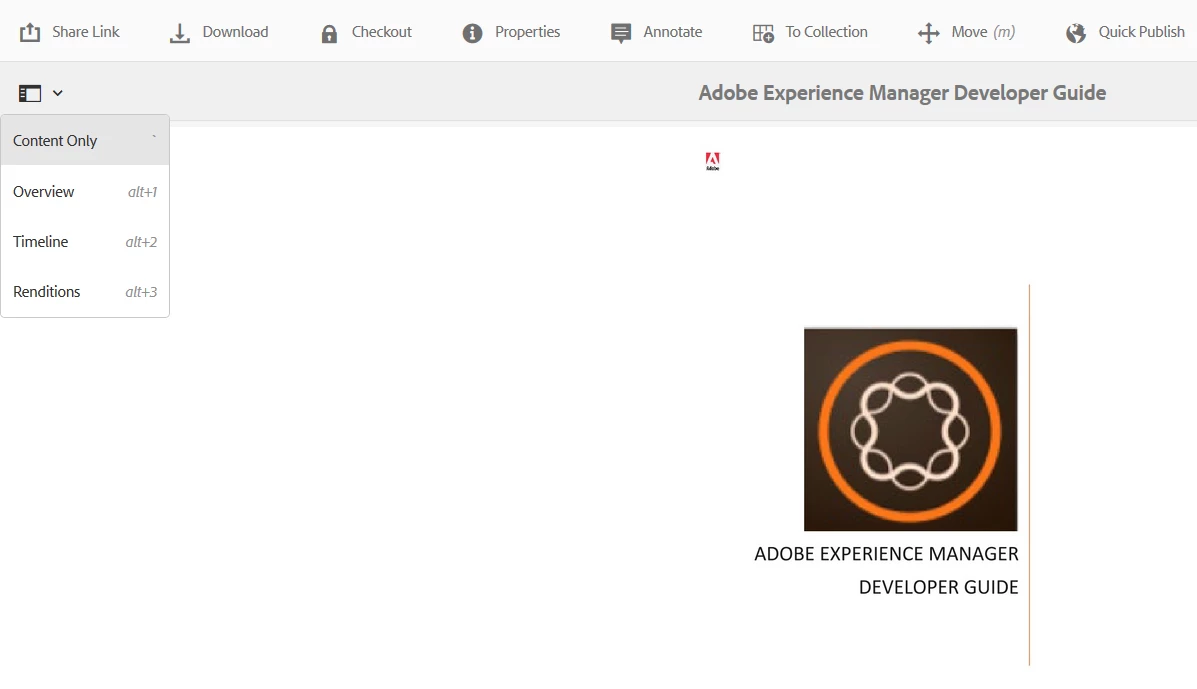
Specifically in step 3, Click the Global Nav icon, and then choose Pages from the menu.

The Pages menu item does not exist at all.

smacdonald2008
smacdonald2008Accepted solution
Level 10
January 23, 2019

I am able to reproduce this.....

This is a bug - please open a ticket and report this so it can be fixed.

Nitin_laad
Community Advisor
Community Advisor
November 21, 2019

Hi smacdonald2008​, Vish.dhaliwalkautuk sahni

Is there any update on this issue, reproducible in AEM 6.4.2.

Regards,

NJ

Nitin_laad
Community Advisor
Community Advisor
November 21, 2019

It looks "Pages" option has been replaced with "view pages" link.