
Are there no local content fragments? | Community
Skip to main content
jasonklaaste
Level 2
June 5, 2025
Solved

Are there no local content fragments?

  • June 5, 2025
  • 3 replies
  • 781 views

Good day to everyone. 

I have successfully set up AEM AAC locally following this guide:
https://experienceleague.adobe.com/en/docs/experience-manager-learn/cloud-service/local-development-environment-set-up/aem-runtime

I signed in with the default admin:admin. 

For some reason, when I click on content fragments on the home screen:
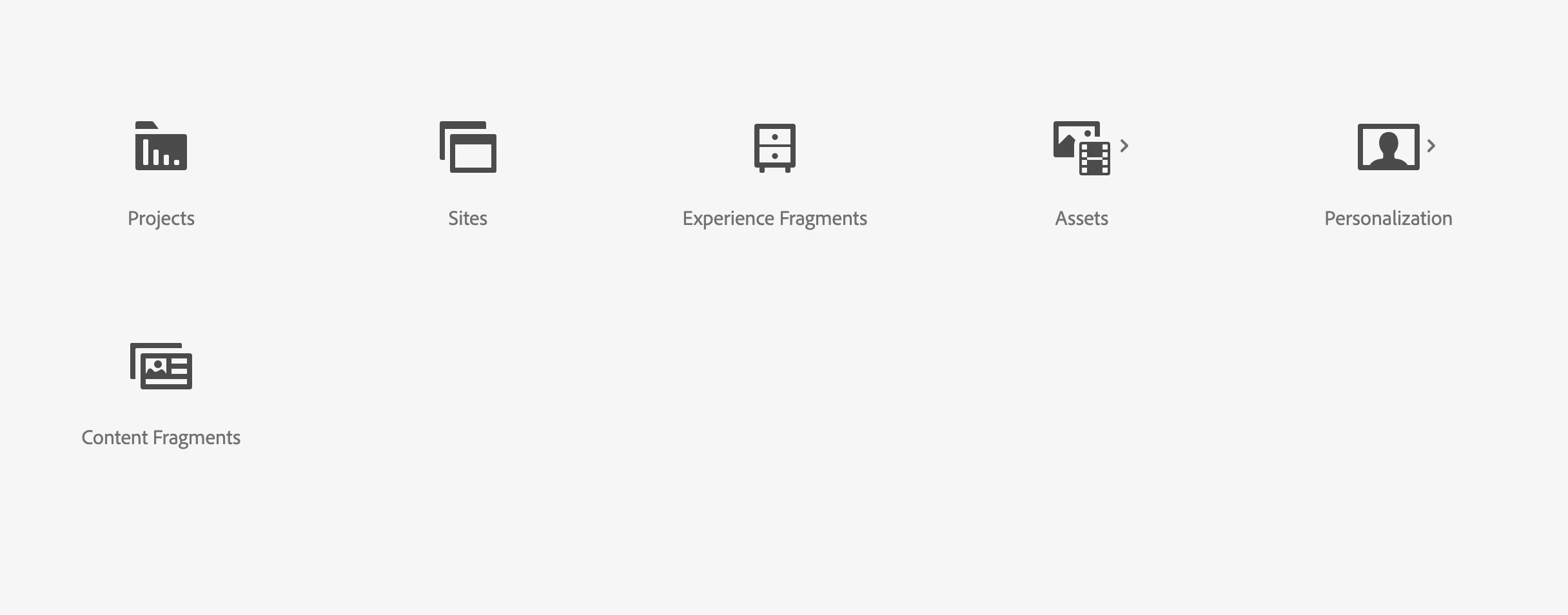


It leads me to this page:
https://experience-stage.adobe.com/?repo=author-p76802-e185965-cmstg.adobeaemcloud.com#/aem/cf/admin


Where it asks me to log in again. Once I log in I see this screen:


Am I not able to create Content Fragments/Content Fragment Models?

This post is no longer active and is closed to new replies. Need help? Start a new post to ask your question.
Best answer by jasonklaaste

@arunpatidar I think someone in the community has already answered my question here: https://experienceleaguecommunities.adobe.com/t5/adobe-experience-manager/adobe-developers-live-november-2022-session-introduction-into-ui/m-p/725213/highlight/true#M48752


So, if anyone views this and wants the same answer, we currently we can only edit content fragments locally using the old editor locally and if you want access to the new CF editor, you need to have access to AEMAAC. 

Thanks for your assistance team! 👍

3 replies

SantoshSai
Community Advisor
Community Advisor
June 5, 2025

Hi @jasonklaaste,

The issue where clicking on Content Fragments redirects you to https://experience-stage.adobe.com/... suggests that the dashboard link is pointing to Adobe's cloud environment instead of your local instance.

To resolve this:

  • Ensure you're accessing your local AEM instance directly via http://localhost:4502.

  • Avoid using bookmarks or links that might redirect to Adobe's cloud environment.

Could you try with some other browser/incognito mode? - I feel it's browser caching issue.

Regarding CF, please refer this: https://experienceleague.adobe.com/en/docs/experience-manager-cloud-service/content/sites/administering/content-fragments/setup

Santosh Sai
jasonklaaste
Level 2
June 6, 2025

Hi @santoshsai,

Thanks for your response. I've had a look at that and unfortunately I get the same result. 

arunpatidar
Community Advisor
Community Advisor
June 5, 2025

Hi @jasonklaaste 

You can edit CF in local as well. But you need to go to CF e.g. http://localhost:4502/assets.html/content/dam/wknd-shared/en/magazine/western-australia and use the old editor.


The new editor works(UE) with AEMaaCS Author.

Please check below

https://experienceleague.adobe.com/en/docs/experience-manager-learn/content-fragments-console/editor/new-editor-toggle

Arun Patidar
jasonklaaste
Level 2
June 6, 2025

Hi @arunpatidar I see what you mean.

I guess, I was just confused. I can create Content Fragment Models from the Content Fragments Models section in the settings panel:


But I have to go to the DAM to create the Content Fragments. This is a confusing since there is a section on the CMS that clearly states content fragments.

Interestingly enough, when I view my content fragment in the DAM, I see the following:

This is the old content fragment editor experience. When I click on switch to the new editor, I get redirected to the same page as when I select Content Fragment on the main menu. Does that mean I am missing something from my local installation? The universal editor for example.

jasonklaaste
jasonklaasteAuthorAccepted solution
Level 2
June 6, 2025

@arunpatidar I think someone in the community has already answered my question here: https://experienceleaguecommunities.adobe.com/t5/adobe-experience-manager/adobe-developers-live-november-2022-session-introduction-into-ui/m-p/725213/highlight/true#M48752


So, if anyone views this and wants the same answer, we currently we can only edit content fragments locally using the old editor locally and if you want access to the new CF editor, you need to have access to AEMAAC. 

Thanks for your assistance team! 👍

MukeshYadav_
Community Advisor
Community Advisor
June 6, 2025

Hi @jasonklaaste ,

We can create / access content fragment on local by navigating to Assets -> Files -> create button -> content fragment
and can be edited/accessed by selecting content fragment


Thanks