AEM6.3 how to upload from dam for page properties in touch ui | Community
Skip to main content
srinivas_chann1
Level 7
October 7, 2019
Solved

AEM6.3 how to upload from dam for page properties in touch ui

  • October 7, 2019
  • 2 replies
  • 1141 views

Hi,

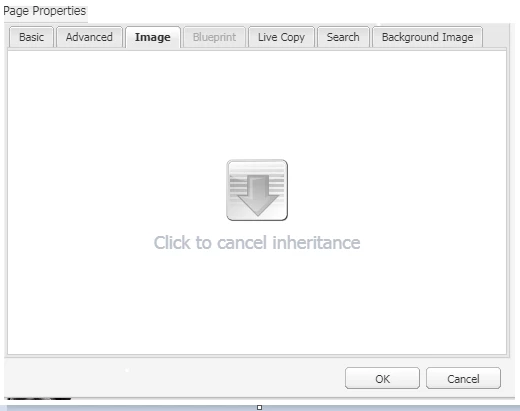
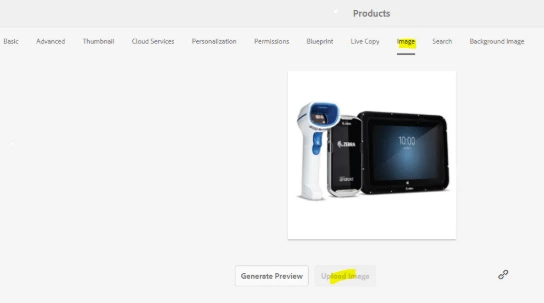
In classic we can drag and drop from dam  but in touch ui we can only upload from local desktop.

Please provide inputs as how to resolve this .If you have any custom code that will be helpful if i need to customize.
Thanks

This post is no longer active and is closed to new replies. Need help? Start a new post to ask your question.
Best answer by user05162

This is working as designed as page properties do not open as a dialog anymore in touch UI. As a workaround, you can use the path field to browse the image.

[1] PathField — Granite UI 1.0 documentation

2 replies

user05162Adobe EmployeeAccepted solution
Adobe Employee
October 7, 2019

This is working as designed as page properties do not open as a dialog anymore in touch UI. As a workaround, you can use the path field to browse the image.

[1] PathField — Granite UI 1.0 documentation

srinivas_chann1
Level 7
October 7, 2019

Thanks for the inputs.

We are using both classic and touch ui in that case who this work??