AEM WKND Tutorial Setup Errors | Community
Skip to main content
Level 2
March 23, 2018
Solved

AEM WKND Tutorial Setup Errors

  • March 23, 2018
  • 13 replies
  • 5412 views

Hi, hope someone can help me out with this.

I'm currently following along with the WKND tutorial, at the project setup stage.

Getting Started with AEM Sites Part 1 - Project Setup

On step 4 "Build Your Project" I typed in the following commands:

$ cd aem-guides-wknd

$ mvn -PautoInstallPackage clean install

But I get the following errors:

[INFO] Reactor Summary:

[INFO]

[INFO] WKND Sites Project - Reactor Project 0.0.1-SNAPSHOT  SUCCESS [  0.102 s]

[INFO] WKND Sites Project Bundle .......................... FAILURE [  0.320 s]

[INFO] WKND Sites Project Content Package 0.0.1-SNAPSHOT .. SKIPPED

[INFO] ------------------------------------------------------------------------

[INFO] BUILD FAILURE

[INFO] ------------------------------------------------------------------------

[INFO] Total time: 1.250 s

[INFO] Finished at: 2018-03-23T11:36:57-04:00

[INFO] ------------------------------------------------------------------------

[ERROR] Failed to execute goal org.apache.felix:maven-scr-plugin:1.20.0:scr (generate-scr-descriptor) on project wknd-sites-guide.core: Execution generate-scr-descriptor of goal org.apache.felix:maven-scr-plugin:1.20.0:scr failed: org.apache.felix.scrplugin.annotations.AnnotationProcessor is not an ImageIO SPI class -> [Help 1]

[ERROR]

[ERROR] To see the full stack trace of the errors, re-run Maven with the -e switch.

[ERROR] Re-run Maven using the -X switch to enable full debug logging.

[ERROR]

[ERROR] For more information about the errors and possible solutions, please read the following articles:

[ERROR] [Help 1] http://cwiki.apache.org/confluence/display/MAVEN/PluginExecutionException

[ERROR]

[ERROR] After correcting the problems, you can resume the build with the command

[ERROR]   mvn <goals> -rf :wknd-sites-guide.core
This post is no longer active and is closed to new replies. Need help? Start a new post to ask your question.
Best answer by smacdonald2008

I am testing the Lazybone one that i referenced.

I followed doc and imported it into Eclipse - NEON.

then following the docs - i build project

It was successfully built...

But before Maven will build projects using the Eclipse IDE - make sure you can build project using the Command line as described in the article i referenced in the previous reply.

13 replies

smacdonald2008
Level 10
March 23, 2018

Try mvn -PautoInstallPackage install

Also -- see if you can deploy this similar project -- Creating an Adobe Experience Manager project using Lazybones

Level 3
April 16, 2021
I see the same problem when moving code from java 8 to 11 in AEM 6.5
Ratna_Kumar
Level 10
March 23, 2018

Hi,

Can you try building this command - mvn -PautoInstallPackage install ...

I do not see any setup errors for WKND sites. It works absolutely fine for me.

Thanks,

Ratna Kumar.

Level 2
March 23, 2018

Hi,

I am still getting the same errors with that command:

[INFO] ------------------------------------------------------------------------

[INFO] Reactor Build Order:

[INFO]

[INFO] WKND Sites Project - Reactor Project                               [pom]

[INFO] WKND Sites Project Bundle                                       [bundle]

[INFO] WKND Sites Project Content Package                     [content-package]

[INFO]

[INFO] ---------------< com.adobe.aem.guides:wknd-sites-guide >----------------

[INFO] Building WKND Sites Project - Reactor Project 0.0.1-SNAPSHOT       [1/3]

[INFO] --------------------------------[ pom ]---------------------------------

[INFO]

[INFO] --- maven-install-plugin:2.5.2:install (default-install) @ wknd-sites-guide ---

[INFO] Installing /Users/geoff.gunn/aem-guides-wknd/pom.xml to /Users/geoff.gunn/.m2/repository/com/adobe/aem/guides/wknd-sites-guide/0.0.1-SNAPSHOT/wknd-sites-guide-0.0.1-SNAPSHOT.pom

[INFO]

[INFO] -------------< com.adobe.aem.guides:wknd-sites-guide.core >-------------

[INFO] Building WKND Sites Project Bundle 0.0.1-SNAPSHOT                  [2/3]

[INFO] -------------------------------[ bundle ]-------------------------------

[INFO]

[INFO] --- maven-resources-plugin:2.6:resources (default-resources) @ wknd-sites-guide.core ---

[INFO] Using 'UTF-8' encoding to copy filtered resources.

[INFO] skip non existing resourceDirectory /Users/geoff.gunn/aem-guides-wknd/core/src/main/resources

[INFO]

[INFO] --- maven-compiler-plugin:3.1:compile (default-compile) @ wknd-sites-guide.core ---

[INFO] Nothing to compile - all classes are up to date

[INFO]

[INFO] --- maven-scr-plugin:1.20.0:scr (generate-scr-descriptor) @ wknd-sites-guide.core ---

[INFO] ------------------------------------------------------------------------

[INFO] Reactor Summary:

[INFO]

[INFO] WKND Sites Project - Reactor Project 0.0.1-SNAPSHOT  SUCCESS [  0.082 s]

[INFO] WKND Sites Project Bundle .......................... FAILURE [  0.309 s]

[INFO] WKND Sites Project Content Package 0.0.1-SNAPSHOT .. SKIPPED

[INFO] ------------------------------------------------------------------------

[INFO] BUILD FAILURE

[INFO] ------------------------------------------------------------------------

[INFO] Total time: 1.223 s

[INFO] Finished at: 2018-03-23T15:15:36-04:00

[INFO] ------------------------------------------------------------------------

[ERROR] Failed to execute goal org.apache.felix:maven-scr-plugin:1.20.0:scr (generate-scr-descriptor) on project wknd-sites-guide.core: Execution generate-scr-descriptor of goal org.apache.felix:maven-scr-plugin:1.20.0:scr failed: org.apache.felix.scrplugin.annotations.AnnotationProcessor is not an ImageIO SPI class -> [Help 1]

[ERROR]

[ERROR] To see the full stack trace of the errors, re-run Maven with the -e switch.

[ERROR] Re-run Maven using the -X switch to enable full debug logging.

[ERROR]

[ERROR] For more information about the errors and possible solutions, please read the following articles:

[ERROR] [Help 1] http://cwiki.apache.org/confluence/display/MAVEN/PluginExecutionException

[ERROR]

[ERROR] After correcting the problems, you can resume the build with the command

[ERROR]   mvn <goals> -rf :wknd-sites-guide.core
Level 2
March 23, 2018

I followed that guide and received the the following error:

[INFO] Reactor Summary:

[INFO]

[INFO] My AEM Project - Reactor Project ................... SUCCESS [  0.085 s]

[INFO] My AEM Project Bundle .............................. FAILURE [  0.310 s]

[INFO] My AEM Project Content Package ..................... SKIPPED

[INFO] ------------------------------------------------------------------------

[INFO] BUILD FAILURE

[INFO] ------------------------------------------------------------------------

[INFO] Total time: 1.359 s

[INFO] Finished at: 2018-03-23T16:05:49-04:00

[INFO] Final Memory: 13M/57M

[INFO] ------------------------------------------------------------------------

[ERROR] Failed to execute goal org.apache.felix:maven-scr-plugin:1.20.0:scr (generate-scr-descriptor) on project example-project.core: Execution generate-scr-descriptor of goal org.apache.felix:maven-scr-plugin:1.20.0:scr failed: org.apache.felix.scrplugin.annotations.AnnotationProcessor is not an ImageIO SPI class -> [Help 1]

[ERROR]

[ERROR] To see the full stack trace of the errors, re-run Maven with the -e switch.

[ERROR] Re-run Maven using the -X switch to enable full debug logging.

[ERROR]

[ERROR] For more information about the errors and possible solutions, please read the following articles:

[ERROR] [Help 1] http://cwiki.apache.org/confluence/display/MAVEN/PluginExecutionException

[ERROR]

[ERROR] After correcting the problems, you can resume the build with the command

[ERROR]   mvn <goals> -rf :example-project.core

smacdonald2008
Level 10
March 23, 2018

It looks like you have not properly setup your Maven - can you compile some of the basic articles - like this one: Scott's Digital Community: Creating an Adobe Experience Manager 6.3 Project using Adobe Maven Archetype 11

smacdonald2008
smacdonald2008Accepted solution
Level 10
March 23, 2018

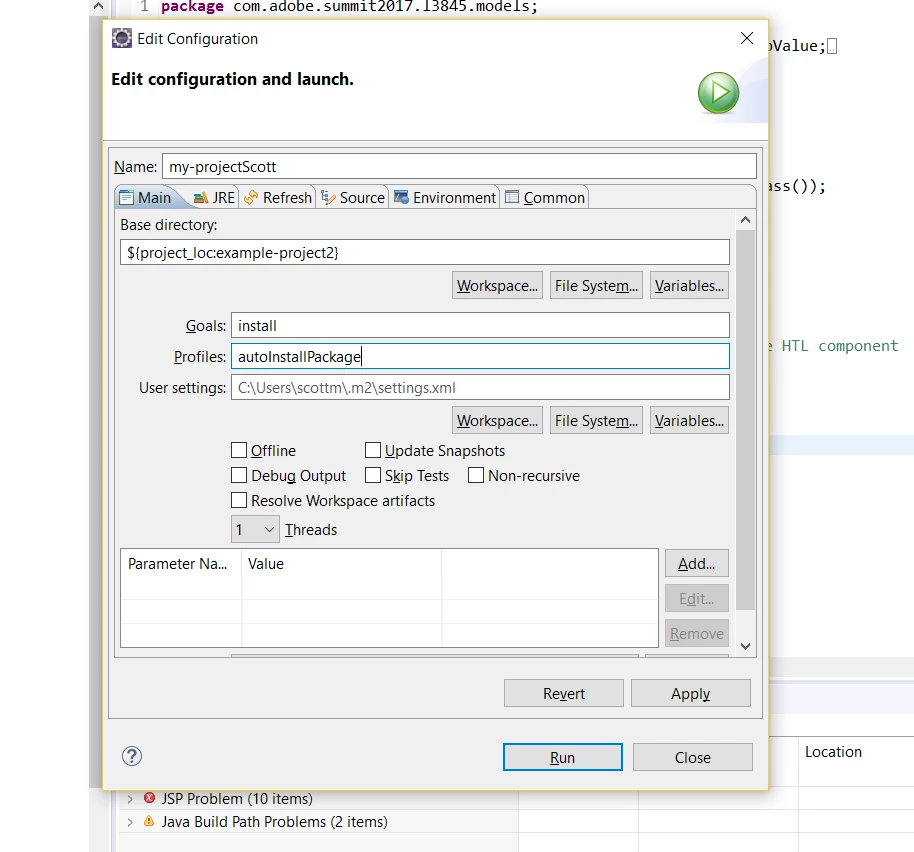
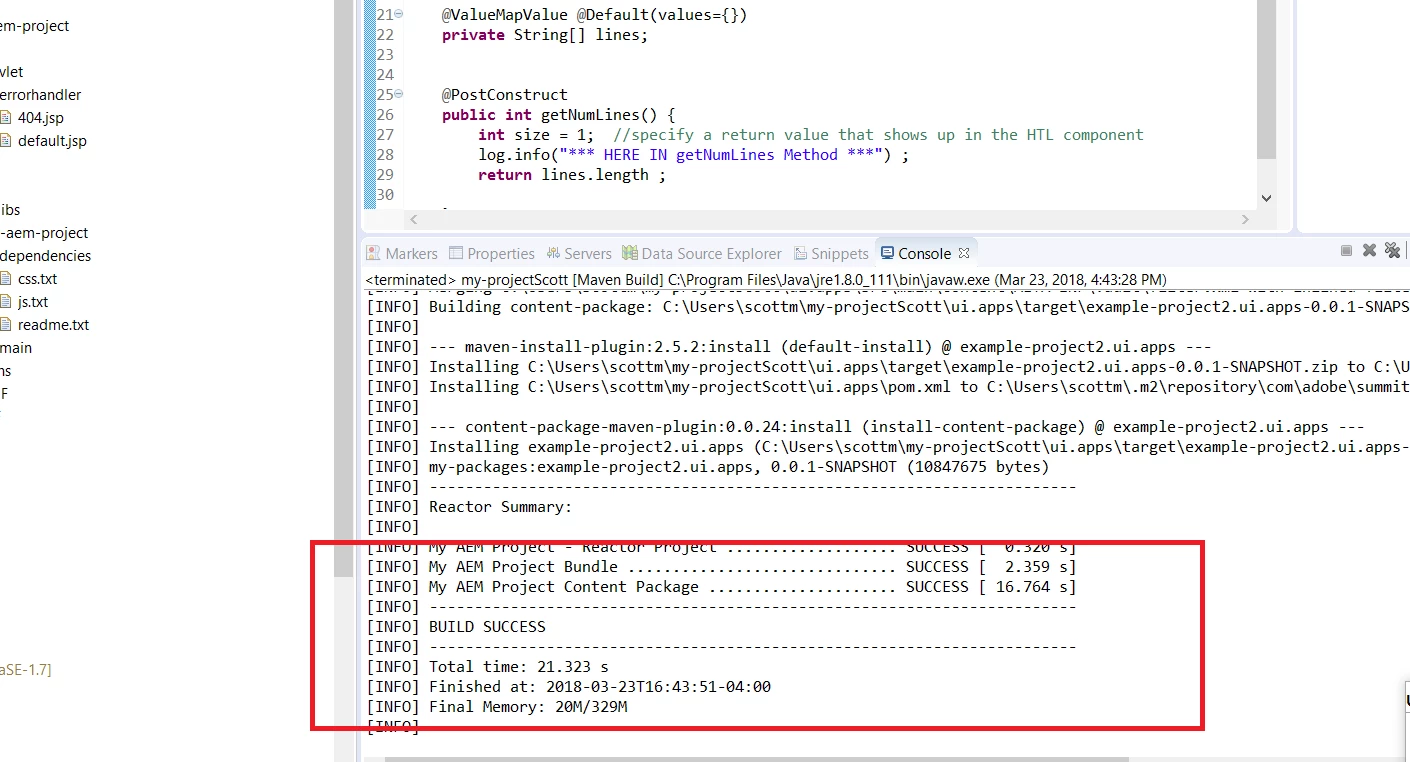
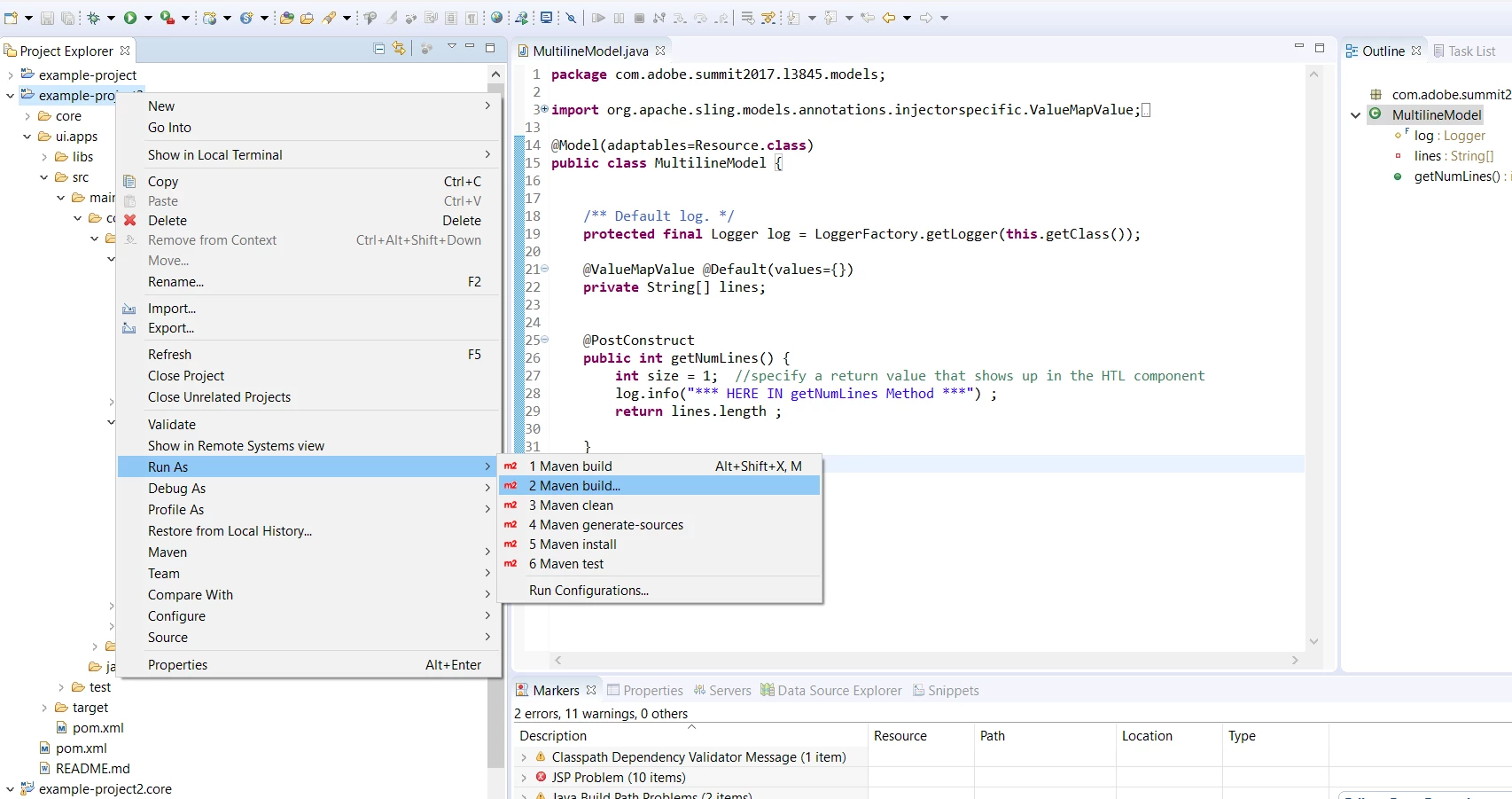
I am testing the Lazybone one that i referenced.

I followed doc and imported it into Eclipse - NEON.

then following the docs - i build project

It was successfully built...

But before Maven will build projects using the Eclipse IDE - make sure you can build project using the Command line as described in the article i referenced in the previous reply.

Level 2
March 23, 2018

Thank you for your guidance. I'm still running into errors but will ensure I've covered everything on my end. Much appreciated.

smacdonald2008
Level 10
March 23, 2018

Please try building the Maven 11 Archetype project using Maven and the command line. Let us know where you are successful. I suspect the issue is with your DEV setup.

Level 2
March 24, 2018

I followed the building Maven 11 Archetype project article you posted, but I'm still getting build errors. However, it appears that Maven is set up alright on my end:

Apache Maven 3.5.3 (3383c37e1f9e9b3bc3df5050c29c8aff9f295297; 2018-02-24T14:49:05-05:00)

Maven home: /Users/myName/apache-maven-3.5.3

Java version: 10, vendor: Oracle Corporation

Java home: /Library/Java/JavaVirtualMachines/jdk-10.jdk/Contents/Home

Default locale: en_CA, platform encoding: UTF-8

OS name: "mac os x", version: "10.11.6", arch: "x86_64", family: "mac"

Level 2
March 24, 2018

I made some great progress! I was able to deploy successfully (following this guide: Creating an Adobe Experience Manager project using Lazybones ). However, I am unable to get to the stage where I create an editable template. I've attached a couple screenshots.

Unable to pick template type.

Children do indeed exist.