Question
AEM Translation Project Customization – Unable to Simplify Project Dialog & Properties
Description:
We are working on customizing the AEM Translation Project workflow to simplify the project creation experience.
Requirement:
The goal is to reduce unnecessary fields and configurations in the Translation Project creation dialog and project overview.
Specifically:
- Remove unused properties from the Project Initialization Dialog
- Set a default translation language
- Restrict project templates and pods to only translation-related ones
- Ensure removed properties are not visible later in the Project Summary/Overview
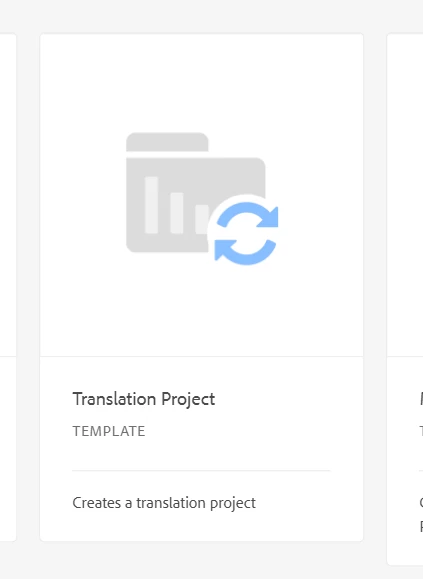
Only the Translation Project template should be visible during project creation. After the project is created, in the Add → Translation Job option, only the source languages "en" and "de" should be available for selection.
What We Tried:
- Attempted overlay of:
/libs/cq/core/content/projects/templates→/apps/cq/core/content/projects/templates - Manual overlay via CRXDE Lite (facing errors)
- Verified permissions and access
- Compared configurations across environments
Finally:
1. Is there a recommended way to customize Translation Project
Could you please guide me..!
Thankyou...