AEM SSO Authentication - Multiple users get created (with same synchronized attributes) after a successful authetication | Community
Skip to main content
Level 2
September 1, 2023
Solved

AEM SSO Authentication - Multiple users get created (with same synchronized attributes) after a successful authetication

  • September 1, 2023
  • 1 reply
  • 933 views

Good morning, afternoon or evening.


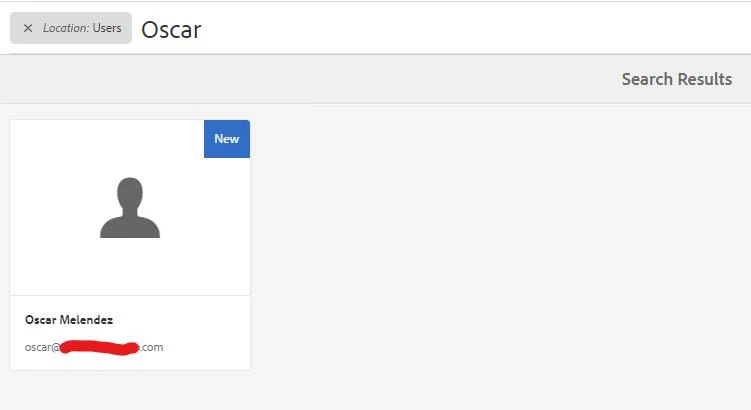
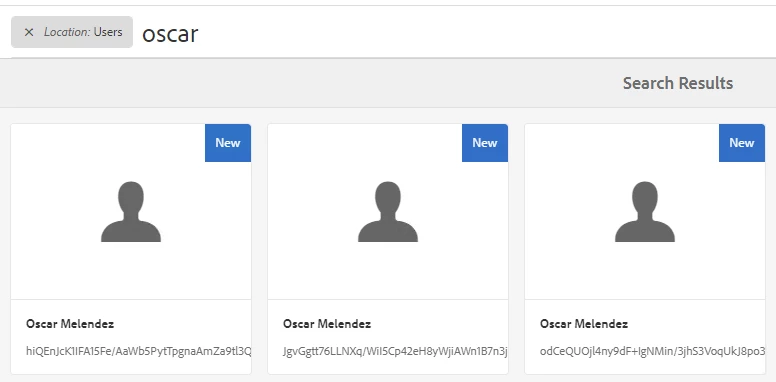
I'm trying to set up AEM SSO authentication with Azure and on top of that, I'm also trying to synchronize attributes (which works just fine. I'm using Adobe Granite SAML 2.0 Authentication Handler to achieve that), after the Azure SSO authentication ends successfully. A user with synchronized attributes is created in AEM User Management section (as expected.) The thing here is that every time I authenticate the same user, new users are created with the same data (email, name, lastname). The only difference among them is their ID.  Am I missing something like setting a constraint to avoid records with the same data? 


This is how the duplicated records look like.


In case it helps, under the Adobe Granite SAML 2.0 Authentication Handler section, I checked the Autocreate CRX Users option

 and this is how I'm synchronizing the Azure SSO response attributes

 

Thanks in advance for any support and guidance you could give me.

Regards, Oscar.



Best answer by Oscar_S360

For those reading and facing a similar issue, I could fix it myself.

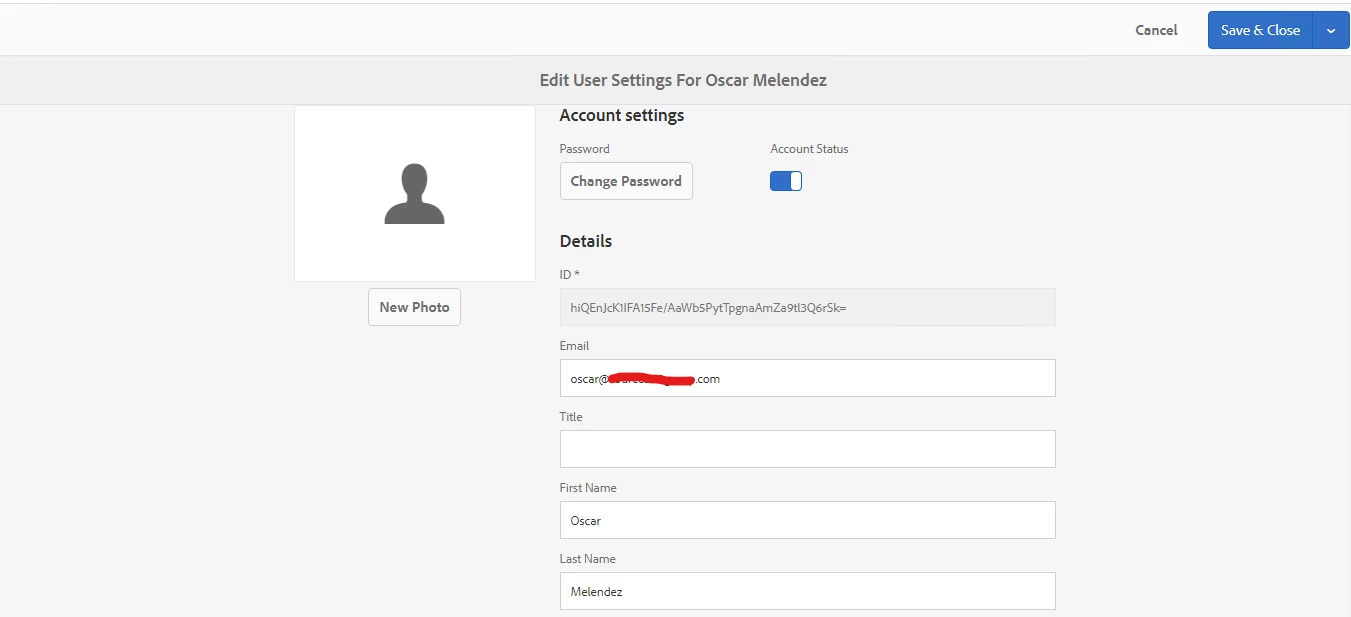
After doing a research and reading other posts, I noticed I had left the UserID attribute empty. (that's the reason why user records have a random string as ID and more than one user can have the same synchronized data) 

All I had to do to fix the issue was setting an XML attribute (from the athentication response) in that UserID attribute field (in my case I used the user's email address as unique ID)


Then I just had to save changes and test my user again (multiple times, to make sure it was not being duplicated like before) 


Hope this info can help others facing similar issues (synchronized attributes and duplicated users with random ID's).


Regards, 

Oscar.


1 reply

Oscar_S360AuthorAccepted solution
Level 2
September 1, 2023

For those reading and facing a similar issue, I could fix it myself.

After doing a research and reading other posts, I noticed I had left the UserID attribute empty. (that's the reason why user records have a random string as ID and more than one user can have the same synchronized data) 

All I had to do to fix the issue was setting an XML attribute (from the athentication response) in that UserID attribute field (in my case I used the user's email address as unique ID)


Then I just had to save changes and test my user again (multiple times, to make sure it was not being duplicated like before) 


Hope this info can help others facing similar issues (synchronized attributes and duplicated users with random ID's).


Regards, 

Oscar.