AEM Sites Remote DAM Asset Selector video support and metadata search | Community
Skip to main content
NageshRaja
Level 5
April 14, 2026
Solved

AEM Sites Remote DAM Asset Selector video support and metadata search

  • April 14, 2026
  • 3 replies
  • 65 views

Hi All,


We have migrated from a 3rd party DAM provider to AEM Assets

We are now replacing the 3rd party dependency and package by changing the sling:resourceType FROM custom path "/apps/3rdparty-connector/core/ui/components/content/custom-pathfield" TO sling:resourceType="cq/gui/components/authoring/dialog/fileupload".

Our Sites Program and Assets Program are different and hence need to be connected via Remote DAM Asset Selector. To do so, we have added the configuration "com.adobe.cq.ui.wcm.commons.internal.services.NextGenDynamicMediaConfigImpl.cfg.json" to connect to remote DAM Instance.

We are able to connect to DAM Instance and using remote option for image selection able to select the image and display it in our pages. (Delivery URL Sample - https://delivery-p0000001-e0000002.adobeaemcloud.com/adobe/assets/urn:aaid:aem:00099990-0001-46f7-9a19-f0csd229b0d2d/as/test.png)
 

However, we are missing few things.
1. Ability to filter assets other than images (Videos are not supported)
2. Metadata based search for assets.
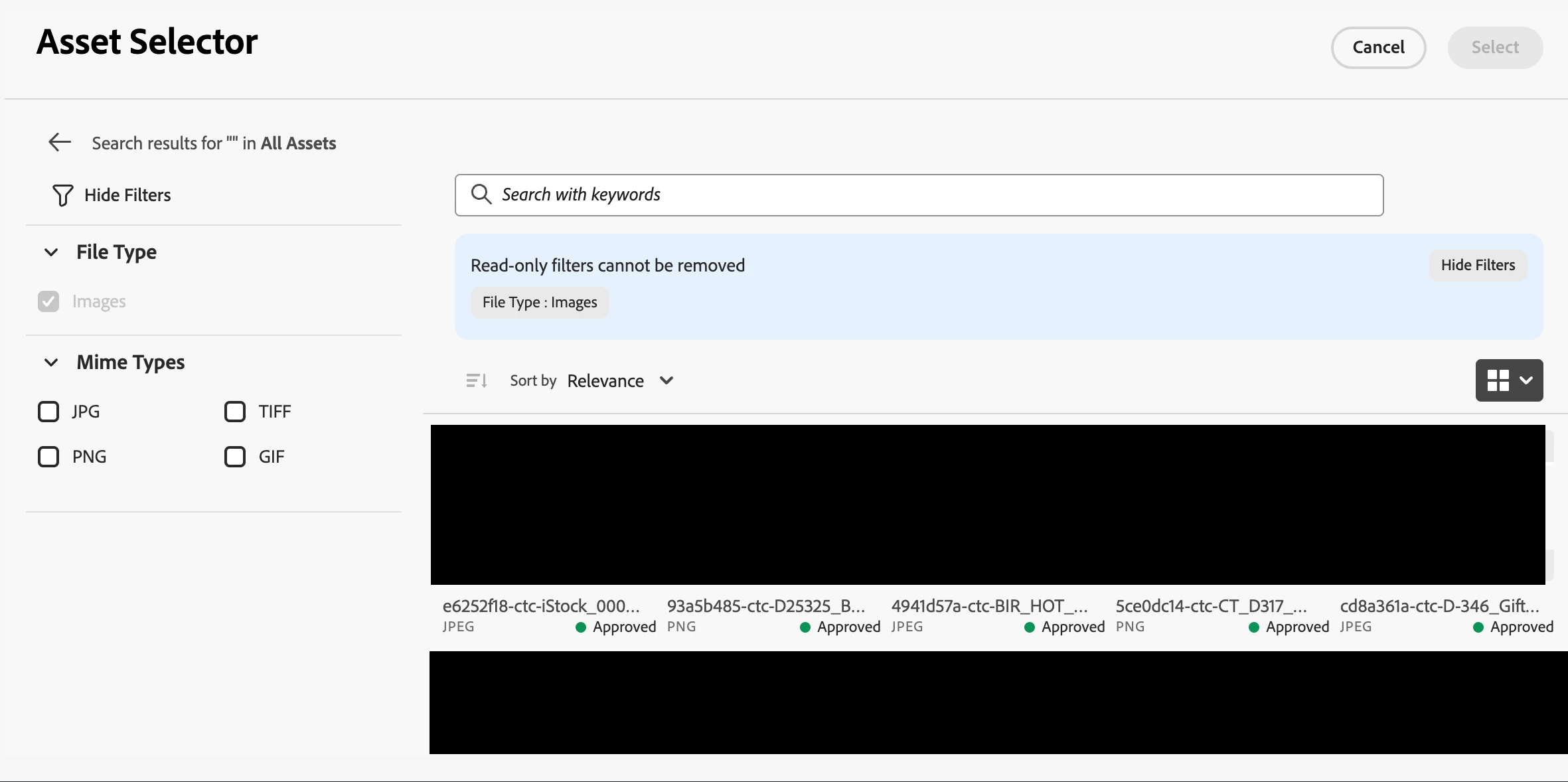

How do we customize this view to include folder-wise view vs a flattened structure?
File Type filter extending beyond “images” to include “videos”.


Thanks in advance,

NK
    Best answer by Rohan_Garg

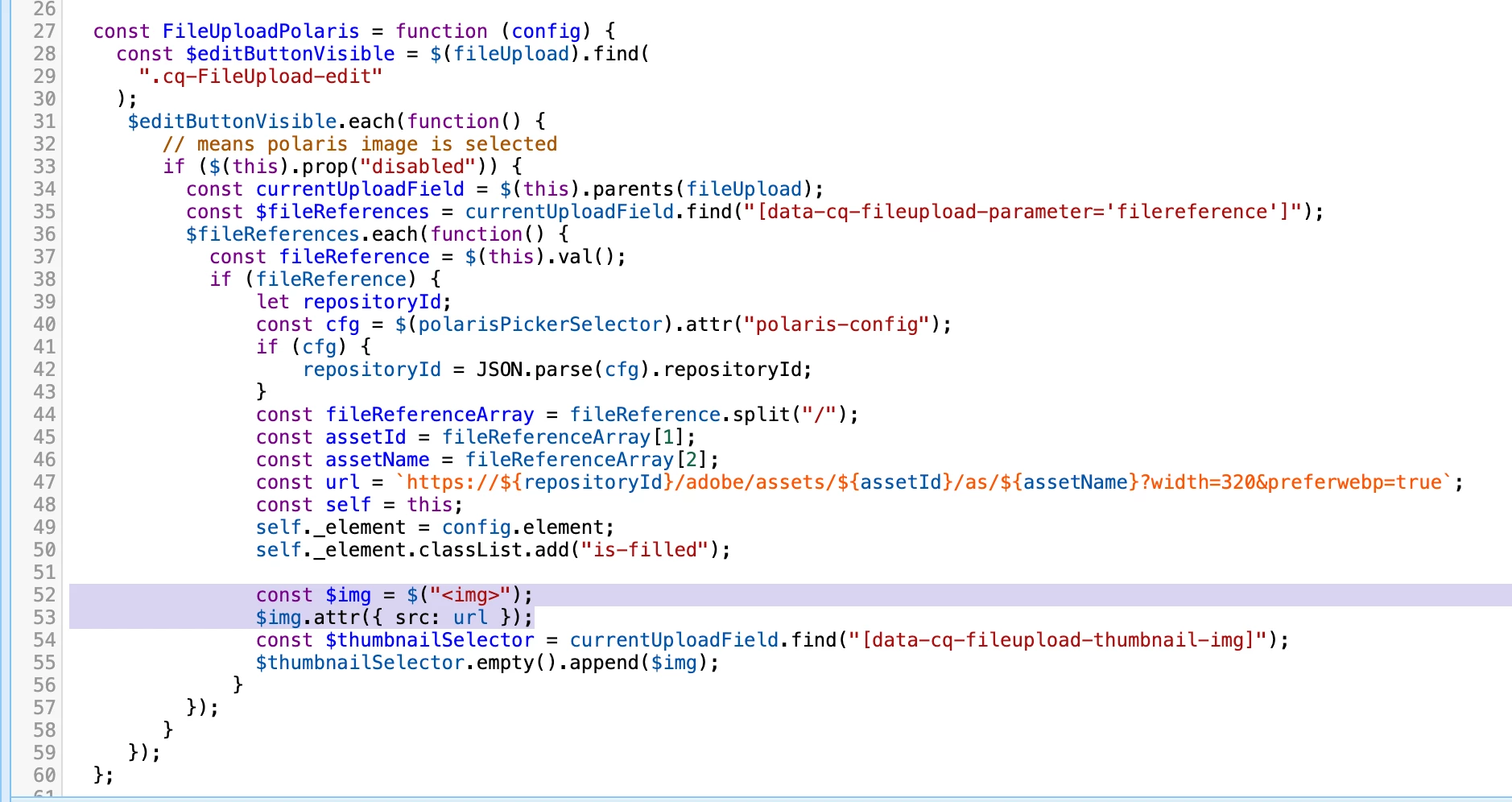
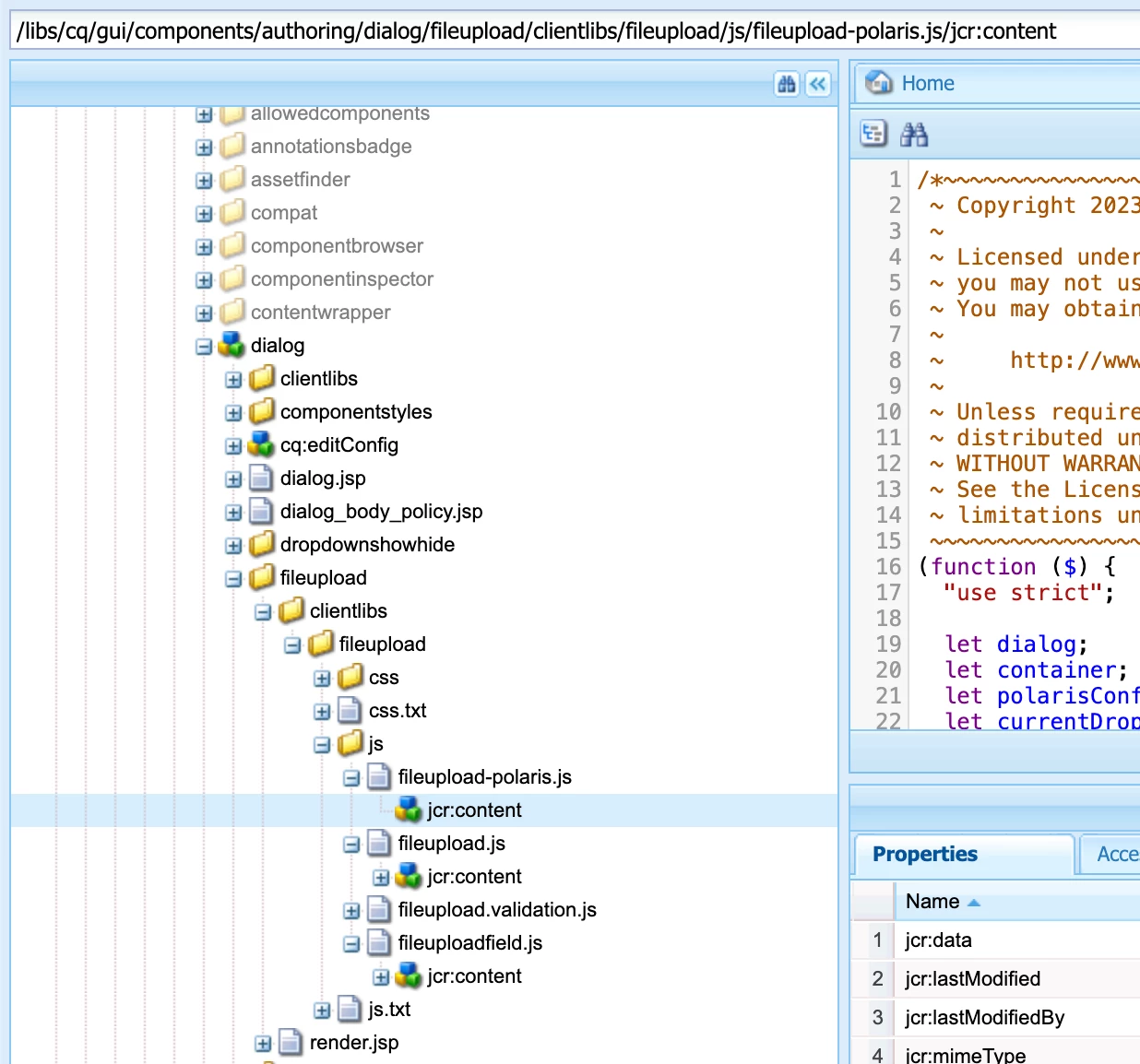
    Hey ​@NageshRaja, if you check your resourceType pointing to “/libs/granite/ui/components/foundation/form/fileupload” it has multiple JS files one of which is “file upload-polaris.js”


     The Polaris selector locks the picker to images only.

    defaultValue: ["image/*"],
    readOnly: true

    Hence, you see the filters only set to images.

    You can tweak the JSP by overlaying it to support videos...BUT before that validate Polaris backend support.
    Refer Asset Selector customizations

    The URL pattern https://${repositoryId}/adobe/assets/${assetId}/as/${name} must work for the video too for changes to work. AEM’s coral-file upload is image-oriented by default.

    3 replies

    Saravanan_Dharmaraj
    Community Advisor
    Community Advisor
    April 16, 2026
    Saravanan_Dharmaraj
    Community Advisor
    Community Advisor
    April 16, 2026

    @NageshRaja You can check this article on how to overlay /libs/cq/gui/components/authoring/dialog/fileupload/clientlibs/fileupload/js/fileupload-polaris.js into /apps and update with below. Please test it out in your local first. 


    const assetSelectorProps = {
        // ... existing properties ...
        "hideTreeNav": false, // Ensures the tree navigation sidebar is visible
        "rail": false         // Must be false for hideTreeNav to be effective
    };

    Rohan_Garg
    Community Advisor
    Rohan_GargCommunity AdvisorAccepted solution
    Community Advisor
    April 17, 2026

    Hey ​@NageshRaja, if you check your resourceType pointing to “/libs/granite/ui/components/foundation/form/fileupload” it has multiple JS files one of which is “file upload-polaris.js”


     The Polaris selector locks the picker to images only.

    defaultValue: ["image/*"],
    readOnly: true

    Hence, you see the filters only set to images.

    You can tweak the JSP by overlaying it to support videos...BUT before that validate Polaris backend support.
    Refer Asset Selector customizations

    The URL pattern https://${repositoryId}/adobe/assets/${assetId}/as/${name} must work for the video too for changes to work. AEM’s coral-file upload is image-oriented by default.

    chavad
    Level 2
    April 27, 2026

    Hi ​@NageshRaja 

    We also faced this kind of issue while migrating videos to ADM. We configured the filter schema as per this https://experienceleague.adobe.com/en/docs/experience-manager-cloud-service/content/assets/manage/asset-selector/asset-selector-customization#customize-filter-panel in our assetSelectorProps and added it in polaris file upload js logic to render asset picker- 

    PureJSSelectors.renderAssetSelectorWithAuthFlow(
    container.get(0),
    assetSelectorProps,
    () => {
    polarisDialog.show();
    }
    );

    Hope this helps