December 17, 2023

AEM Rich Text Editor Keyboard Accessibility

Hi! I am trying to navigate the Rich Text Editor in AEM with a keyboard only. When I am in the RTE I am unable to figure out how to activate the buttons for editing text (alignment, bullets, links, full screen) with the keyboard.
 

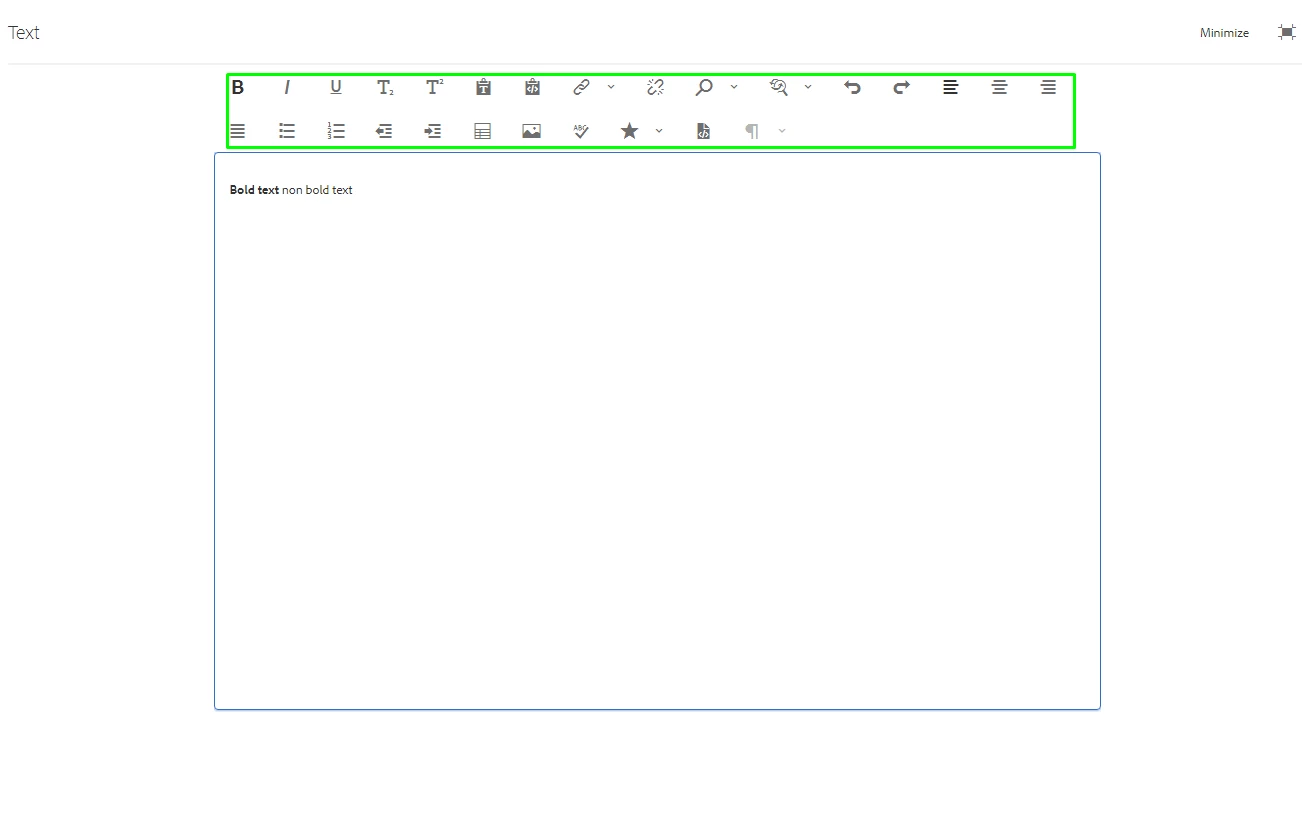
Once in Fullscreen mode, I am also not able to access the buttons in the RTE with the keyboard.
Is there a way to access these buttons with the keyboard? 

This post is no longer active and is closed to new replies. Need help? Start a new post to ask your question.

4 replies

arunpatidar
Community Advisor
Community Advisor
December 18, 2023

Hi @stephaniena 
You can using arrow keys to navigate within RTE toolbar


Translate
Arun Patidar
December 18, 2023

Thank you so much for your help, Arun! I appreciate it. The video is very useful.


With your help, I was able to get to the toolbar when I am in the Full-Screen RTE by pressing Shift+Tab. Then I can navigate with the arrow keys.


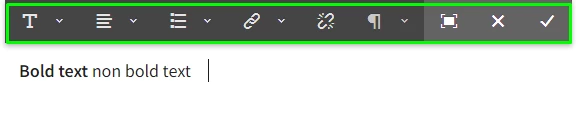
I'm still not able to use the keyboard to get from the text box in an In-Line TouchUI RTE to the toolbar. I'd like to at least be able to get from the In-Line RTE to the Full-Screen RTE with the keyboard. I'm in the WKND demo in AEM 6.5. I added a text component to my page. This is what the RTE looks like: 


Translate
arunpatidar
Community Advisor
Community Advisor
December 18, 2023

Hi @stephaniena 
You have to use arrow to navigation inside inline toolbar.

As soon as inline editor is opened, you can navigation to options using right, left arrow keys


Translate
Arun Patidar