AEM Project Setup Issue | Community
Skip to main content
This post is no longer active and is closed to new replies. Need help? Start a new post to ask your question.
Best answer by Bhuwan_B

@himanshu_jain 

tried that as well but getting 

same error
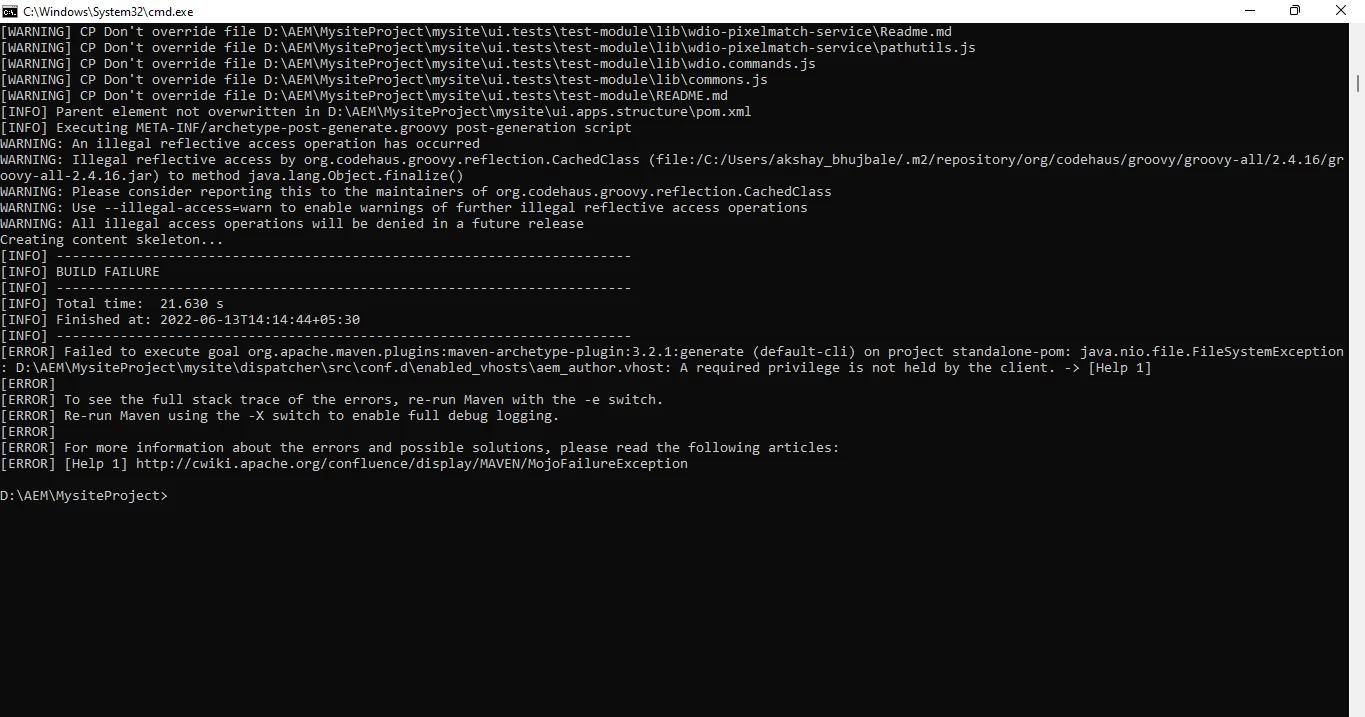


@akshaybhujbale Run above command as a elevated user or Run as Administrator or try excluding dispatcher module from build if you don't need that.

https://experienceleague.adobe.com/docs/experience-manager-core-components/using/developing/archetype/using.html?lang=en

mvn -B archetype:generate -D archetypeGroupId=com.adobe.aem -D archetypeArtifactId=aem-project-archetype -D archetypeVersion=36 -D appTitle="My Site" -D appId="mysite" -D groupId="com.mysite" -D artifactId="mysite" -D version="0.0.1-SNAPSHOT" -D aemVersion=6.5.13 -D frontendModule=none -D includeExamples=y -D includeDispatcherConfig=n -D includeErrorHandler=y
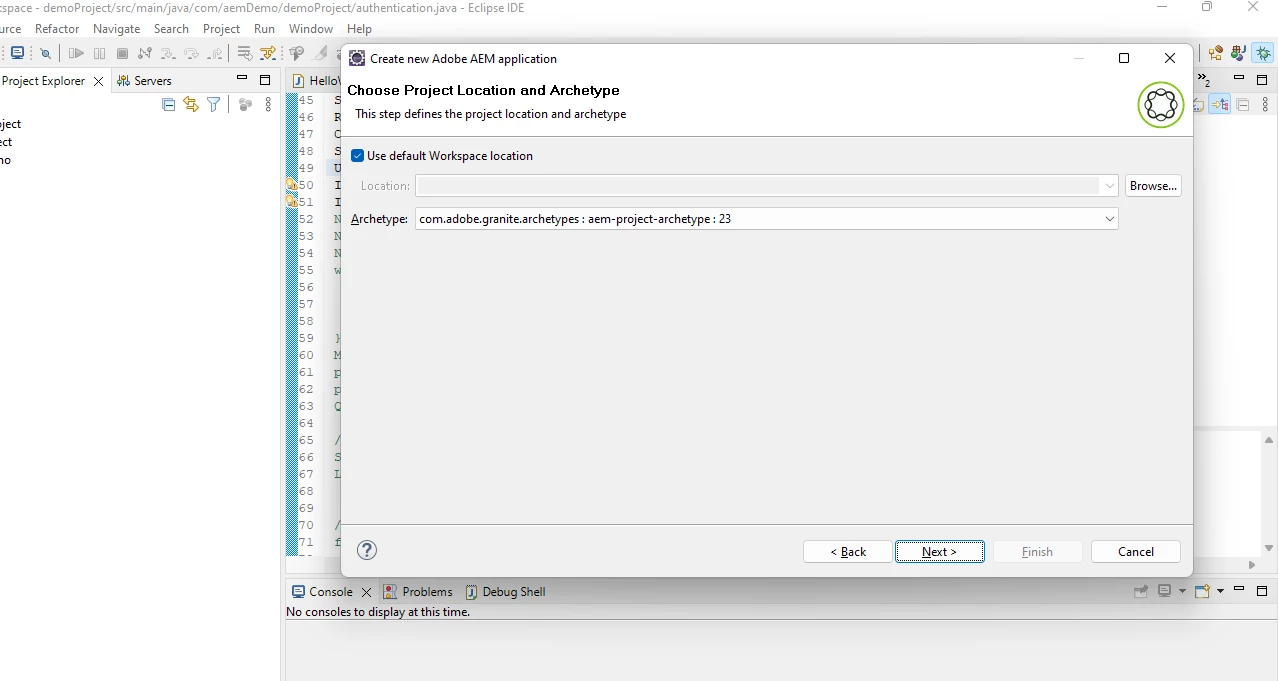
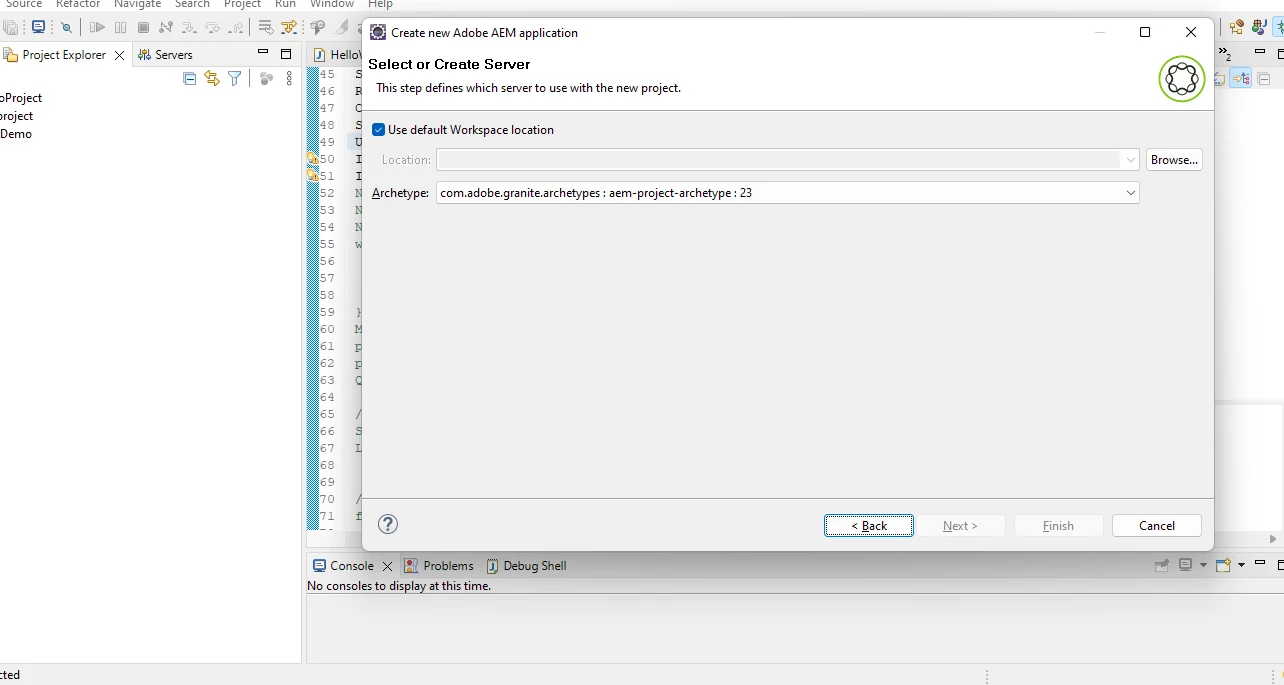
1 reply

arunpatidar
Community Advisor
Community Advisor
June 13, 2022

Hi,

Use Command line, it is juts one time activity

https://github.com/adobe/aem-project-archetype 

Arun Patidar
Level 6
June 13, 2022

Hi @arunpatidar 

tried using this command :

mvn -B org.apache.maven.plugins:maven-archetype-plugin:3.2.1:generate -D aemVersion=6.5.7 -D archetypeGroupId=com.adobe.aem -D archetypeArtifactId=aem-project-archetype -D archetypeVersion=36 -D appTitle="My Site" -D appId="mysite" -D groupId="com.mysite"

 but getting this error 


Himanshu_Jain
Community Advisor
Community Advisor
June 13, 2022

Create a new folder and try in that again .

Himanshu Jain