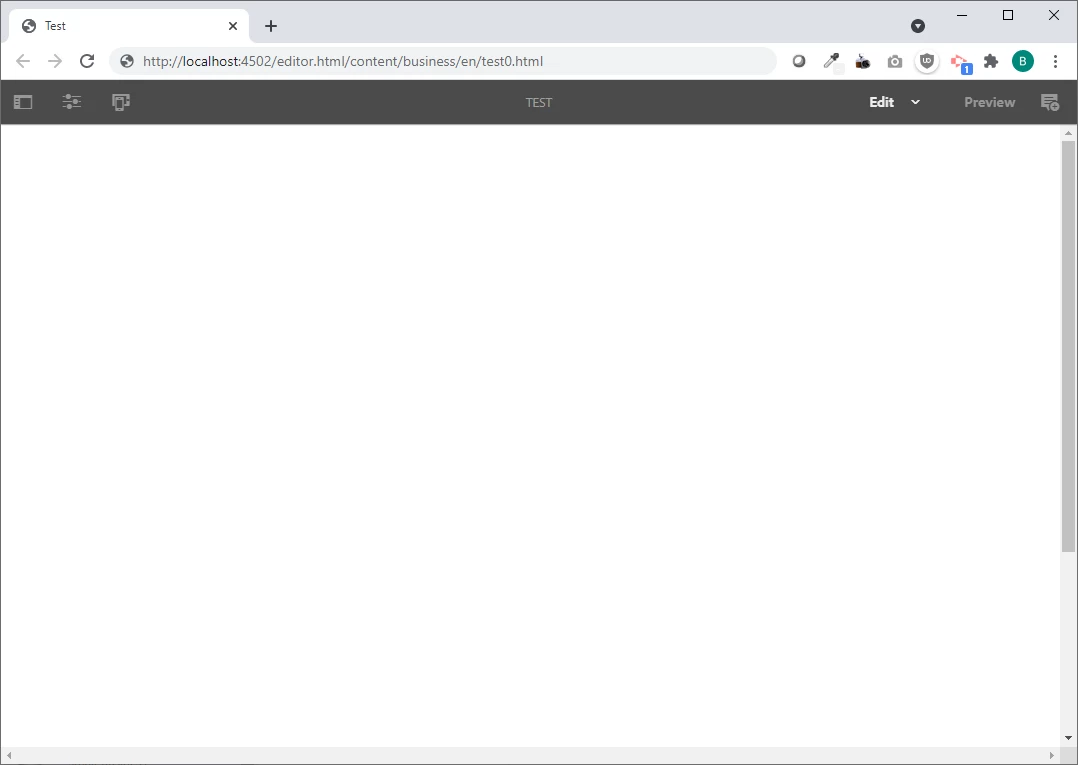
AEM Editor top nav is visible, but content below is blank
What can I check for to fix this issue? The top nav in the editor pages is visible, but there's no content. It was working previously. All bundles are active and I cleared cache: http://localhost:4502/system/console/scriptcache. Also, when I view page as published, I get "Cannot serve request to the path specified."
Console shows this when viewing Edit page:
Request URL: http://localhost:4502/content/business/en/business/test0/jcr:content/root/text.html?forceeditcontext=true&_=1621889801628
Request Method: GET
Status Code: 404 Not Found
Remote Address: [::1]:4502
Referrer Policy: strict-origin-when-cross-origin
The error log (/aem/crx-quickstart/logs/error.log and http://localhost:4502/system/console/slinglog/tailer.txt?tail=1000&grep=*&name=%2Flogs%2Ferror.log) is blank.
The browser console shows the following errors:
Uncaught TypeError: b(...).adaptTo is not a function at clientlibs-authoring-enhancements.min.e9f22ceb5c05ec34691d71f9c93dd7a8.js:5 at clientlibs-authoring-enhancements.min.e9f22ceb5c05ec34691d71f9c93dd7a8.js:6
http://localhost:4502/content/business/en/business/test0/jcr:content/root/text.html?forceeditcontext=true&_=1621944933313 Failed to load resource: the server responded with a status of 404 (Not Found)