
ChaoXiong
Level 2
July 19, 2022

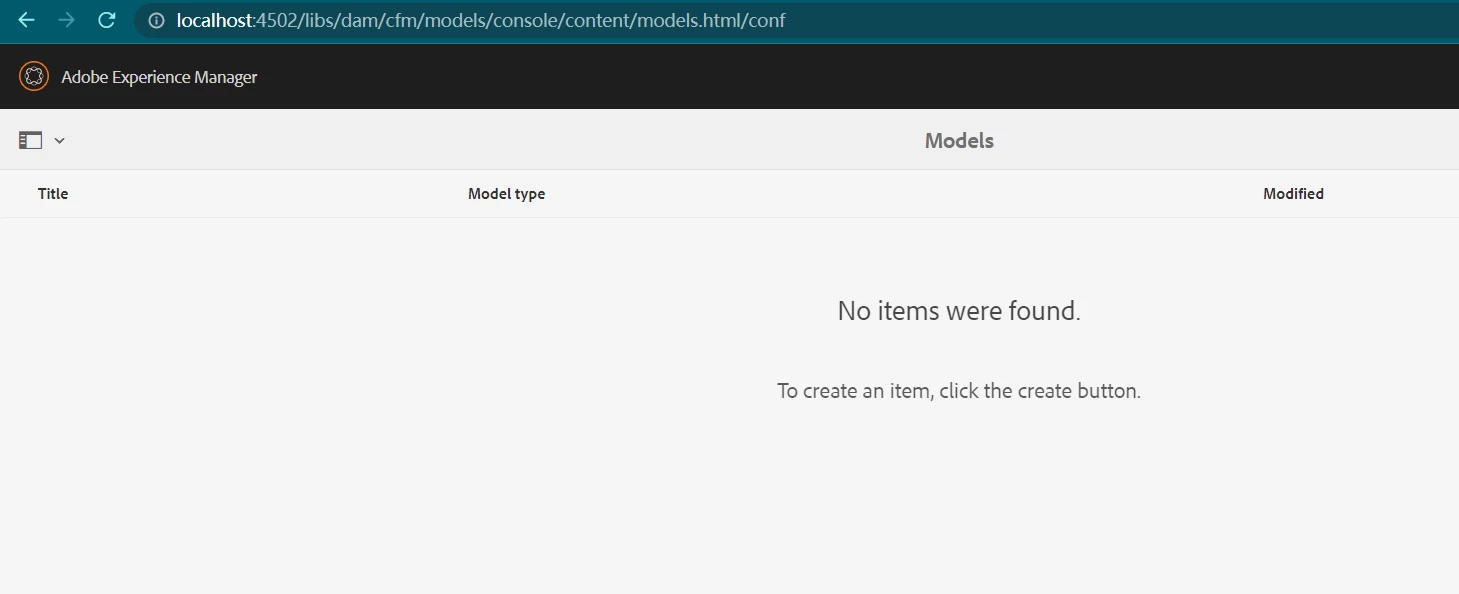
AEM Content Fragment (No items were found)

  • July 19, 2022
  • 7 の返信
  • 1485 ビュー

Dears


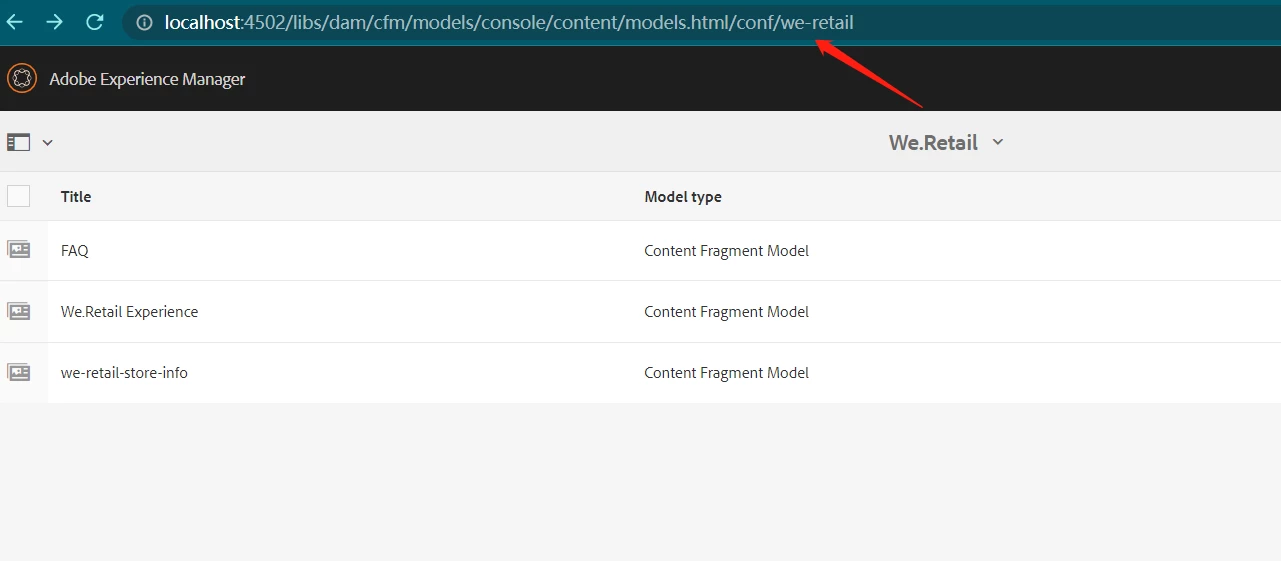
As shown in the figure below, the contentfragment list of all projects cannot be displayed, and the list of individual projects can only be displayed by direct access through the url. Does anyone know the reason?


このトピックへの返信は締め切られました。

7 の返信

Bhuwan_B
Community Advisor
Community Advisor
July 19, 2022

@chaoxiong Can you please let us know, which version of AEM you are using. Also, can you check if you are observing any console log or error in the error.log file?

ChaoXiong
ChaoXiong作成者
Level 2
July 19, 2022

Version 6.5.3 and Did not see any related error log


milind_bachani
Adobe Employee
Adobe Employee
July 19, 2022

@chaoxiong hi,


Looks like permission issue to me.
Are you logged in as admin ? If not can you try to login as admin and check if you face the same issue ?

Hope that helps, thanks.

ChaoXiong
ChaoXiong作成者
Level 2
July 20, 2022

Yes, this is the local environment, I have always logged in directly as administrator


Level 2
July 20, 2022

1: Try to install AEM 6.5 in other folder. Install the necessary service package(6.5.3). Login as admin. Check the Content Fragment models. You should be able to see the folders.

2: Install all your project related packages. Now, again check the content fragment models folder. If you are not able to see the folders, then there might be custom oak index, which is used in your project. This might be the issue.

Level 2
July 19, 2022

There might be 2 issues.

1: Permission : Check are you logging using admin details? If not, check your group permission.

2: Custom Index : If your project has any custom oak index, then there might be case that, you cannot view any folder under configuration browser. I have faced the same issue in my previous project.