Hi,
I was able to impersonate users in the cloud without any issues. Here are the steps I followed:
- Go to Tools -> Security -> Users
- Select the user you want to impersonate
- Go to the Impersonate section and add your user as an impersonator
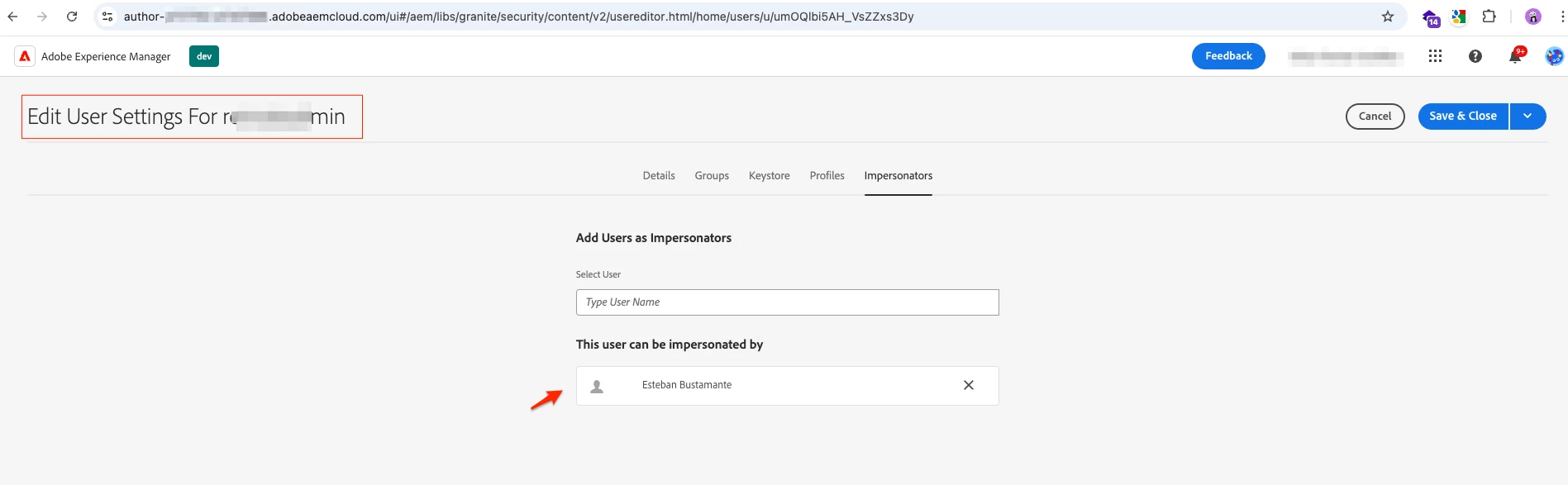
- Once you save this, you should be presented with the option to impersonate this user:
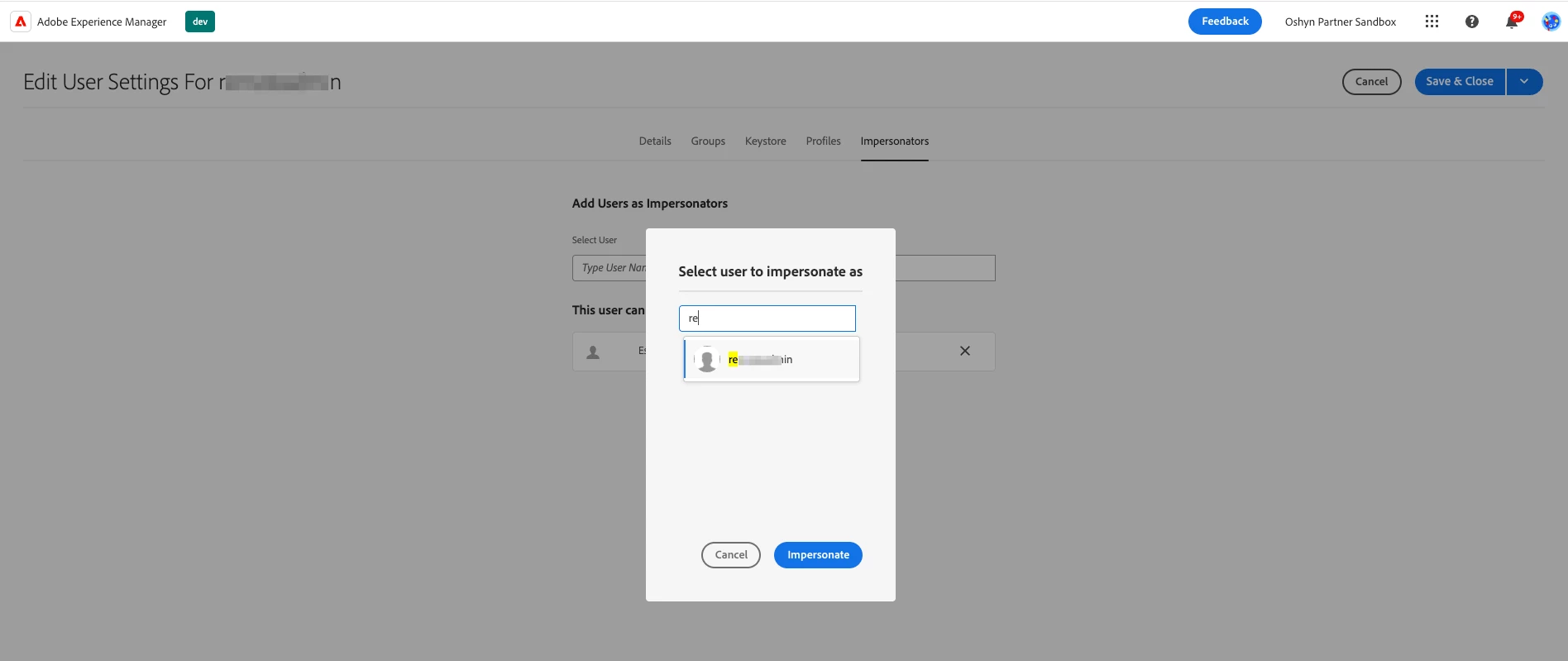
Follow-up questions: What type of permissions does the user you want to impersonate have? If this user belongs to any custom group, can you try to impersonate another user who is using only out-of-the-box (OOTB) groups? The issue may be related to custom groups if that’s the case.
Hope this helps