AEM 6.4 touch UI the editorToolbar disappear for the components under parsys | Community
Skip to main content
September 25, 2020
Solved

AEM 6.4 touch UI the editorToolbar disappear for the components under parsys

  • September 25, 2020
  • 2 replies
  • 1417 views

After the upgrade from AEM6.1 to AEM6.4, the issue happened.

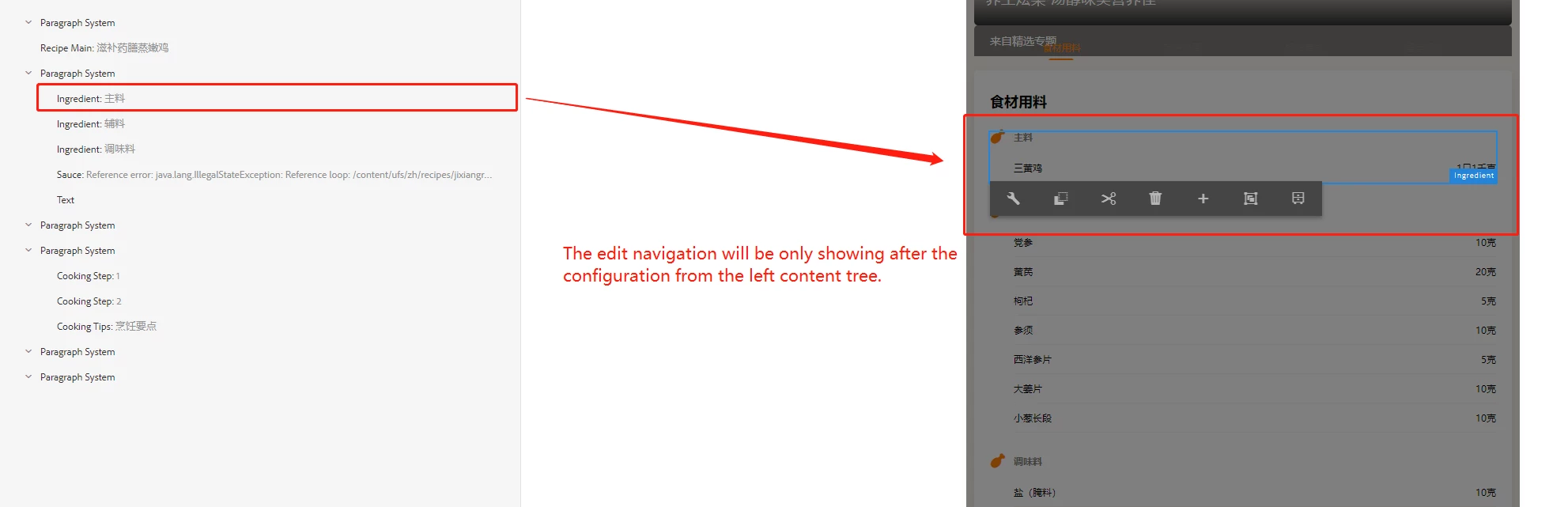
The editToolbar can only appear after editing the component from left sidePanel.

sling:resourceSuperType
foundation/components/parbase


The component outside of the parsys (The resource type isn't parbase) can be edit:
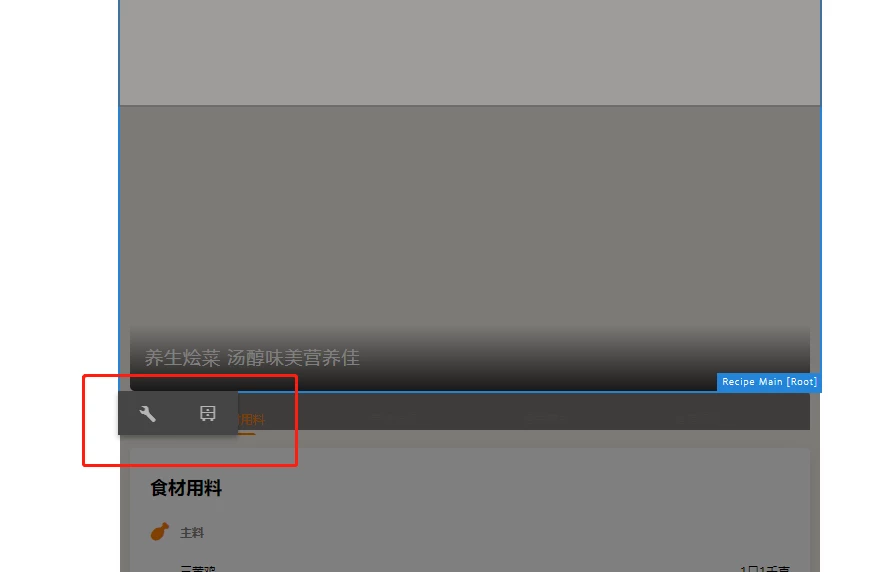


For the newly created page, we cannot edit it because there is no component is dragged/added.
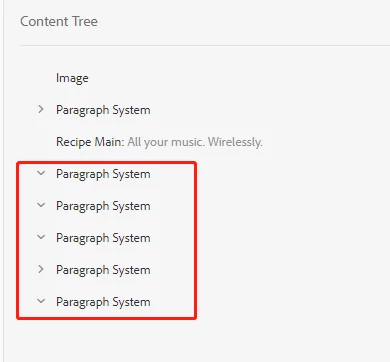
<cq:include script="/libs/wcm/core/components/init/init.jsp"/> was written in the head.jsp


This post is no longer active and is closed to new replies. Need help? Start a new post to ask your question.
Best answer by ChitraMadan

Hi @ouchaem ,


Can you please try with 

resourceType='wcm/foundation/components/parsys'

2 replies

ChitraMadan
Community Advisor
ChitraMadanCommunity AdvisorAccepted solution
Community Advisor
September 25, 2020

Hi @ouchaem ,


Can you please try with 

resourceType='wcm/foundation/components/parsys'
arunpatidar
Community Advisor
Community Advisor
September 27, 2020

This could be because of the dynamic template policy.

Are you using static or dynamic templates?

Arun Patidar
OuchAEMAuthor
October 1, 2020
We are using the static one.