AEM 6.4 /aem/start.html icons not apprearing in IE11 browser | Community
Skip to main content
Level 4
December 28, 2018
Solved

AEM 6.4 /aem/start.html icons not apprearing in IE11 browser

  • December 28, 2018
  • 3 replies
  • 2921 views

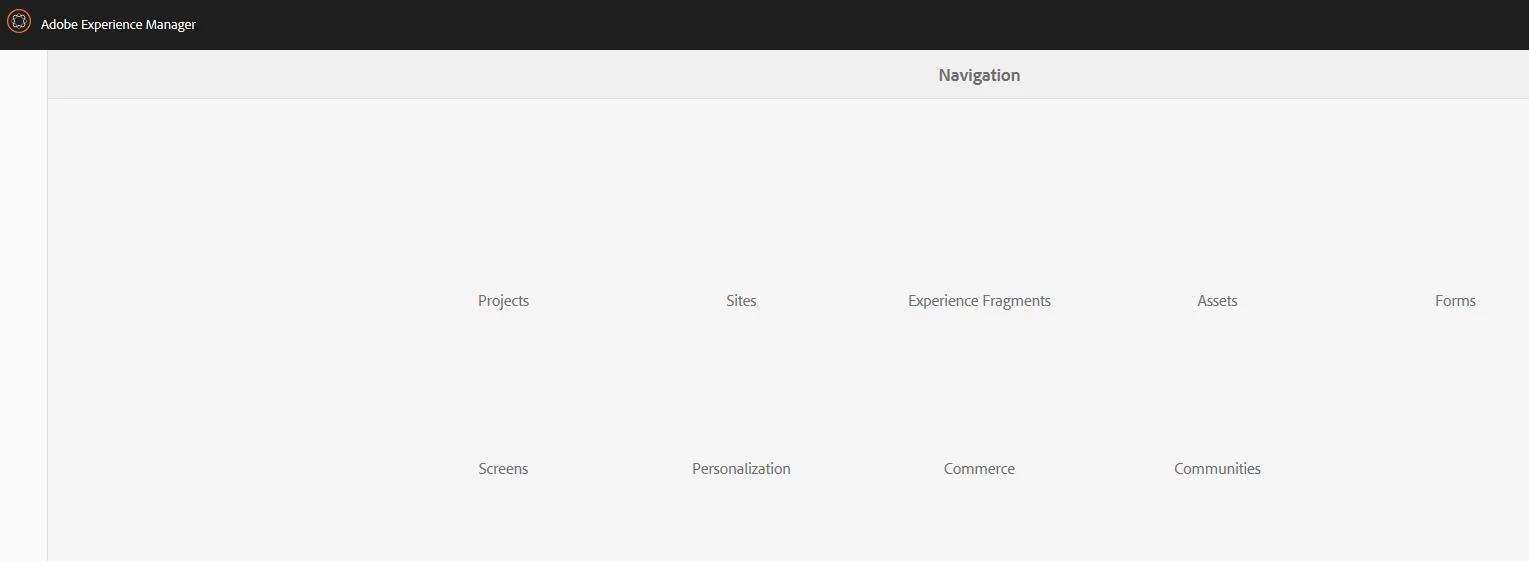
the very first time, we login into the server, all the image icons are appearing and once we click the AEM icon on the left top corner, it shows all the icons as below.

this is happening only in IE11, please help me here
This post is no longer active and is closed to new replies. Need help? Start a new post to ask your question.
Best answer by joerghoh

AEM 6.4 has some issues with IE11. With AEM 6.4 SP2 all of them should be fixed.

Jörg

3 replies

Gaurav-Behl
Level 10
December 28, 2018

Check the console logs for any errors in developer toolbar and check the "Dcoument/Browser mode" that it should be 11.

If it shows the icons after page reload, then it's a browser configuration issue.

Change browser mode if required -

https://www.thewindowsclub.com/change-document-browser-mode-ie-11

VeenaVikraman
Community Advisor
Community Advisor
December 28, 2018

Generally I have seen compatibility issues with IE browser. I normally don't prefer working with IE browsers for touch UI.

joerghoh
Adobe Employee
joerghohAdobe EmployeeAccepted solution
Adobe Employee
December 28, 2018

AEM 6.4 has some issues with IE11. With AEM 6.4 SP2 all of them should be fixed.

Jörg