AEM 6.4.4.0 Install error
Hello all,
I installed AEM 6.4.4.0 in local instance.
AEM Version 6.4 https://helpx.adobe.com/experience-manager/6-4/release-notes.html
AEM Service Pack 6.4.4 https://helpx.adobe.com/experience-manager/6-4/release-notes/sp-release-notes.html
AEM Cumultative Fix Pack N/A
ACS Commons acs-aem-commons-4-1-0 https://github.com/Adobe-Consulting-Services/acs-aem-commons/releases/tag/acs-aem-commons-4.1.0
But I notice my local instance is not loading correctly. Please see attached screenshots
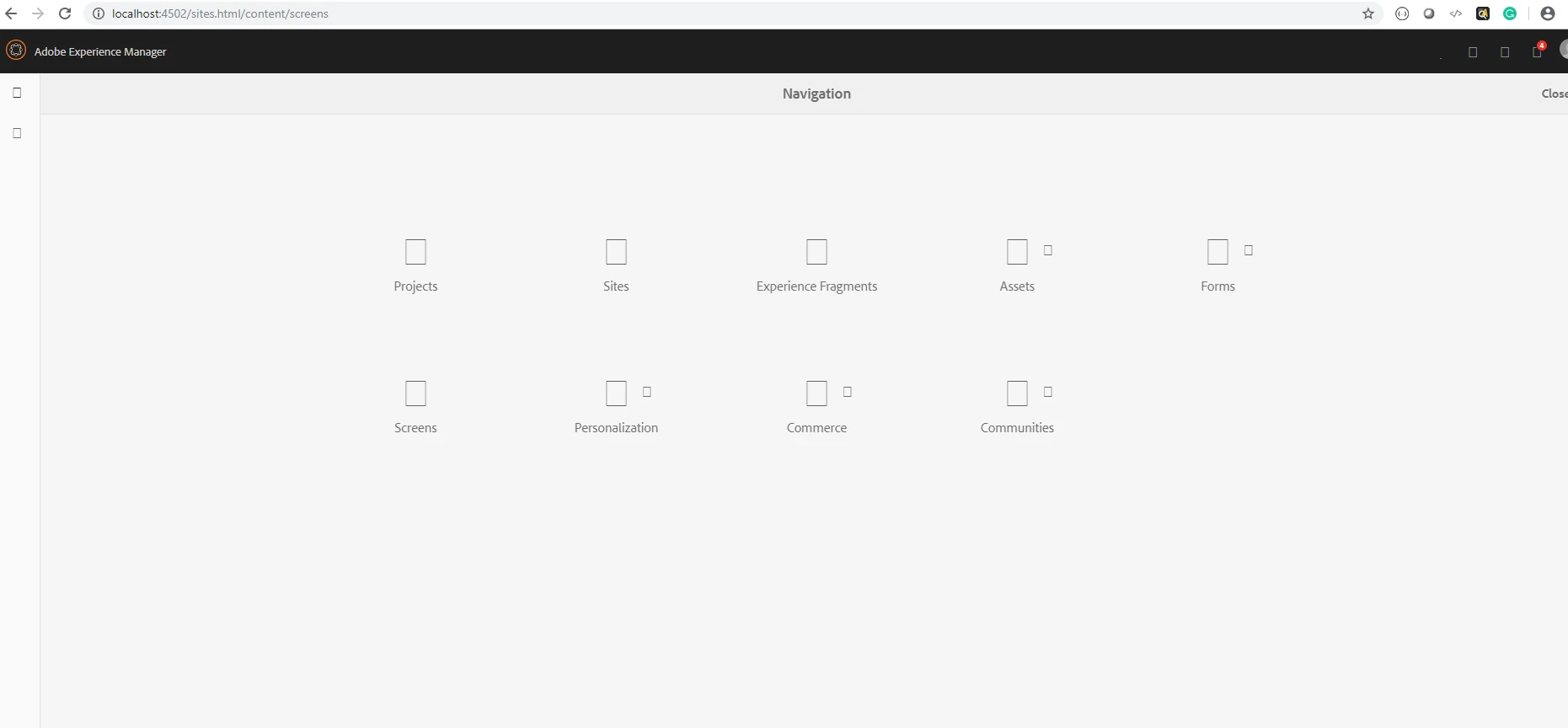
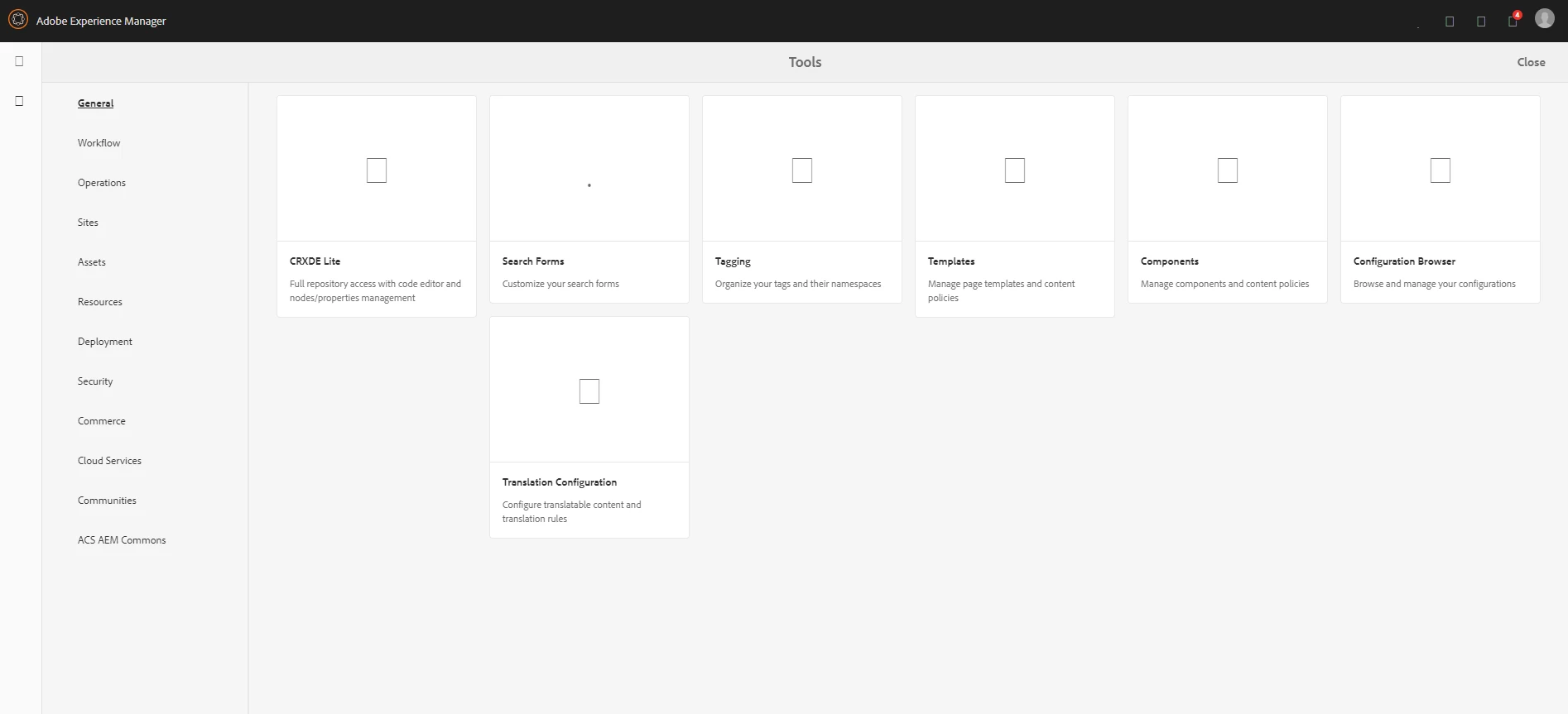
Errors I see:
19.06.2019 09:33:37.867 *INFO* [0:0:0:0:0:0:0:1 [1560954817865] GET /etc.clientlibs/clientlibs/granite/coralui3/resources/coralui-component-icon/AdobeIcons.woff2 HTTP/1.1] com.adobe.granite.ui.clientlibs.impl.ClientLibraryProxyServlet Unable to proxy clientlibs/granite/coralui3/resources/coralui-component-icon/AdobeIcons.woff2. No supported type for .woff2
19.06.2019 09:33:37.943 *INFO* [0:0:0:0:0:0:0:1 [1560954817942] GET /etc.clientlibs/clientlibs/granite/coralui3/resources/coralui-component-icon/AdobeIcons.woff HTTP/1.1] com.adobe.granite.ui.clientlibs.impl.ClientLibraryProxyServlet Unable to proxy clientlibs/granite/coralui3/resources/coralui-component-icon/AdobeIcons.woff. No supported type for .woff
19.06.2019 09:33:37.978 *INFO* [0:0:0:0:0:0:0:1 [1560954817978] GET /etc.clientlibs/clientlibs/granite/coralui3/resources/coralui-component-icon/AdobeIcons.ttf HTTP/1.1] com.adobe.granite.ui.clientlibs.impl.ClientLibraryProxyServlet Unable to proxy clientlibs/granite/coralui3/resources/coralui-component-icon/AdobeIcons.ttf. No supported type for .ttf