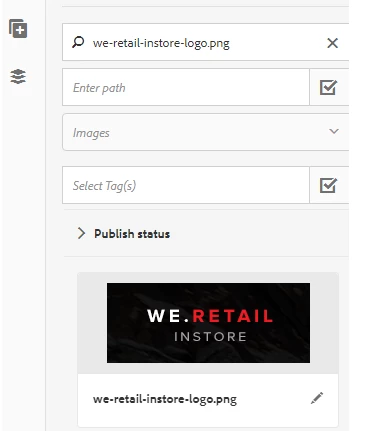
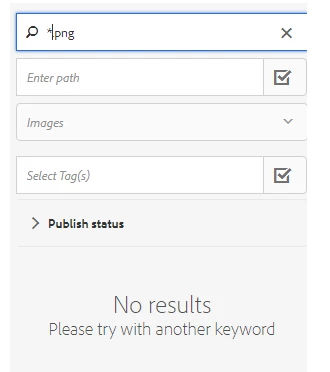
Hi srinivas,
1. The search criteria is a "contains" criteria, not a regex, so to find all the assets containing ".png", you should simply put .png in the field. Here is an example of me searching for all JPGs in my assets:
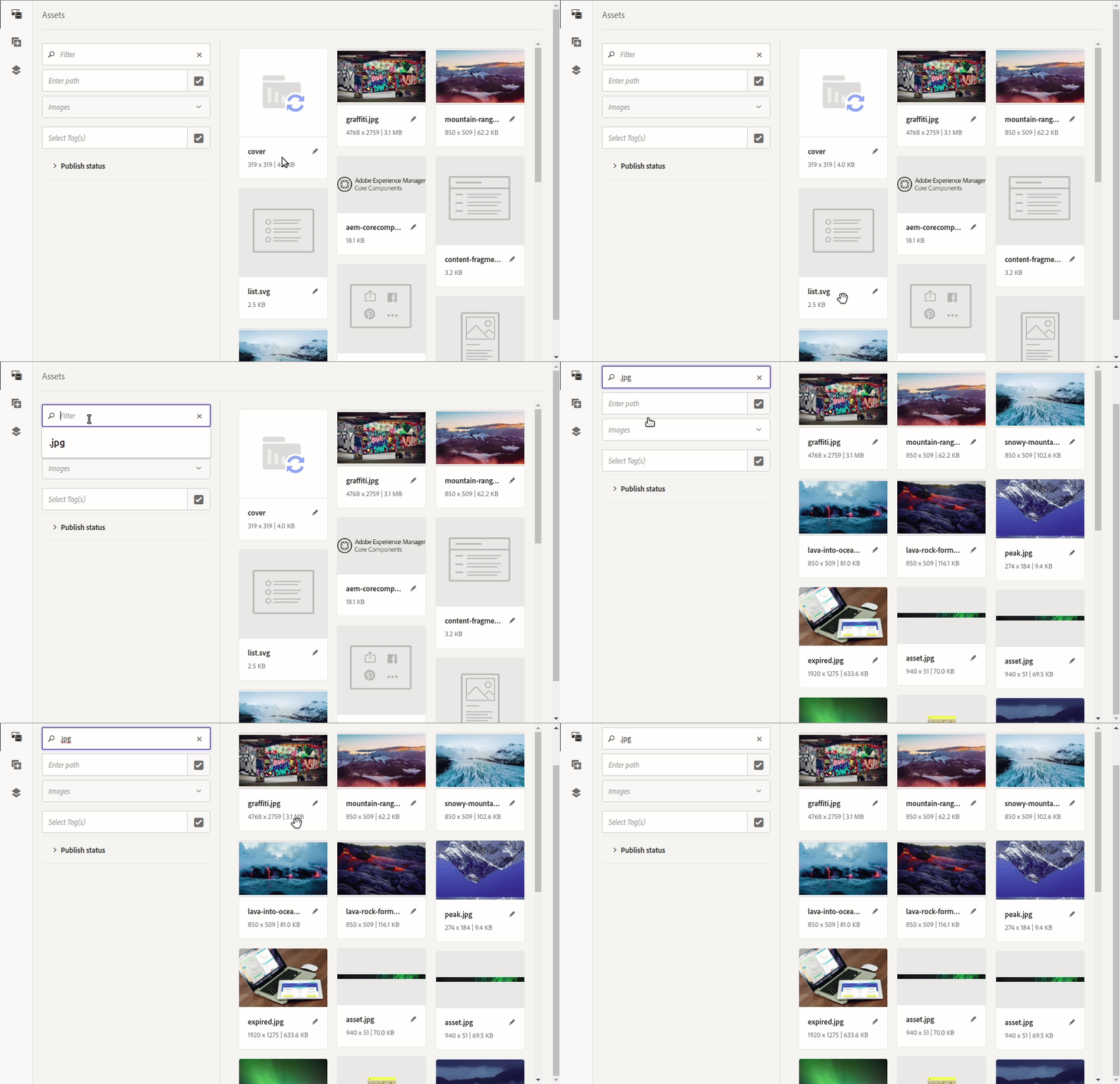
2. As JaideepBrar says, the latest assets should appear at the top of the list already. Here is the explanation:
Following the example above, the request that is sent to filter the results is the following:
/bin/wcm/contentfinder/asset/view.html?_dc=1573241514397&query=.jpg+order%3A%22-jcr%3Acontent%2Fjcr%3AlastModified%22+&mimeType=image%2Capplication%2Fx-ImageSet%2Capplication%2Fx-SpinSet%2Capplication%2Fx-MixedMediaSet%2Capplication%2Fx-CarouselSet&itemResourceType=cq%2Fgui%2Fcomponents%2Fauthoring%2Fassetfinder%2Fasset&limit=0..20&_charset_=utf-8&_=1573240635933
The green part above when decoded is the following: order:"-jcr:content/jcr:lastModified". As you can see, the last modified assets should be at the top