Adding custom css to WCM core placeholder | Community
Skip to main content
Level 2
September 12, 2023
Solved

Adding custom css to WCM core placeholder

  • September 12, 2023
  • 2 replies
  • 1293 views

Hi,

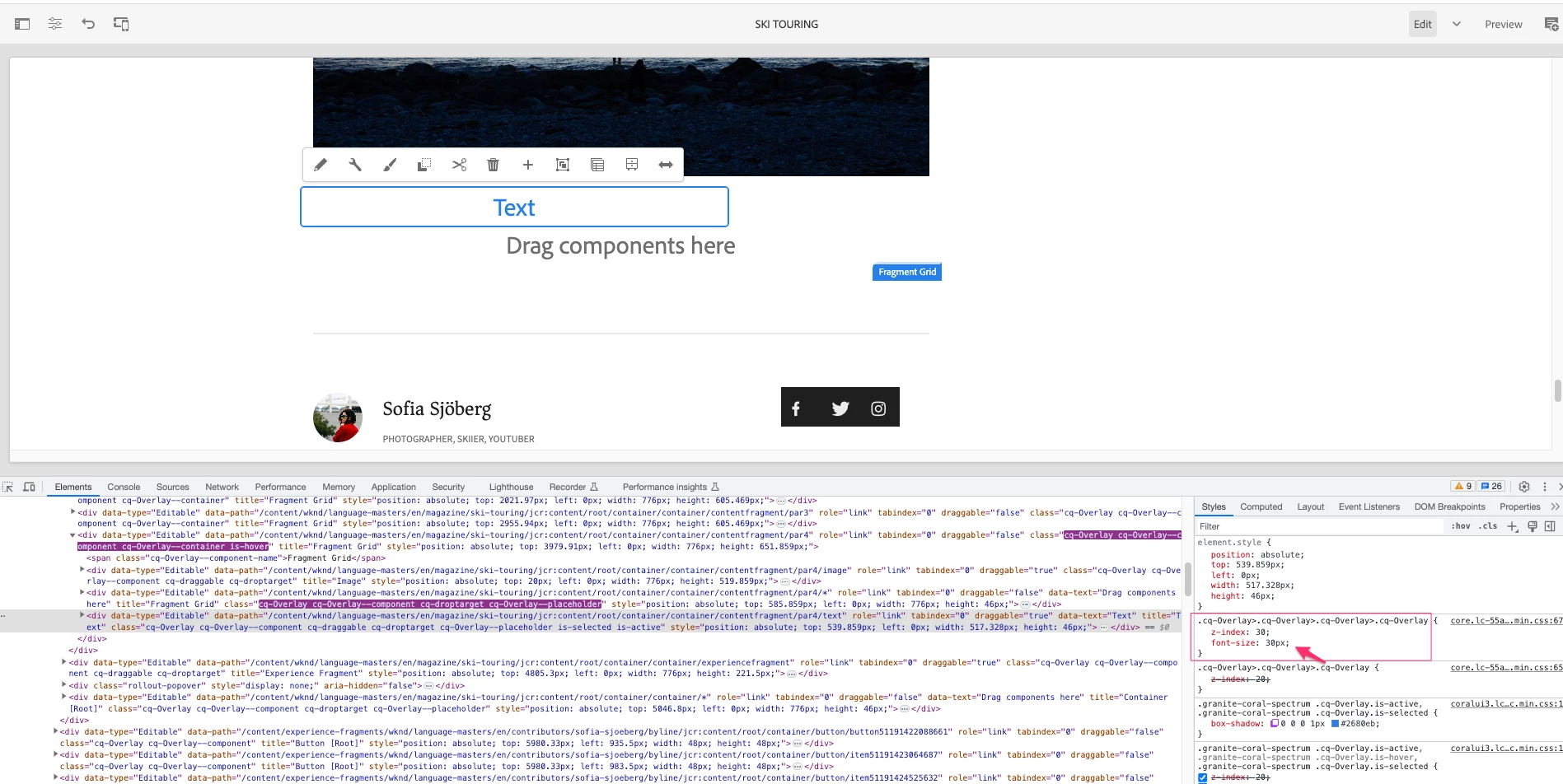
I have been trying to use the placeholder that has been uced in core components. Like using data sly call of templates.html in core and making use of it as place holder. But I am not able to apply my css styles by adding the custom css class as given in that templates.html

The current look is default one:
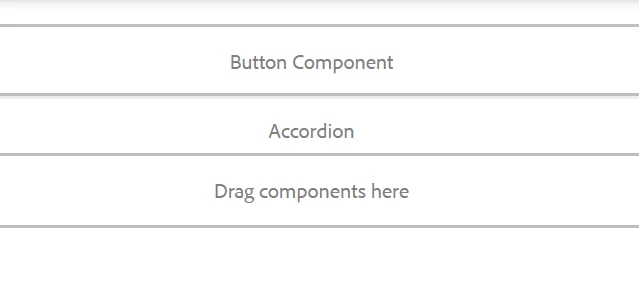
I am expecting something a placholder like this:

All suggestions are welcomed.

This post is no longer active and is closed to new replies. Need help? Start a new post to ask your question.
Best answer by EstebanBustamante

Hi, 

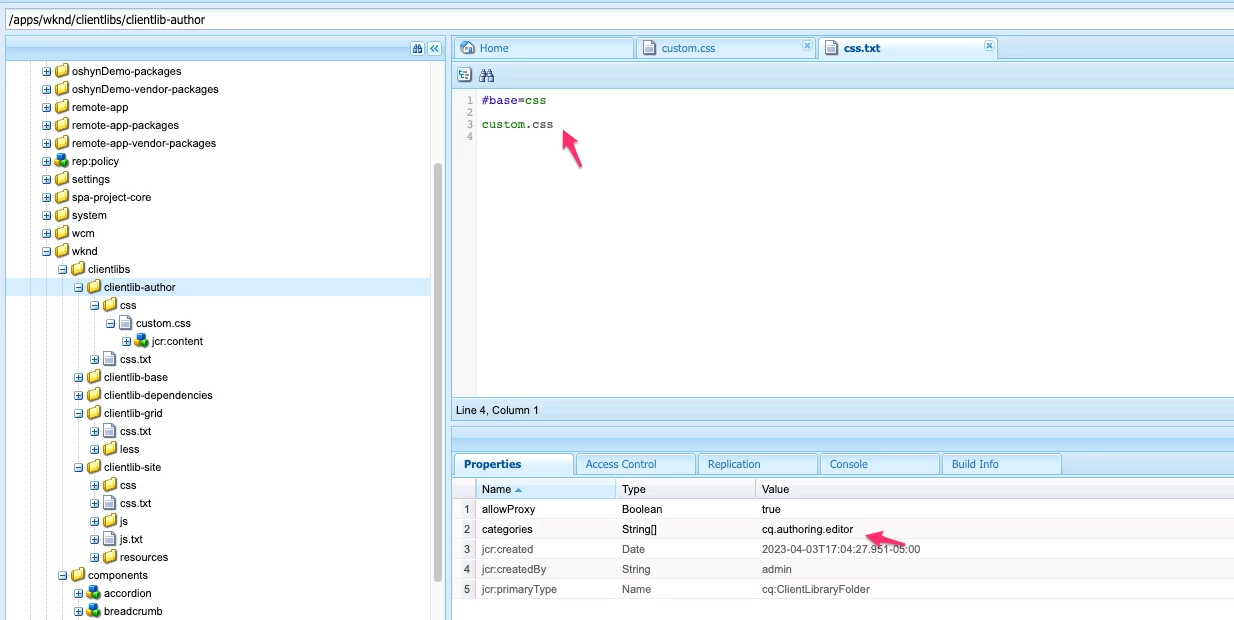
You just need to overwrite the styles, like below, and then make sure your CSS styles are available on the authoring page, for that, you need to include your CSS in the correct clientlibs category (cq.authoring.editor)


Result:


2 replies

EstebanBustamante
Community Advisor and Adobe Champion
EstebanBustamanteCommunity Advisor and Adobe ChampionAccepted solution
Community Advisor and Adobe Champion
September 12, 2023

Hi, 

You just need to overwrite the styles, like below, and then make sure your CSS styles are available on the authoring page, for that, you need to include your CSS in the correct clientlibs category (cq.authoring.editor)


Result:


Esteban Bustamante
kaikubad
Community Advisor
Community Advisor
September 12, 2023

I went through the same need. Here I am giving you an example of teaser component where we have implemented the same thing.


<sly data-sly-use.clientlibs="${'com.adobe.cq.wcm.core.components.models.ClientLibraries' @ categories='example.components.teaser', defer=true}"> ${clientlibs.jsAndCssIncludes @ context="unsafe"} </sly> <div data-sly-use.teaser="com.adobe.cq.wcm.core.components.models.Teaser" data-sly-use.component="com.adobe.cq.wcm.core.components.models.Component" data-sly-use.templates="core/wcm/components/commons/v1/templates.html" data-sly-use.imageTemplate="image.html" data-sly-use.pretitleTemplate="pretitle.html" data-sly-use.titleTemplate="title.html" data-sly-use.descriptionTemplate="description.html" data-sly-use.actionsTemplate="actions.html" data-sly-test.hasContent="${teaser.imageResource || teaser.pretitle || teaser.title || teaser.description || teaser.actions.size > 0}" id="${component.id}" class="cmp-teaser${!wcmmode.disabled && teaser.imageResource ? ' cq-dd-image' : ''}" data-cmp-data-layer="${teaser.data.json}"> <sly data-sly-call="${imageTemplate.image @ teaser=teaser}"></sly> <div class="cmp-teaser__content"> <sly data-sly-call="${pretitleTemplate.pretitle @ teaser=teaser}"></sly> <sly data-sly-call="${titleTemplate.title @ teaser=teaser}"></sly> <sly data-sly-call="${descriptionTemplate.description @ teaser=teaser}"></sly> <sly data-sly-call="${actionsTemplate.actions @ teaser=teaser}"></sly> </div> </div> <sly data-sly-call="${templates.placeholder @ isEmpty=!hasContent, classAppend='cmp-teaser'}"></sly>

Basically isEmpty is the main thing for the placeholder text you want.