Level 3
September 6, 2022
解決済み

Added id attribute in AEM Editor for container is not displayed in rendered HTML

  • September 6, 2022
  • 3 の返信
  • 1973 ビュー

Hi,


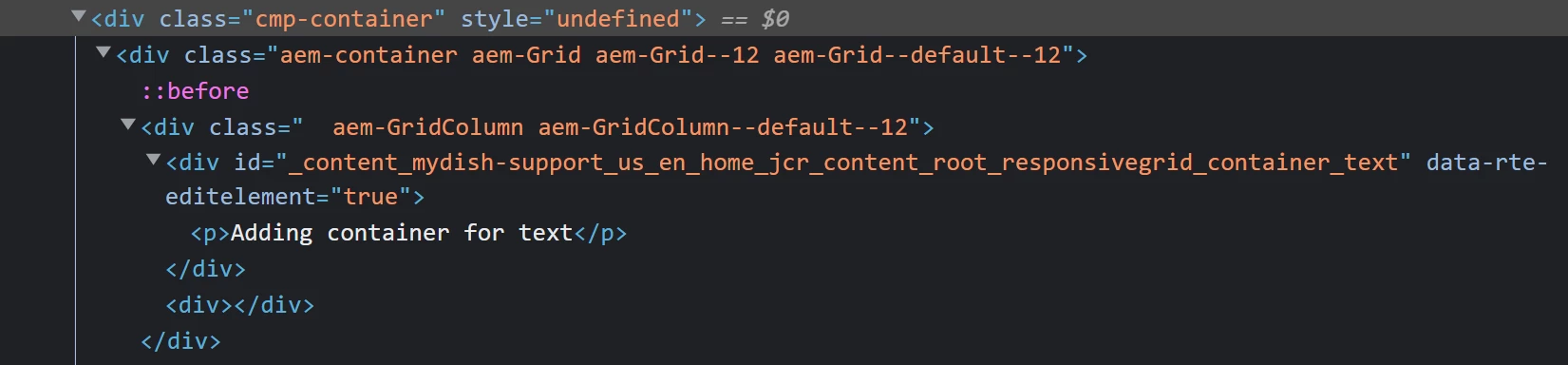
I'm trying to add an "id" attribute to the container component but I do not see that in the HTML that is rendered when "View as published". Also, it shows style="undefined" on the container. Below are the screenshots for the same.
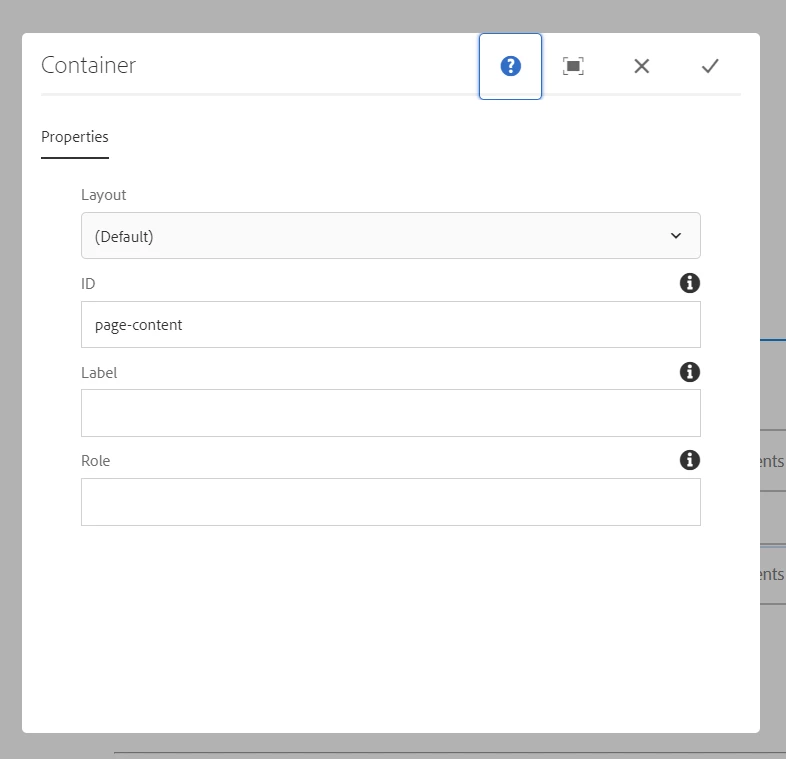


I'm using AEM 6.5.13 and core components 2.20.6 and running it as AEM SPA(react). Can someone assist if something is missing or worng?

このトピックへの返信は締め切られました。
ベストアンサー AsifChowdhury

Hello @manasabojja7 

please check you have added a name (i.g. idField) for the id field in the dialog xml and call it in sightly in this way "${properties.idField}" where you need it.

3 の返信

AsifChowdhury
Community Advisor
Community Advisor
June 20, 2023

Hello @manasabojja7 

please check you have added a name (i.g. idField) for the id field in the dialog xml and call it in sightly in this way "${properties.idField}" where you need it.

August 6, 2023

How do I add this fild to dialog if I'm using the container component that comes with the AEM/React project build  I'm facing the same issue.