


Needs Information
Add "Source Edit" option in the Content Fragment Editor - New Console
| Request for Feature Enhancement (RFE) Summary: |
New content fragment editor console doesn't show the "Source Edit" option despite being enabled and visible. It appears correctly on the old/classic console |
| Use-case: | Our Content Fragment Model has a multi-line text field configured with default type as "rich text". Under path - /apps/dam/cfm/admin/clientlibs/v2/authoring/contenteditor/editors/StyledTextEditor.js We can find source edit under "uiSettings" as seen below - 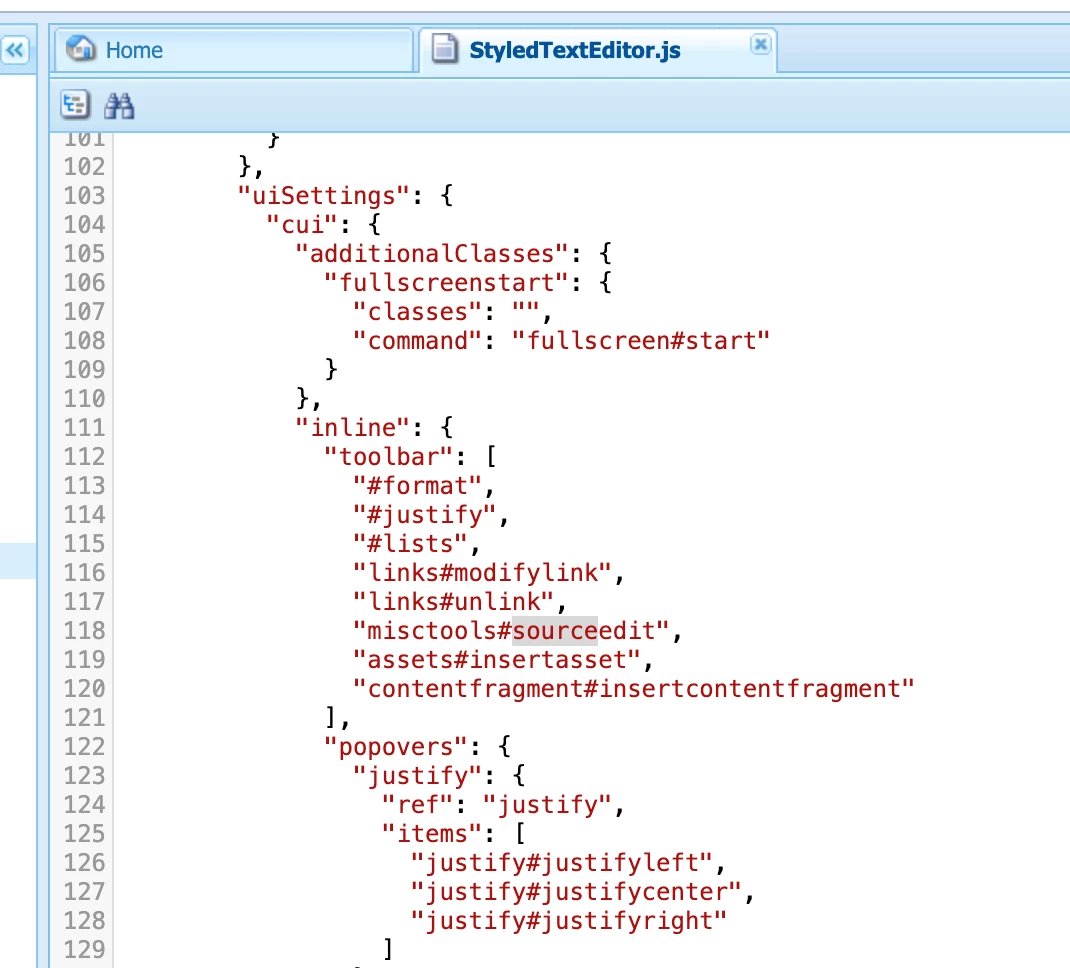
The source edit option appears on the old/classic console - 
But is missing on the new console - 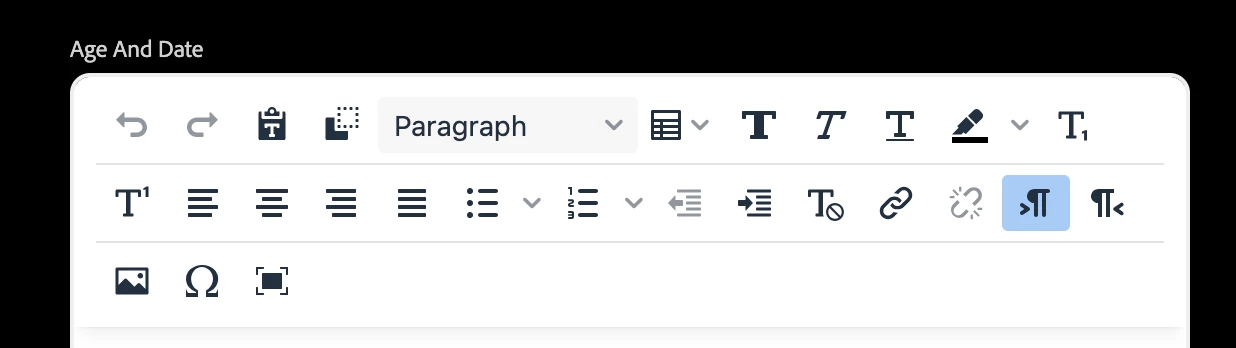 |
| Current/Experienced Behavior: | Source Edit option is missing on the new console for editing CF |
| Improved/Expected Behavior: | Source Edit option should be displayed on the new console for editing CF |
| Environment Details (AEM version/service pack, any other specifics if applicable): | AEM Release - 2025.3.19823.20250304T101418Z |
| Customer-name/Organization name: | EPAM |
| Screenshot (if applicable): | 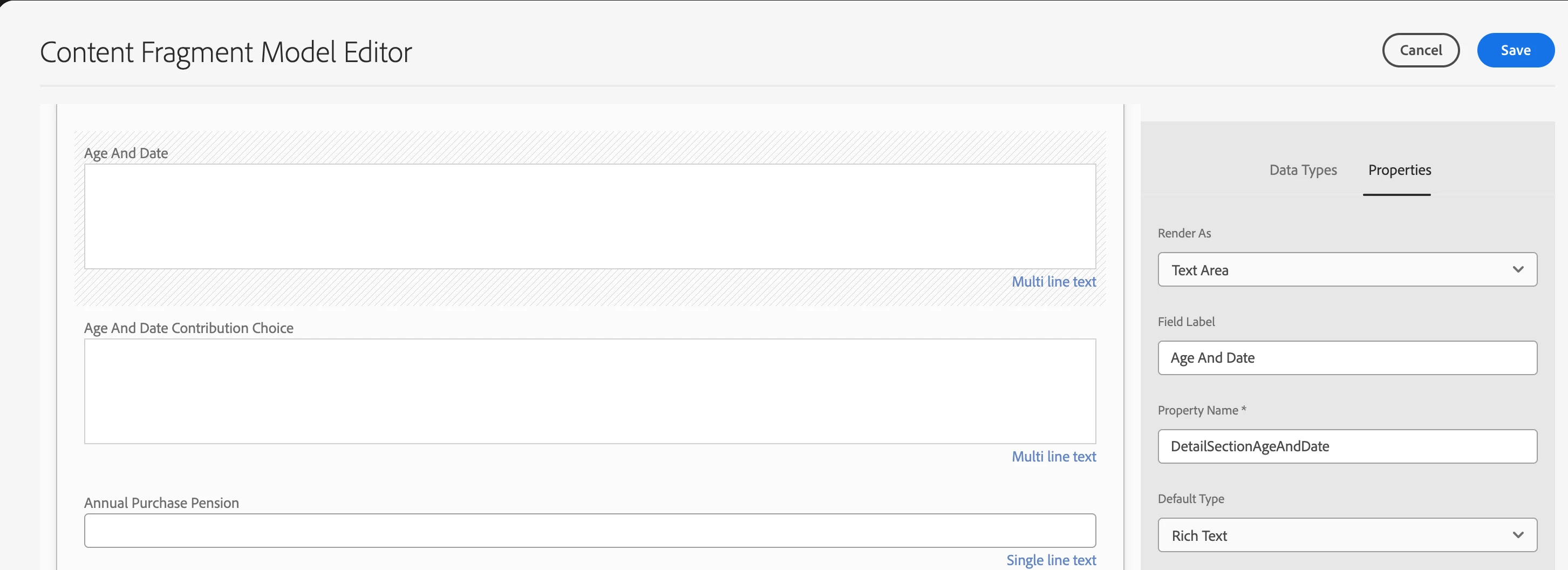
Above #1 - Content Fragment Model with multi-line field and rich text type selected 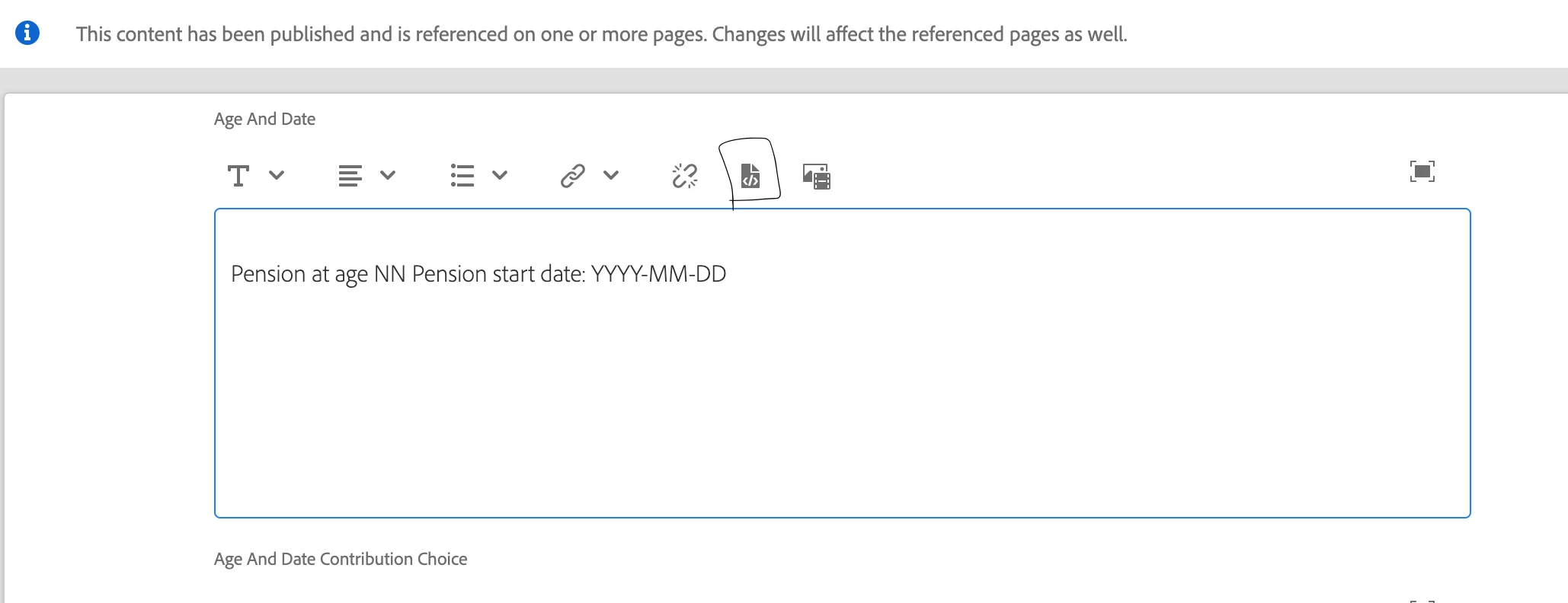 Above #2 - The old classic console displays the option of "Source Edit" allowing us to write HTML 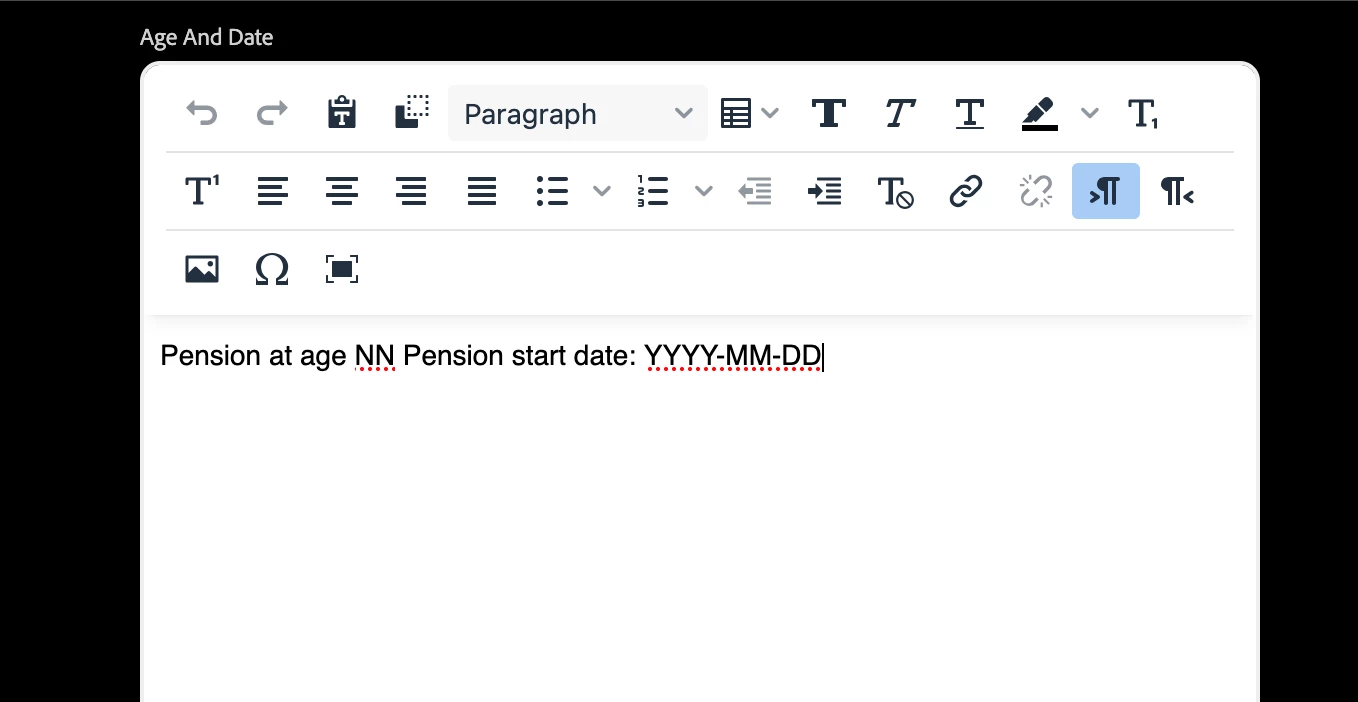
Above #3 - The new console does not show the option of "Source Edit" |
| Code package (if applicable): | N.A |