ACS Report Builder in Publish | Community
Skip to main content
Level 5
September 15, 2023
Solved

ACS Report Builder in Publish

  • September 15, 2023
  • 1 reply
  • 990 views

Hi,

I have ACS report builder installed in AEM 6.5 Publish instance. I created a new report and clicked on pencil edit icon. It does not have any component in it.
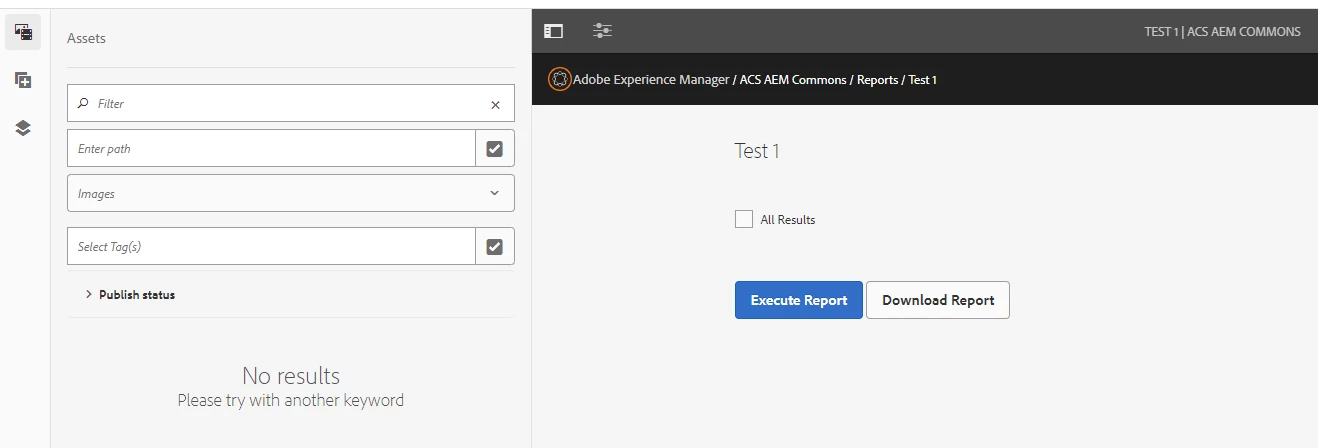


In Author instance I do see the components as seen below. I can create the report and run it.
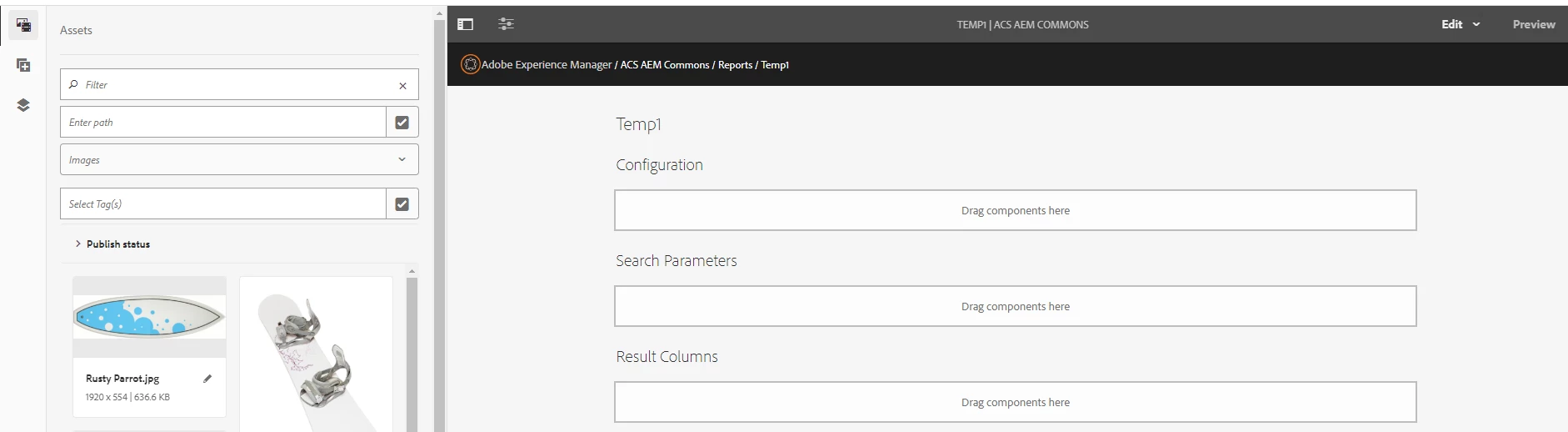
 

My question is - is it possible to create the same kind of report in Publish instance, or should the report be designed in Author and then be pushed to publish using the replication agent? If yes, how can this be done for acs reports?

Is there a way to periodically schedule this report to run daily? How can this be done.

Thanks in advance for the help.

Leena

This post is no longer active and is closed to new replies. Need help? Start a new post to ask your question.
Best answer by lukasz-m

Hi @aemuser001,

This is expected behavior that you can't edit the report on publish instance - this due the way how AEM publish instance was designed - it is not only for report tool but also other functionalities like pages.

To transfer your custom report definition from author to publish you can use one of below options, keeping in mind reports are stored under /var/acs-commons/reports:

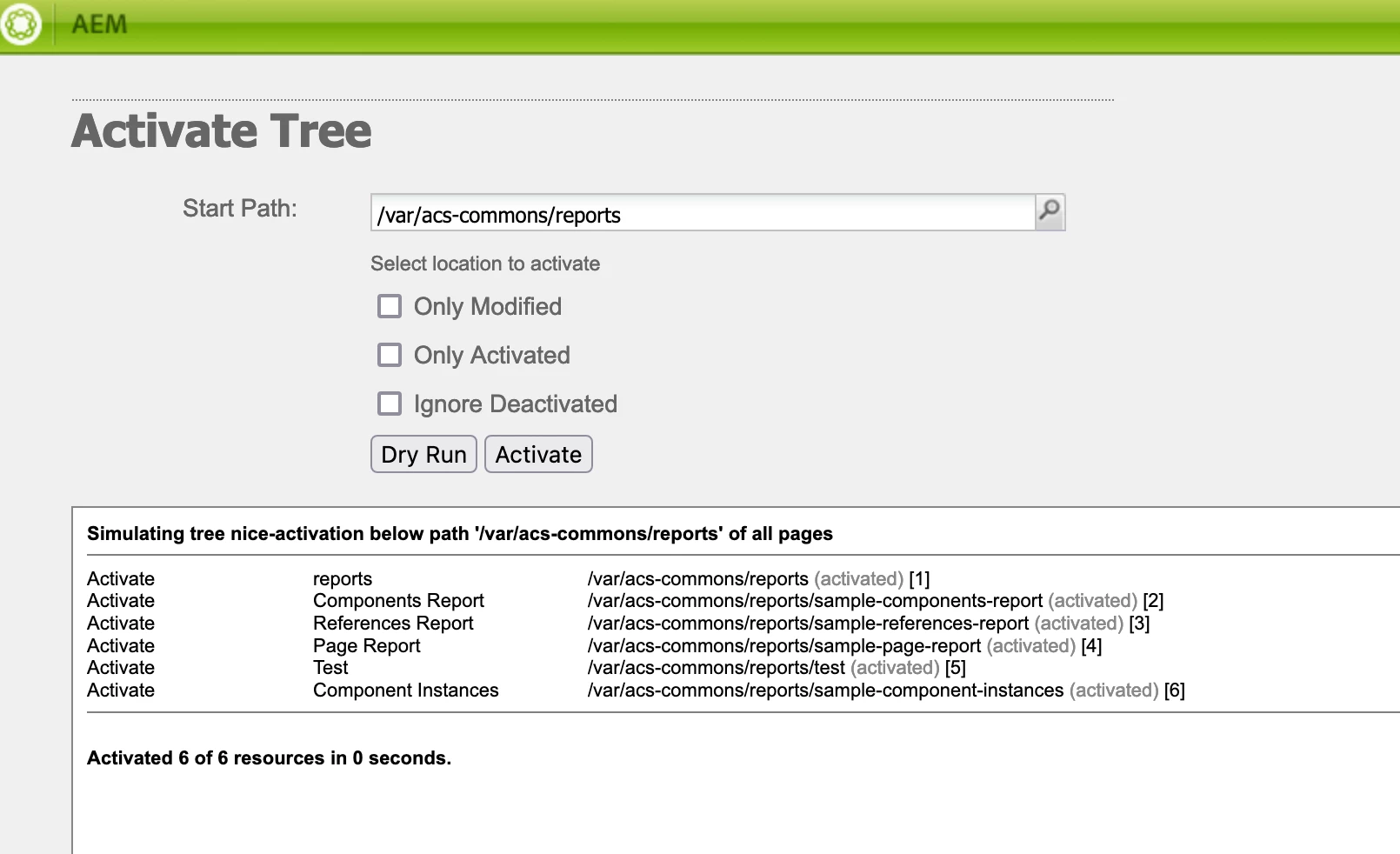
  • Use AEM OOTB tree activation tool - it can be found under /libs/replication/treeactivation.html
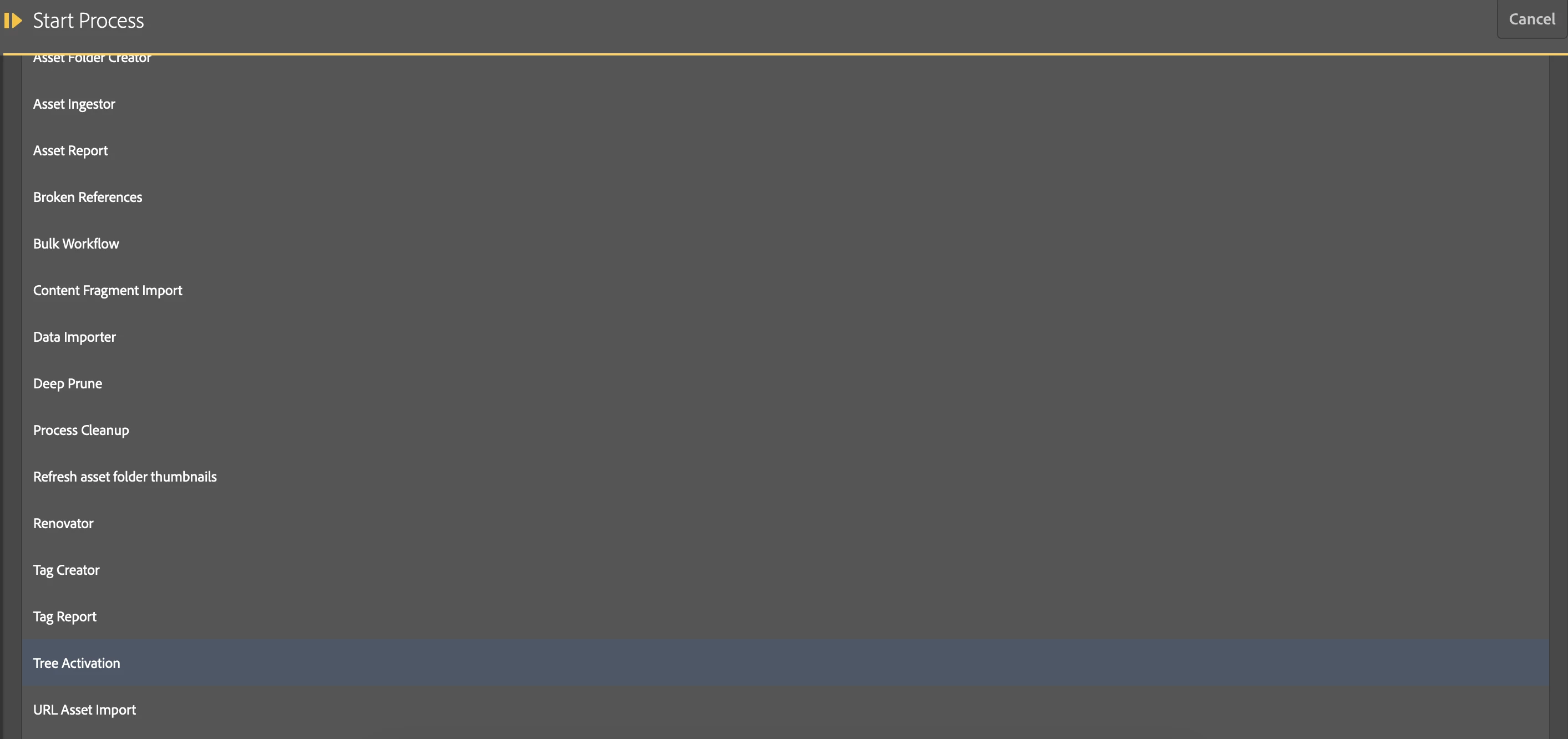
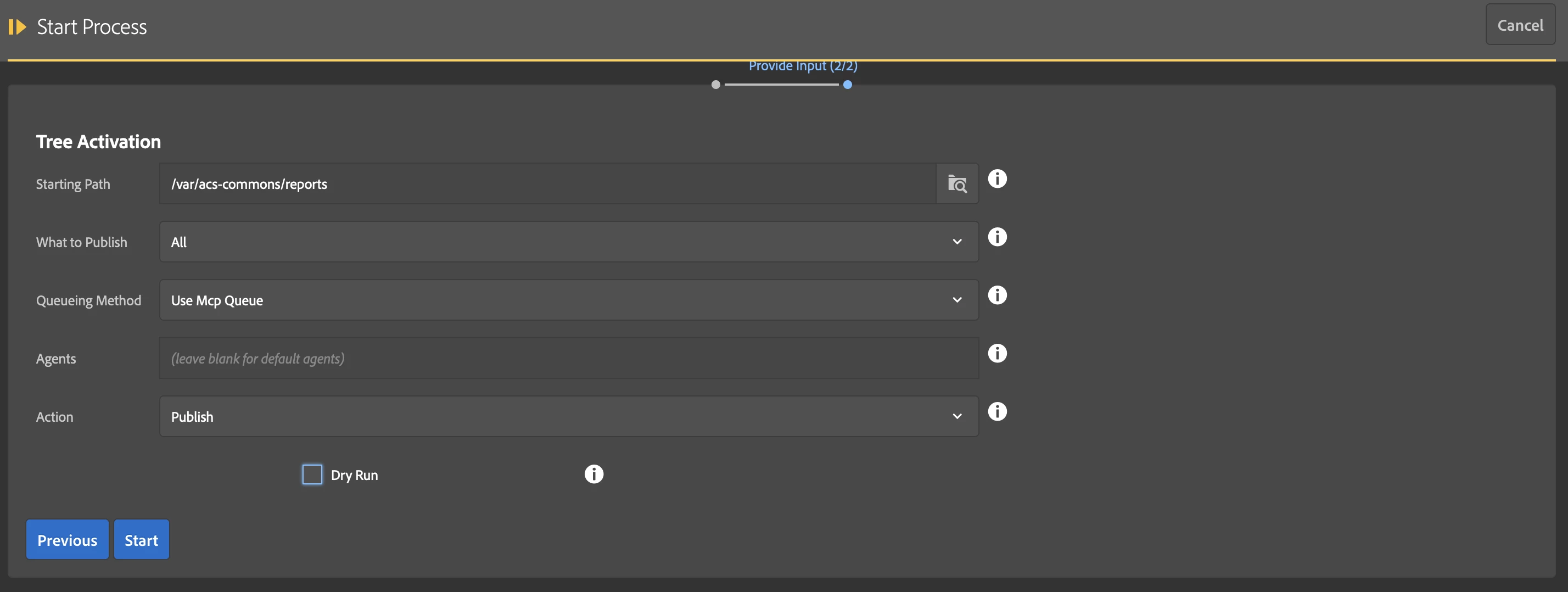
  • Use Tree Activation from Manage Controlled Processes tool from AEM ACS Commons
    • open /apps/acs-commons/content/manage-controlled-processes.html
    • click on Start Process button
    • select Tree Activation from list
    • run process
  • Create crx package and install it or publish from package manager
  • Publish report directly from crx

Regarding scheduling report generation. This option is not provided by ACS Commons Report Builder. However you can try to create sling scheduler and use java api exposed by ACS Commons Report - https://github.com/Adobe-Consulting-Services/acs-aem-commons/tree/master/bundle/src/main/java/com/adobe/acs/commons/reports

1 reply

lukasz-m
Community Advisor
lukasz-mCommunity AdvisorAccepted solution
Community Advisor
September 15, 2023

Hi @aemuser001,

This is expected behavior that you can't edit the report on publish instance - this due the way how AEM publish instance was designed - it is not only for report tool but also other functionalities like pages.

To transfer your custom report definition from author to publish you can use one of below options, keeping in mind reports are stored under /var/acs-commons/reports:

  • Use AEM OOTB tree activation tool - it can be found under /libs/replication/treeactivation.html
  • Use Tree Activation from Manage Controlled Processes tool from AEM ACS Commons
    • open /apps/acs-commons/content/manage-controlled-processes.html
    • click on Start Process button
    • select Tree Activation from list
    • run process
  • Create crx package and install it or publish from package manager
  • Publish report directly from crx

Regarding scheduling report generation. This option is not provided by ACS Commons Report Builder. However you can try to create sling scheduler and use java api exposed by ACS Commons Report - https://github.com/Adobe-Consulting-Services/acs-aem-commons/tree/master/bundle/src/main/java/com/adobe/acs/commons/reports

Level 5
September 19, 2023

Thank you lukasz-m for the solution!