Blank AEM console on localhost:4502 | Community
Skip to main content
Level 2
February 10, 2023
Solved

Blank AEM console on localhost:4502

  • February 10, 2023
  • 1 reply
  • 1502 views

Hi,

I am trying to make remote SPA work using AEM next.js solution. 

I am using this github repo - adobe/aem-nextjs-template: This app demonstrates how to write a simple app rendering AEM Pages and Content fragments in Next.js (github.com)

I created AEM repo using 39 archetype version, aemVersion=cloud and frontendModule=react.


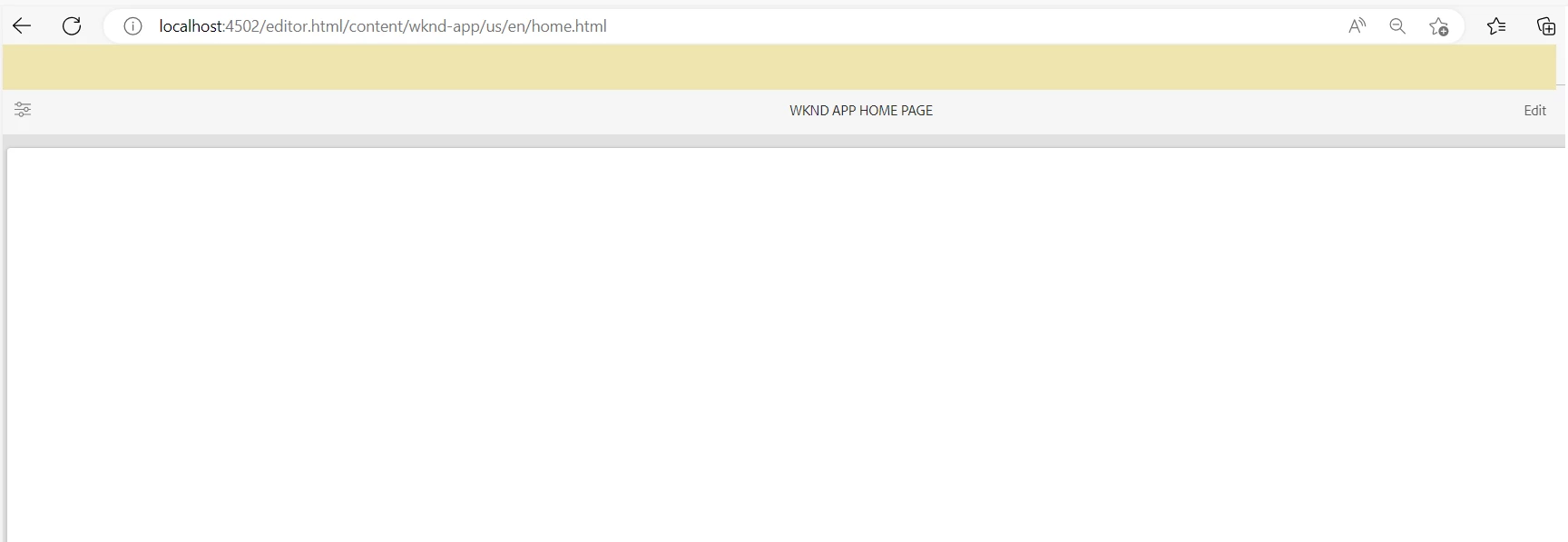
I am able to run the next.js application successfully on http://localhost:3000 but while opening it on AEM(locahost:4502- editor /preview mode) the page is showing blank.


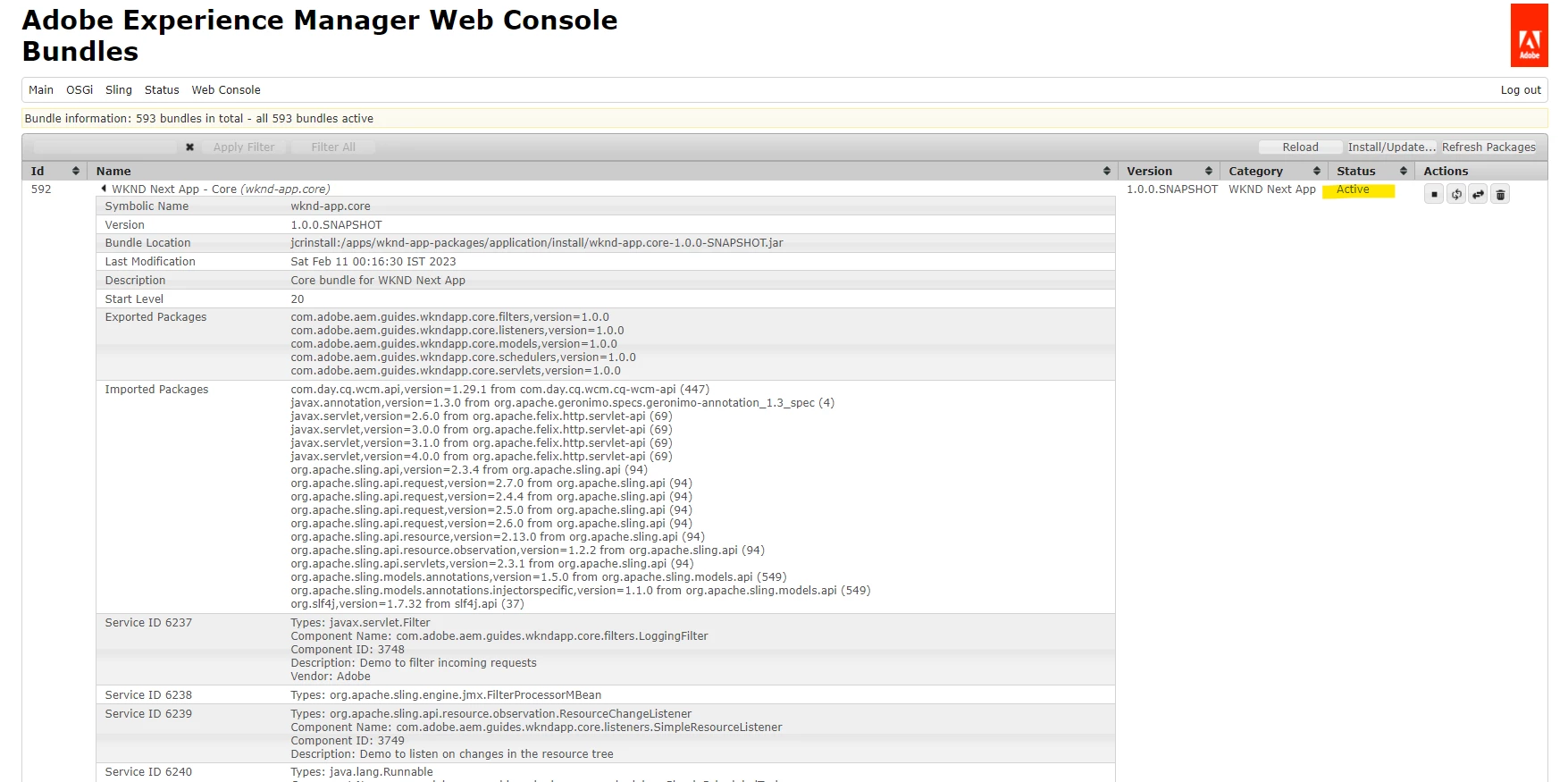
All packages are installed and the app bundle is also in active state. No errors in console.

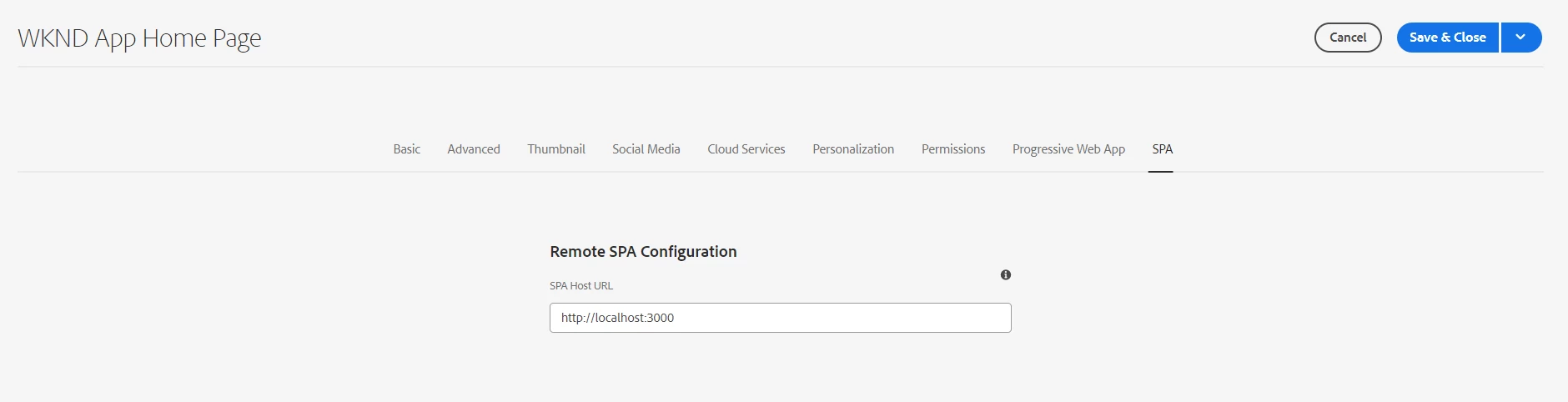
Added the SPA url in the properties also. Refer attached screenshots.

How can I view my next application on AEM so that i am able to edit the content through aem?
I am new to AEM author tool and I am not able to figure out what I am missing.
Any help will be appreciated!



This post is no longer active and is closed to new replies. Need help? Start a new post to ask your question.
Best answer by Shashi_Mulugu

Thats the issue.. you need enable cross origin policy in your osgi congratulation

1 reply

RashidJorvee
Level 4
February 11, 2023

Could you look on the errors in developer console.

pragya96Author
Level 2
February 11, 2023

@rashidjorvee,
There are no errors in dev console but some deprecation and CORB warnings. Could that be the issue?
If yes, how can I resolve it so I don't get this blank page while running AEM author? 


Shashi_Mulugu
Community Advisor
Shashi_MuluguCommunity AdvisorAccepted solution
Community Advisor
March 4, 2023

Thats the issue.. you need enable cross origin policy in your osgi congratulation