AEM 6.5 and AEM 6.5 Cloud – Min Number of Items in Content Fragment Model Not Enforced on Save (Old Editor) | Community
Skip to main content
nviswanathareddy
Level 2
February 27, 2026
Solved

AEM 6.5 and AEM 6.5 Cloud – Min Number of Items in Content Fragment Model Not Enforced on Save (Old Editor)

  • February 27, 2026
  • 2 replies
  • 24 views

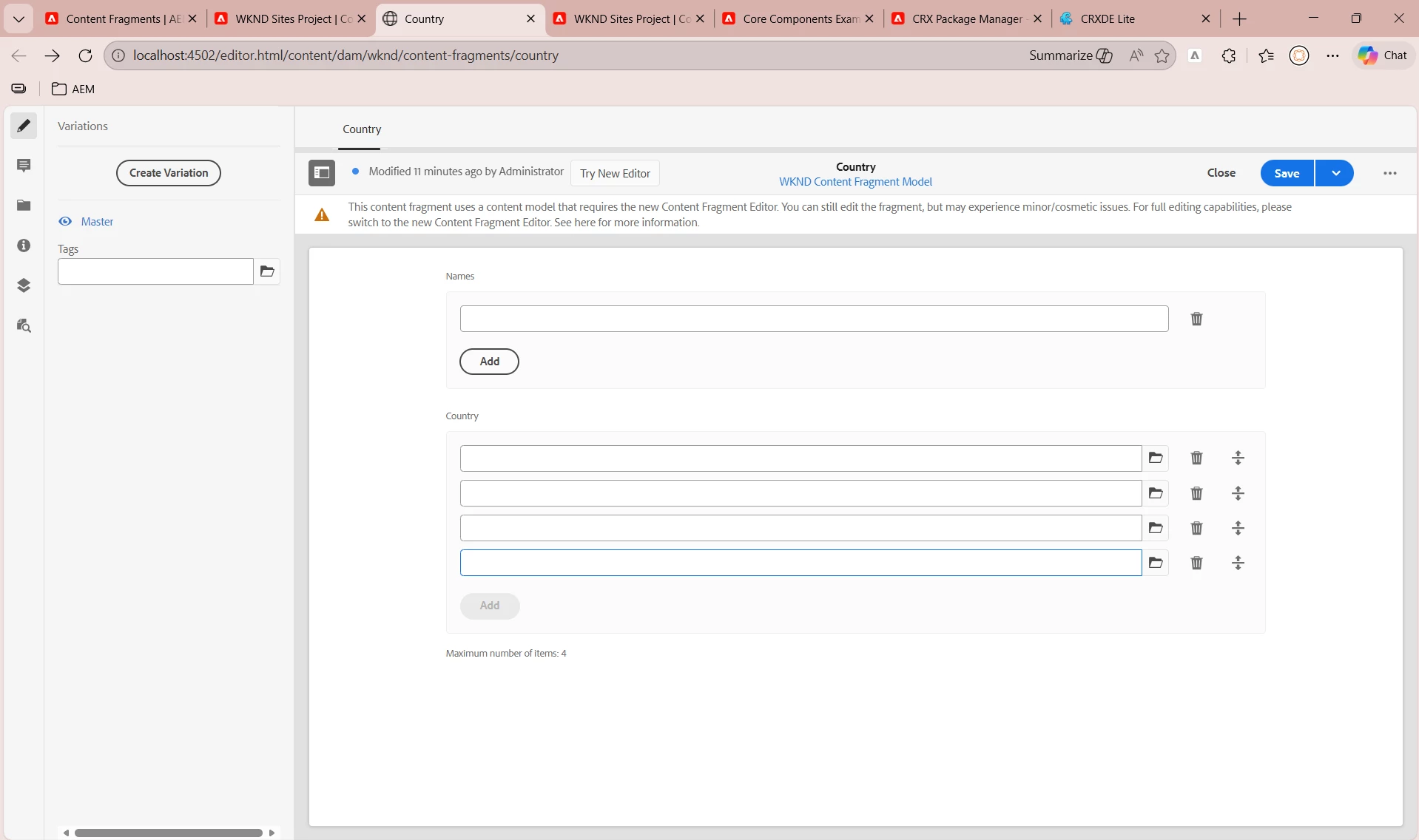
I am using AEM 6.5 (Cloud SDK) with the old Content Fragment editor view.

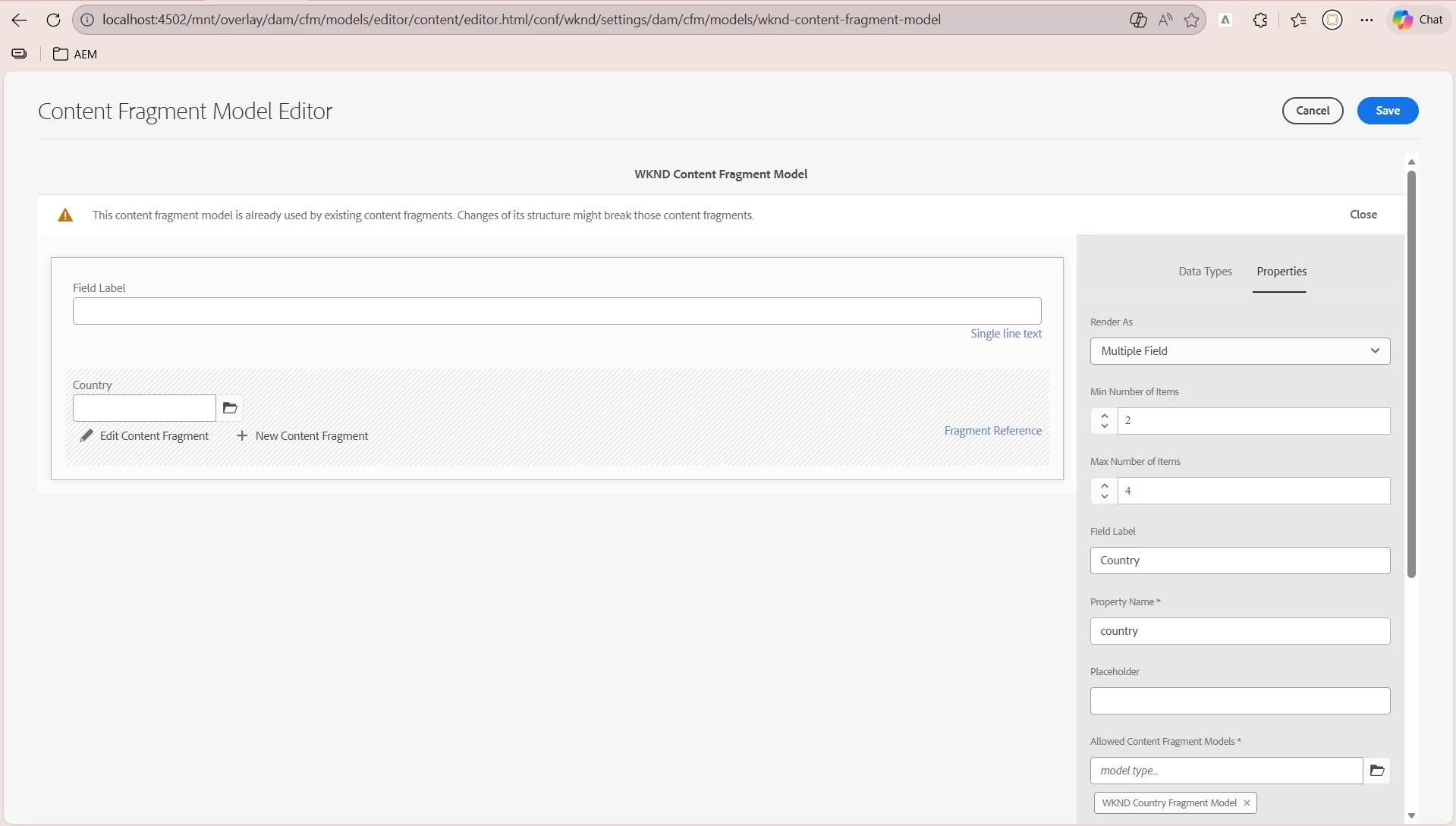
In my Content Fragment Model, I configured a Fragment Reference field with the following settings:

  • Render As: Multiple Field

  • Min Number of Items: 2

  • Max Number of Items: 4

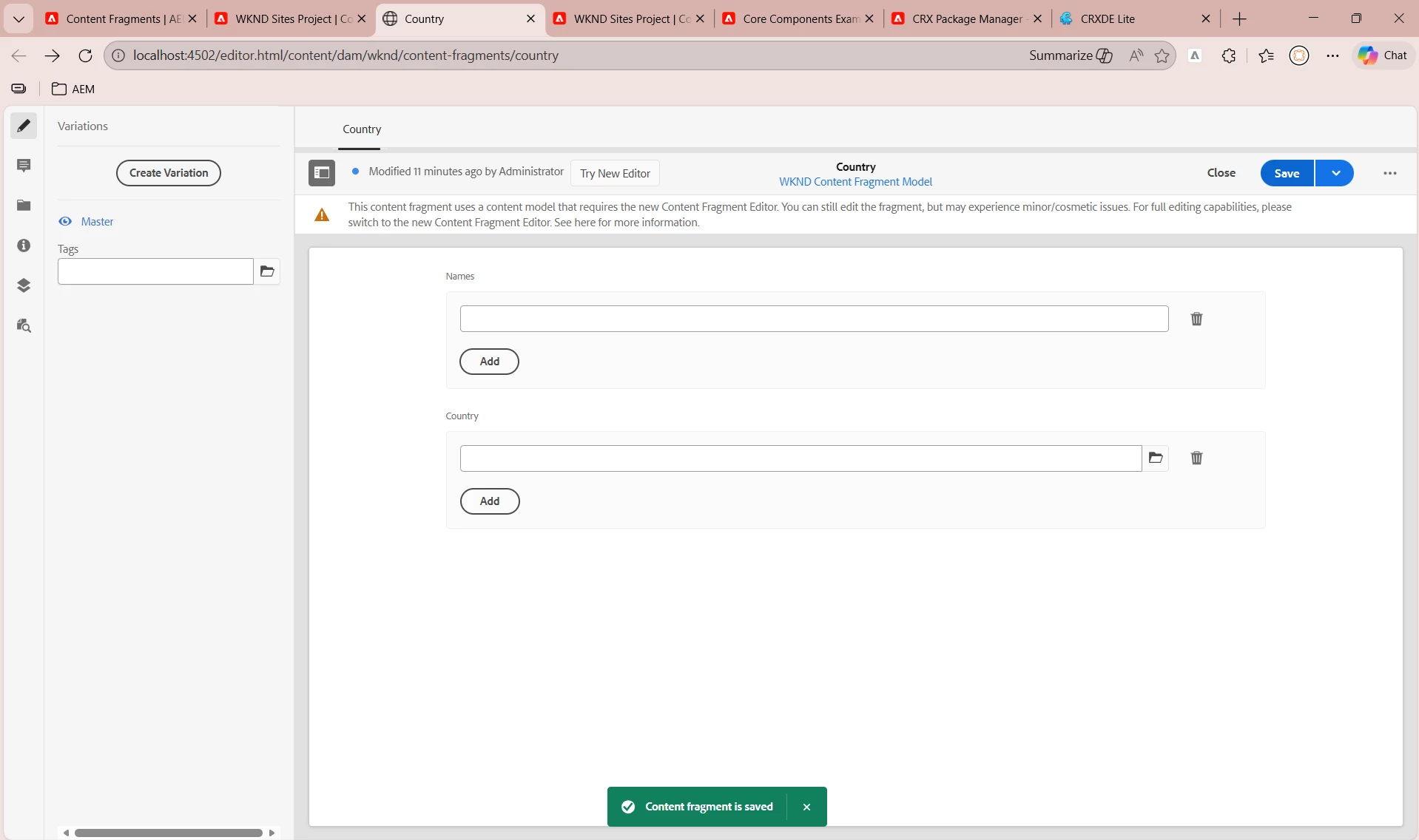
However, when I create a Content Fragment based on this model, I am still able to:

  • Add only 1 referenced fragment

  • Save the Content Fragment successfully

  • Max items works as expected

The system does not block the save operation even though the minimum number of items is set to 2.

My Questions:

  1. Is this expected behavior in AEM 6.5 (classic/old editor)?

  2. Are Min/Max item constraints only UI-level guidance and not server-side enforced?

  3. Is there any way to strictly enforce the minimum item count without custom development?

  4. Does this behavior differ in the new Content Fragment Editor or in AEM as a Cloud Service?

I also checked CRXDE under:

/conf/wknd/settings/dam/cfm/models/wknd-content-fragment-model

The minItems property is correctly set, but it does not prevent saving with fewer items.

Looking for clarification whether this is a known limitation or configuration issue.

Thanks in advance.


    Best answer by lukasz-m

    Hi ​@nviswanathareddy,

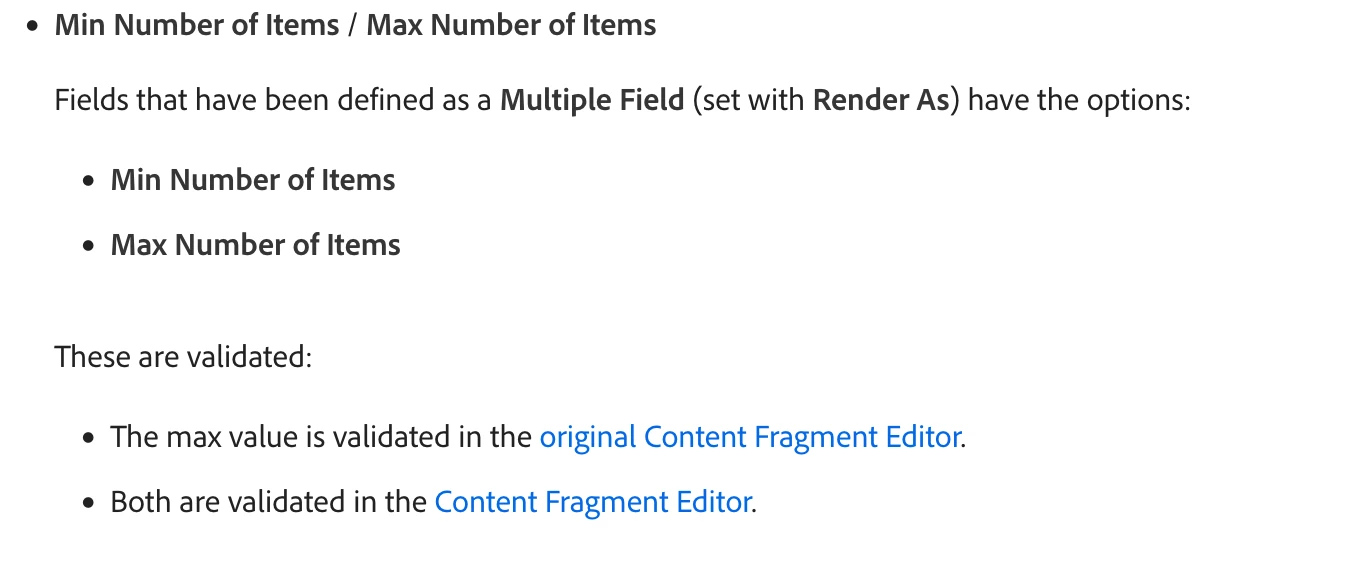
    This looks to be an expected behavior on AEM SDK. It is also described in the documentation.

    I believe this is to promote new Content Fragment to be used.

    2 replies

    lukasz-m
    Community Advisor
    lukasz-mCommunity AdvisorAccepted solution
    Community Advisor
    February 28, 2026

    Hi ​@nviswanathareddy,

    This looks to be an expected behavior on AEM SDK. It is also described in the documentation.

    I believe this is to promote new Content Fragment to be used.

    PGURUKRISHNA
    Level 4
    March 2, 2026

    Hey ​@nviswanathareddy 

    1. Is this expected in AEM 6.5 classic editor?

    • Yes, this is a known limitation. The old editor has weak validation enforcement.

    2. Are constraints only UI-level guidance?

    • Essentially yes, in the old editor. They're not strictly enforced server-side.

    3. Can you enforce minimum without custom development?

    • Not reliably in the old editor. You would need custom validation.

    4. Does behavior differ in new editor/AEM as a Cloud Service?

    • Yes, the new Content Fragment Editor (Touch UI) has significantly improved validation and does enforce min/max constraints more strictly.

    Possible Solutions

    Option 1: Upgrade to New Content Fragment Editor (Recommended)

    • Available in newer AEM 6.5 service packs and AEM as a Cloud Service

    • Better validation enforcement

    • Improved authoring experience

    Option 2: Custom Validation (If stuck with old editor)

    • Implement a custom workflow step or servlet filter

    • Add validation logic before content fragment save

    • Return error if minItems not met

    Option 3: Client-side Validation

    • Add custom JavaScript validation in the editor

    • Less reliable (can be bypassed)

    Verification

    To check if the new editor is available in your AEM instance, look for:

    •  

      /libs/dam/cfm/admin/content/v2/
       paths
    • Feature flags or configurations to enable the new editor