Solved
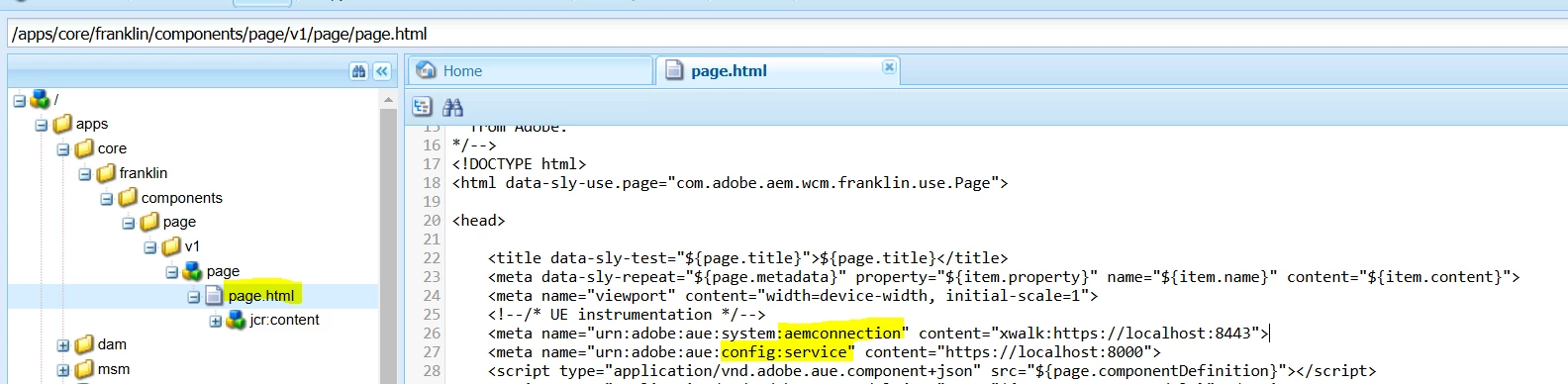
Where to add urn:adobe:aue:system:aemconnection and urn:adobe:aue:config:service for xwalk projects
I am trying to do the local setup for xwalk project. I have completed the following steps:
1. Running AEM instance in https mode.
2. Running Universal Editor Service locally on port 8000
3. "aem up" in port 3000
4. created a site using "site from template".
..and finally I have added the following meta tags in head.html :
<meta name="urn:adobe:aue:system:fcsconnection" content="fcs:https://example.franklin.adobe.com/345fcdd">
When i try to edit the "index" page using the following url : https://experience.adobe.com/#/aem/editor/
but when i preview the page and right click view source, it shows the "urn:adobe:aue:system:aemconnection" as "xwalk:http://localhost:4502".
I am not able to save edited content and it shows the following error:
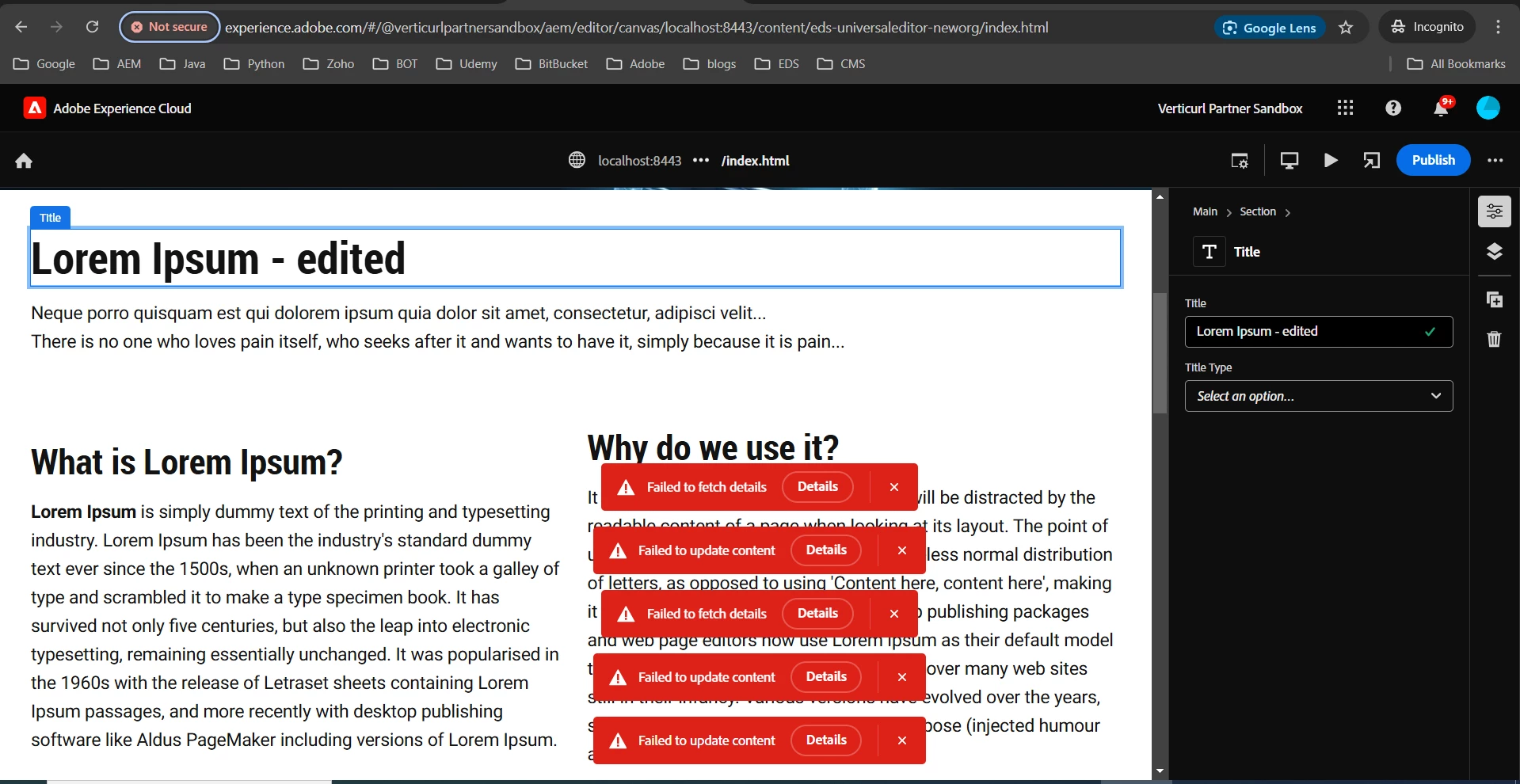
Is "head.html" is the right place to add the meta tags? If not then pls let me know where to add those meta tags for xwalk projects.