Not able to see Add to Side Kick option | Community
Skip to main content
Imran Khan
Community Advisor
Community Advisor
April 5, 2024
Solved

Not able to see Add to Side Kick option

  • April 5, 2024
  • 2 replies
  • 1583 views

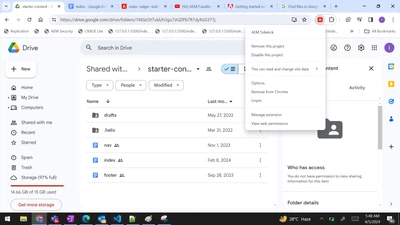
Below are the images where I created a folder and provide access to helix@adobe.com.
Also, created index, nav and footer documents within this. These documents are also got shared by default with helix@adobe.com as they are child documents.

I configure/added helix sidekick extension in my chrome. But, somehow I am not able to see Add to Side Kick option.
Though I am able to see Add To Sidekick for the OOTB shared content drive. 
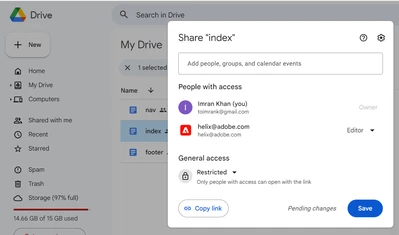


Not able to see Add to Side Kick option.
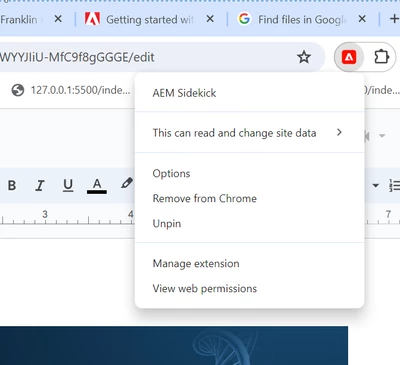


For OOTB shared content folder I am able to see required options. But, for above custom created drive and google docs not seeing same options.



This post is no longer active and is closed to new replies. Need help? Start a new post to ask your question.
Best answer by arunpatidar

Hi @imran__khan 
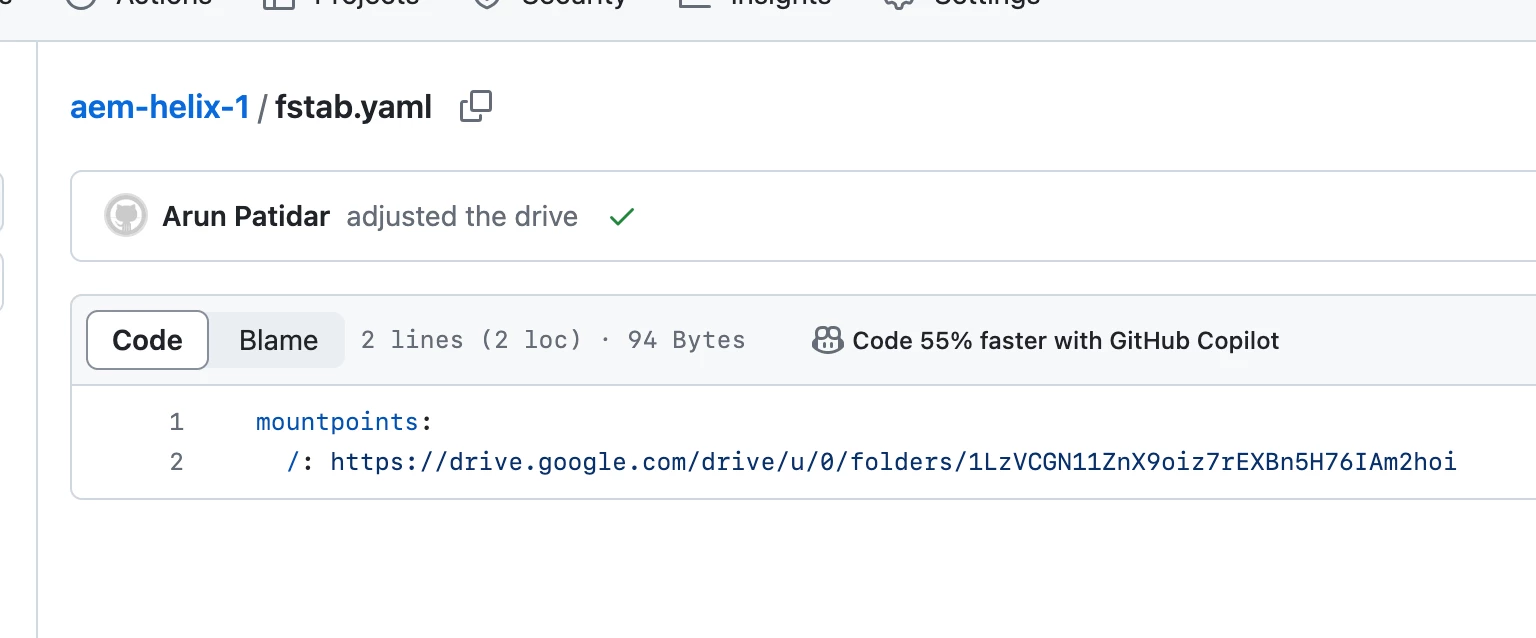
Can you please check the mountpoints in fstab.yaml


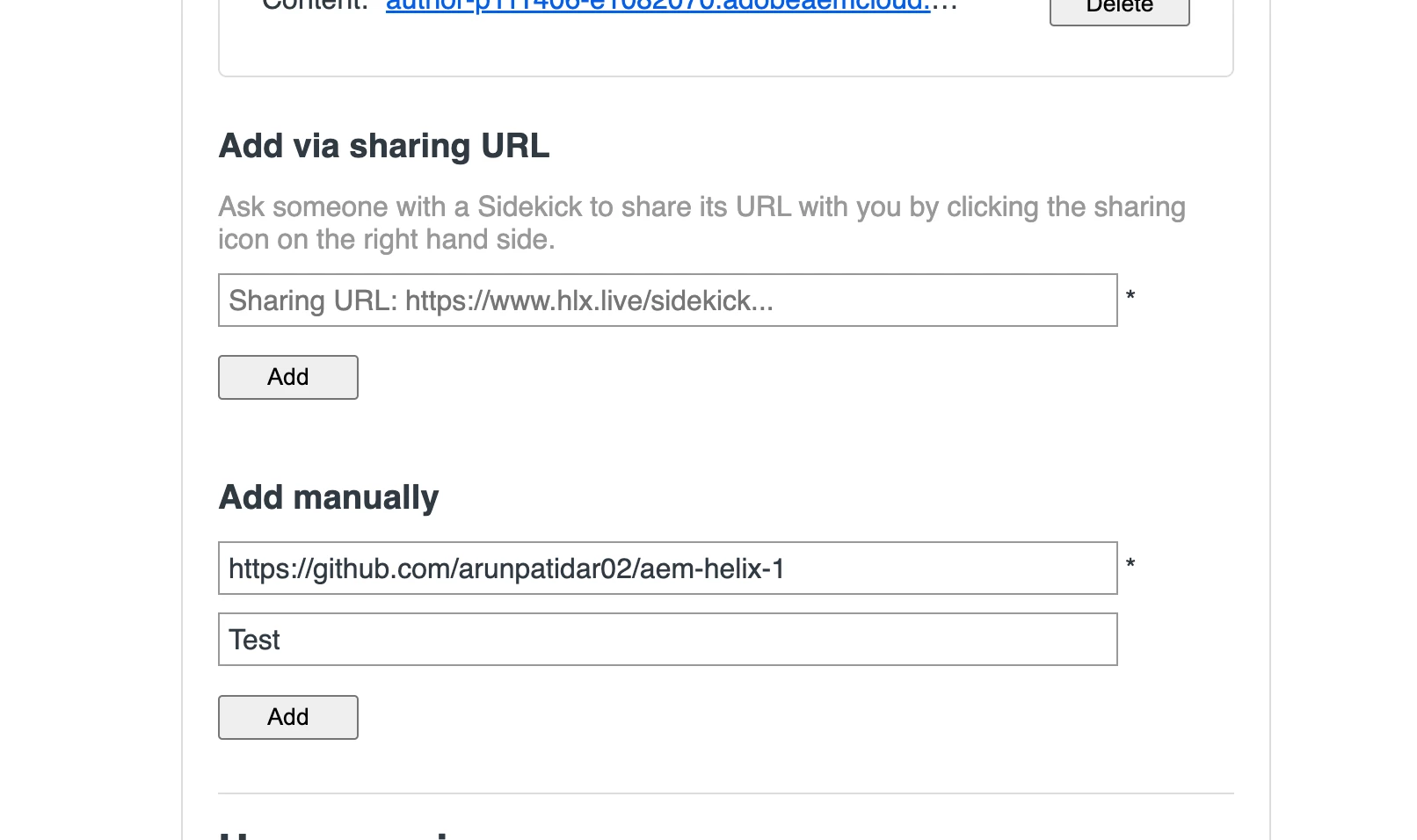
you can also add projects manually in the sidekick from options


2 replies

arunpatidar
Community Advisor
arunpatidarCommunity AdvisorAccepted solution
Community Advisor
April 5, 2024

Hi @imran__khan 
Can you please check the mountpoints in fstab.yaml


you can also add projects manually in the sidekick from options


Arun Patidar
Imran Khan
Community Advisor
Community Advisor
April 5, 2024

This I tried yesterday and didn't get work. Today, it got worked.. Thanks @arunpatidar 

June 10, 2024

Hi @imran__khan ,


I was experiencing the same issue and realized I was not getting the option because of access restrictions. I changed the access to 'Anyone with the link'  and started getting the Add to project option.