Pass parameter to Dialog on Action button Click | Community
Skip to main content
Level 2
November 17, 2024
Solved

Pass parameter to Dialog on Action button Click

  • November 17, 2024
  • 2 replies
  • 1026 views

Hi,

I have a component Dialog with two tabs. On click of configure button dialog is opening normally. Now a new requirement came to add a separate button to the action toolbar and on click of that new button, second tab needs to show in the dialog (first tab will be hidden).

What I did?

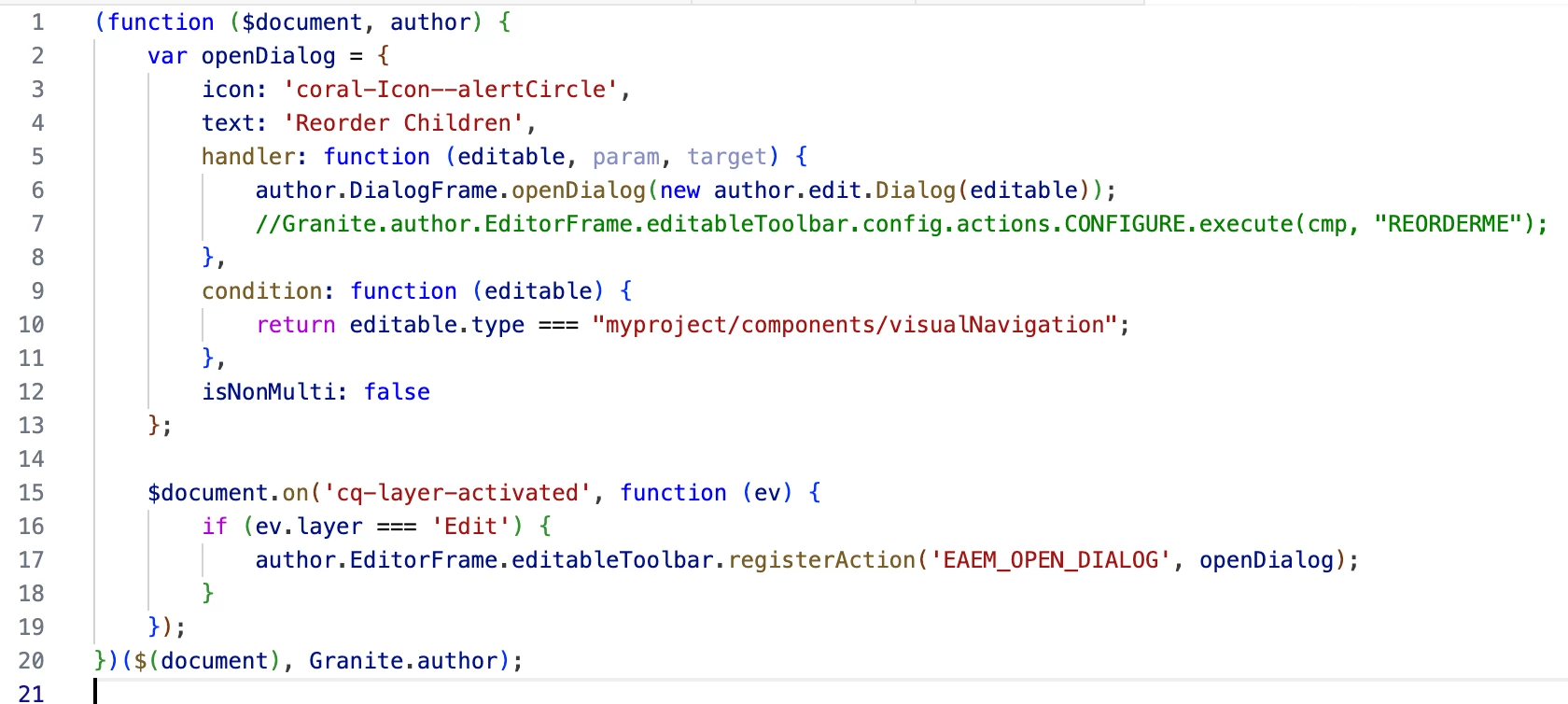
I have followed this article to create new action button and invoked the component dialog. 
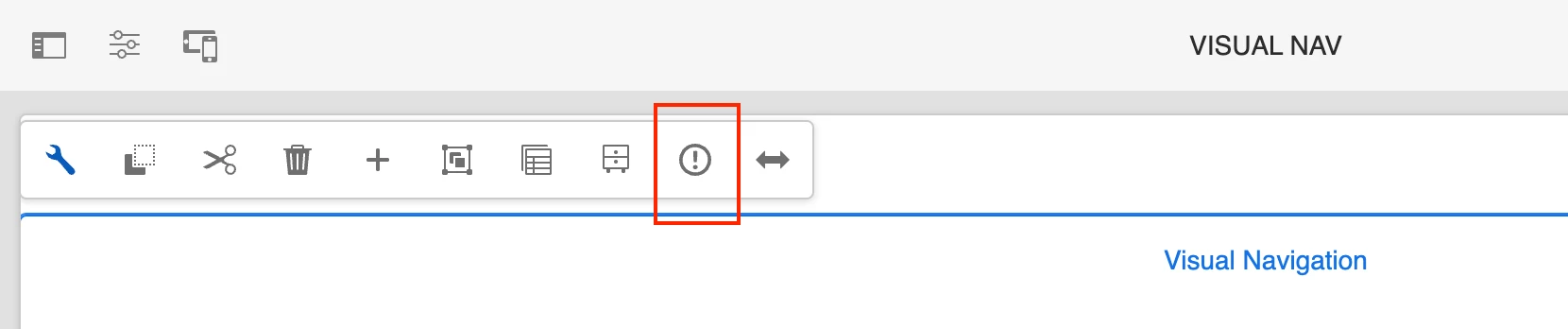
https://experience-aem.blogspot.com/2017/08/aem-63-touch-ui-register-component-action-open-dialog-programatically.html 


But I'm unable to pass any parameter to the target Dialog which can be read inside contentloaded method and hide first tab but show second tab only.

$(document).on("foundation-contentloaded", function (e) {}

Can anyone provide inputs to pass extra params to the dialog which opening from JS? 

I also tried below script to open dialog and passed extra parameters but not sure how to read it!

Granite.author.EditorFrame.editableToolbar.config.actions.CONFIGURE.execute(cmp, "REORDERME");


Thank you.  
This post is no longer active and is closed to new replies. Need help? Start a new post to ask your question.
Best answer by prithwi

Hello,

After spending few days of research I came up with a solution and implemented it successfully. So, wanted to share the details if that help others.

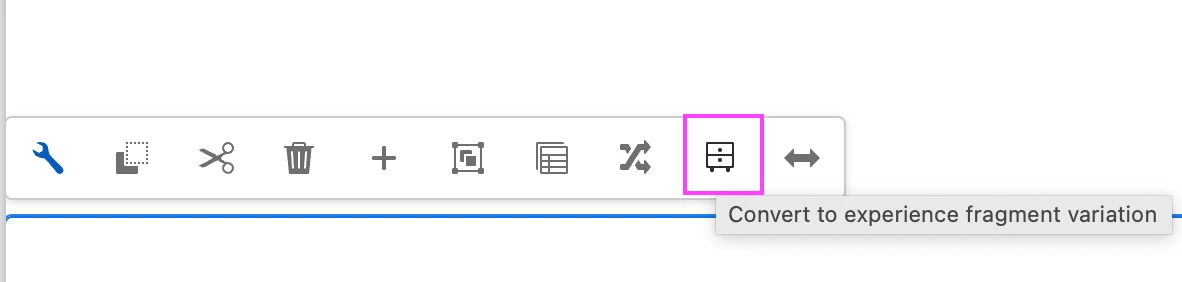
I found that AEM provides a feature "Convert to Experience Fragment" to convert any section to XF. The button appears with every component. This opens a new dialog where we need to enter few details to convert it to XF.  

I tried to explore convertToXF implementation which you can find under below paths - 

ClientLibs -

/libs/cq/experience-fragments/editor/clientlibs/experiencefragments/js/editor

Dialog -

/libs/cq/experience-fragments/content/v2/conversion

So, I followed the above code and created a new dialog, attach it with the new action button. On click of the dialog submit it will make a servlet call which saves the data in right places.


Thanks


2 replies

EstebanBustamante
Community Advisor and Adobe Champion
November 18, 2024

Hi,


I don't think you can pass a parameter while opening the dialog. Alternatively, what you can do is set a "flag" in session storage, local storage, or even as a global JavaScript variable, and then check that when the dialog opens.


Hope this helps!

Esteban Bustamante
prithwiAuthor
Level 2
November 18, 2024

Thank you @estebanbustamante. I'll try this approach and confirm. However, can you explain the uses of below JS function? I'm able to open any component's dialog using this function present in that page.

Here we can pass parameter but I'm not aware where this 2nd param can be used. I checked Granite API doc but not able to figure out.  

https://developer.adobe.com/experience-manager/reference-materials/6-5/jsdoc/ui-touch/editor-core/Granite.author.ui.ToolbarAction.html#condition__anchor

Granite.author.EditorFrame.editableToolbar.config.actions.CONFIGURE.execute(cmp, "REORDERME");


prithwiAuthorAccepted solution
Level 2
November 29, 2024

Hello,

After spending few days of research I came up with a solution and implemented it successfully. So, wanted to share the details if that help others.

I found that AEM provides a feature "Convert to Experience Fragment" to convert any section to XF. The button appears with every component. This opens a new dialog where we need to enter few details to convert it to XF.  

I tried to explore convertToXF implementation which you can find under below paths - 

ClientLibs -

/libs/cq/experience-fragments/editor/clientlibs/experiencefragments/js/editor

Dialog -

/libs/cq/experience-fragments/content/v2/conversion

So, I followed the above code and created a new dialog, attach it with the new action button. On click of the dialog submit it will make a servlet call which saves the data in right places.


Thanks